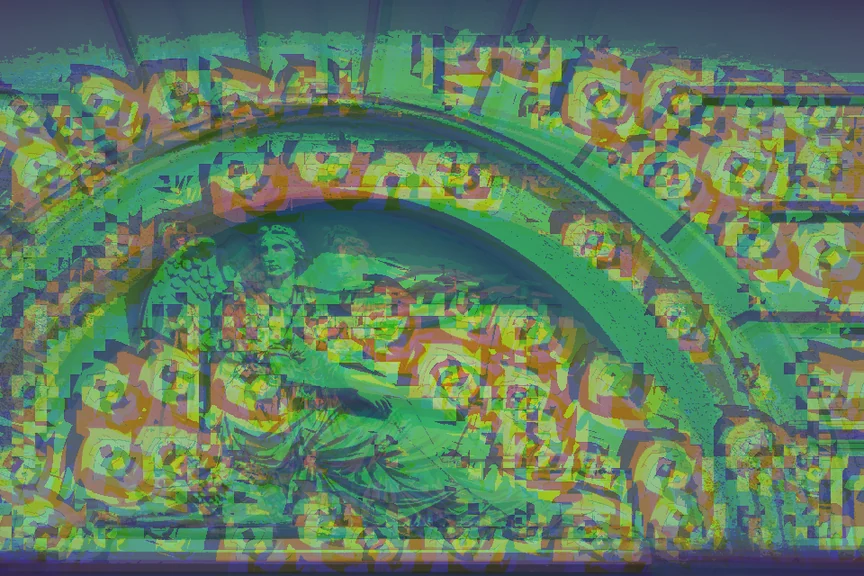
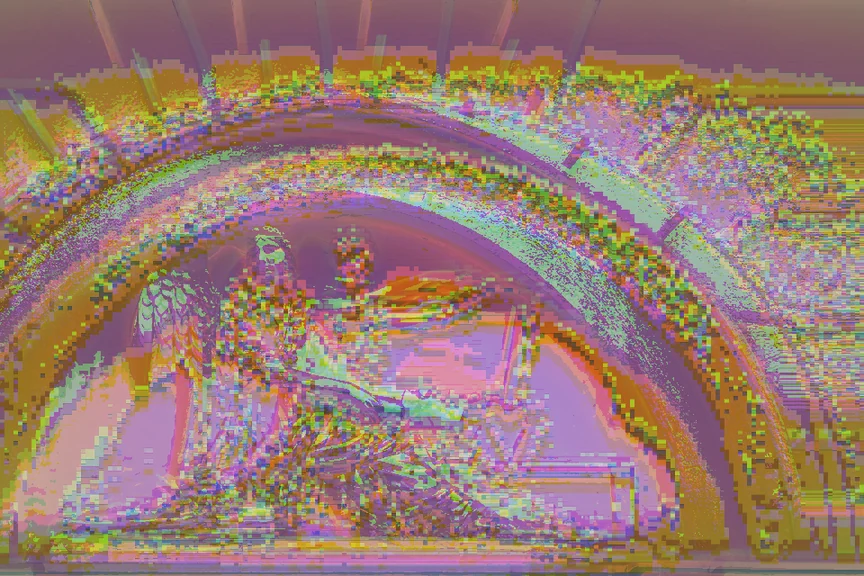
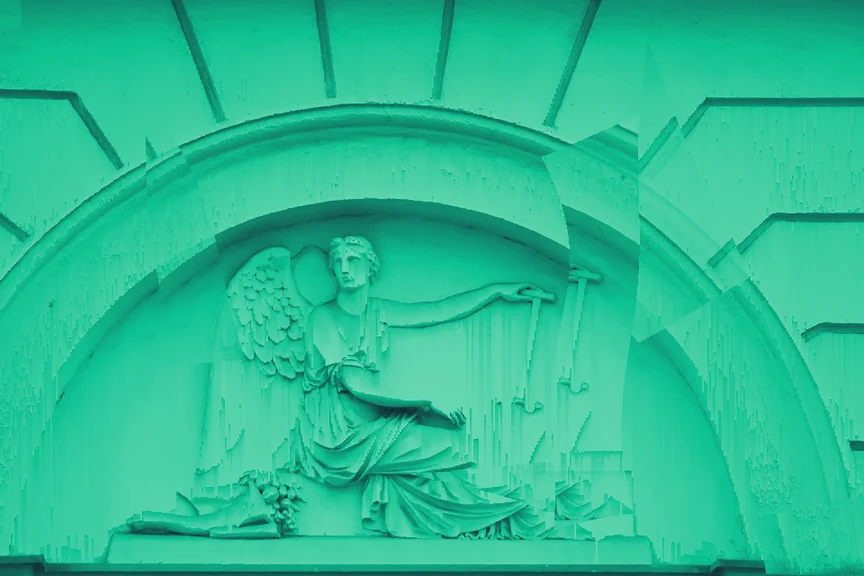
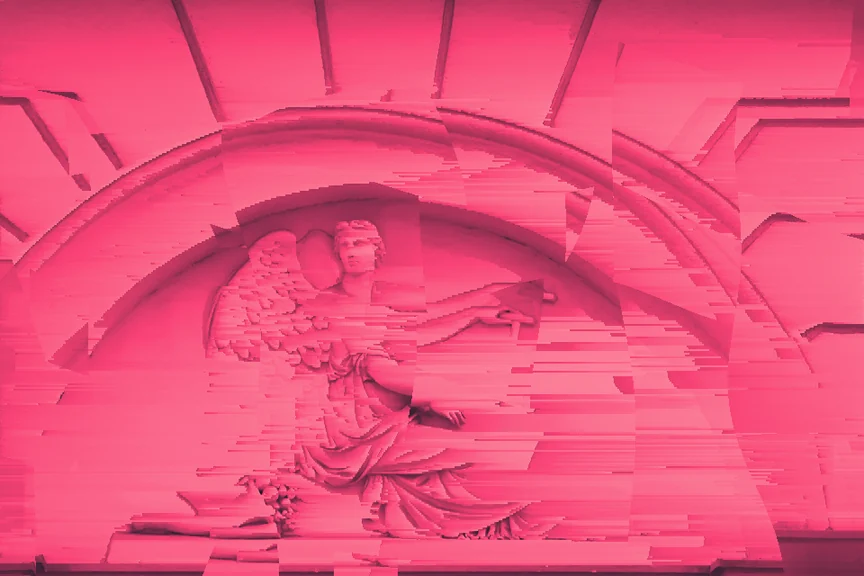
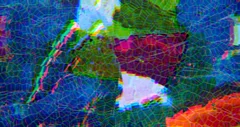
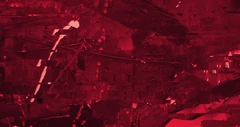
110+ effects
Pixel sorting, datamosh, CRT, halftone and more across 10 categories. Combine them into a stack of your own.
A browser-based glitch art studio.
Free for 7 days. Then $49.99$49.99.
Decimation Lab brings effects, layers, brushes and AI into one workspace. Start with an image or video, combine the tools, and build a look that’s yours.
Pixel sorting, datamosh, CRT, halftone and more across 10 categories. Combine them into a stack of your own.
Shuffle a stack or its settings. Save the combinations you like, then import or export your preset library.
Export full-size images as PNG, JPEG or WebP, and videos as WebM. Upscale images 2× or 4× when you need more resolution.
Generate and edit with your own AI API keys, or run compatible models on your hardware through the Local AI companion engine.
Give each layer its own effects, opacity and blend mode. Move, scale and rotate layers to bring the composition together.
Brush effects in or out, make selections, paint, add text and crop your canvas. Shape the details as well as the overall look.
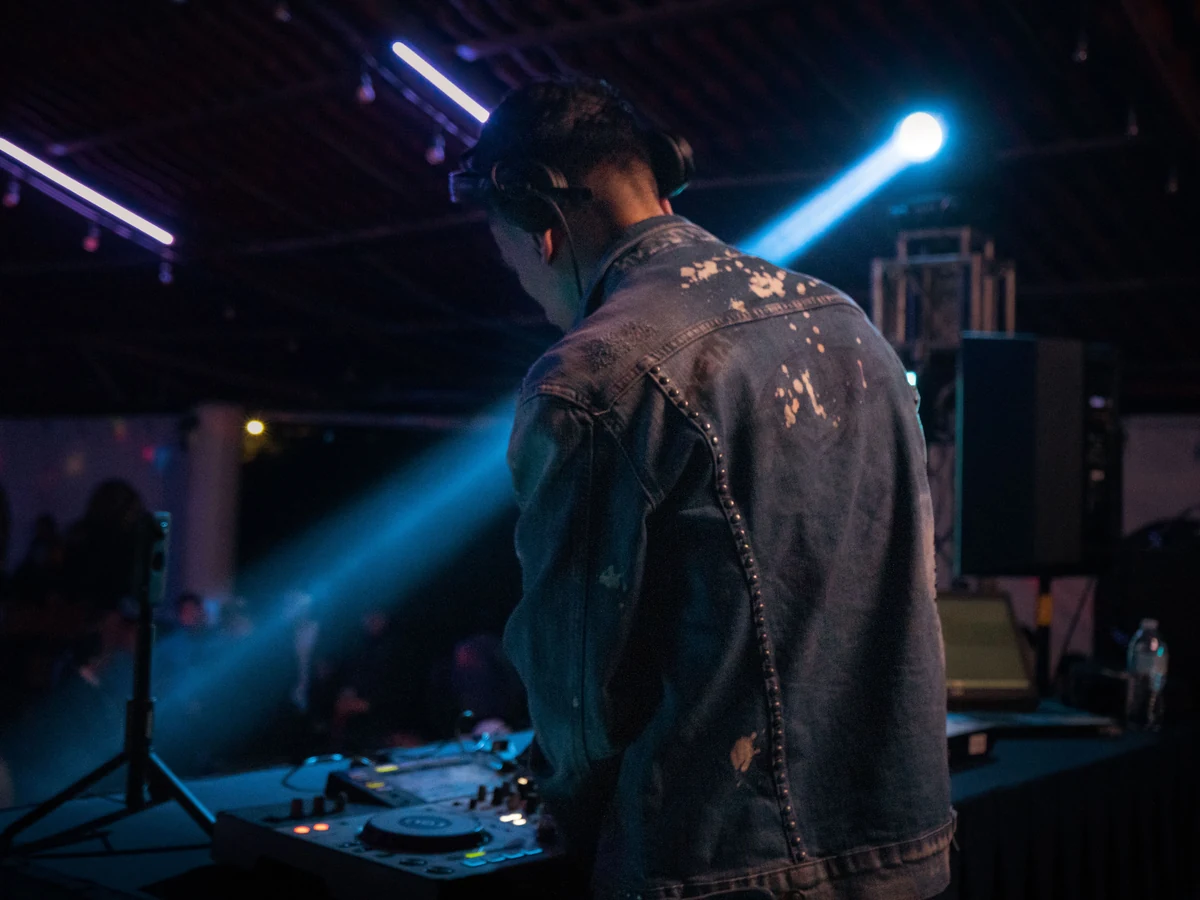
Start with your own image or video.
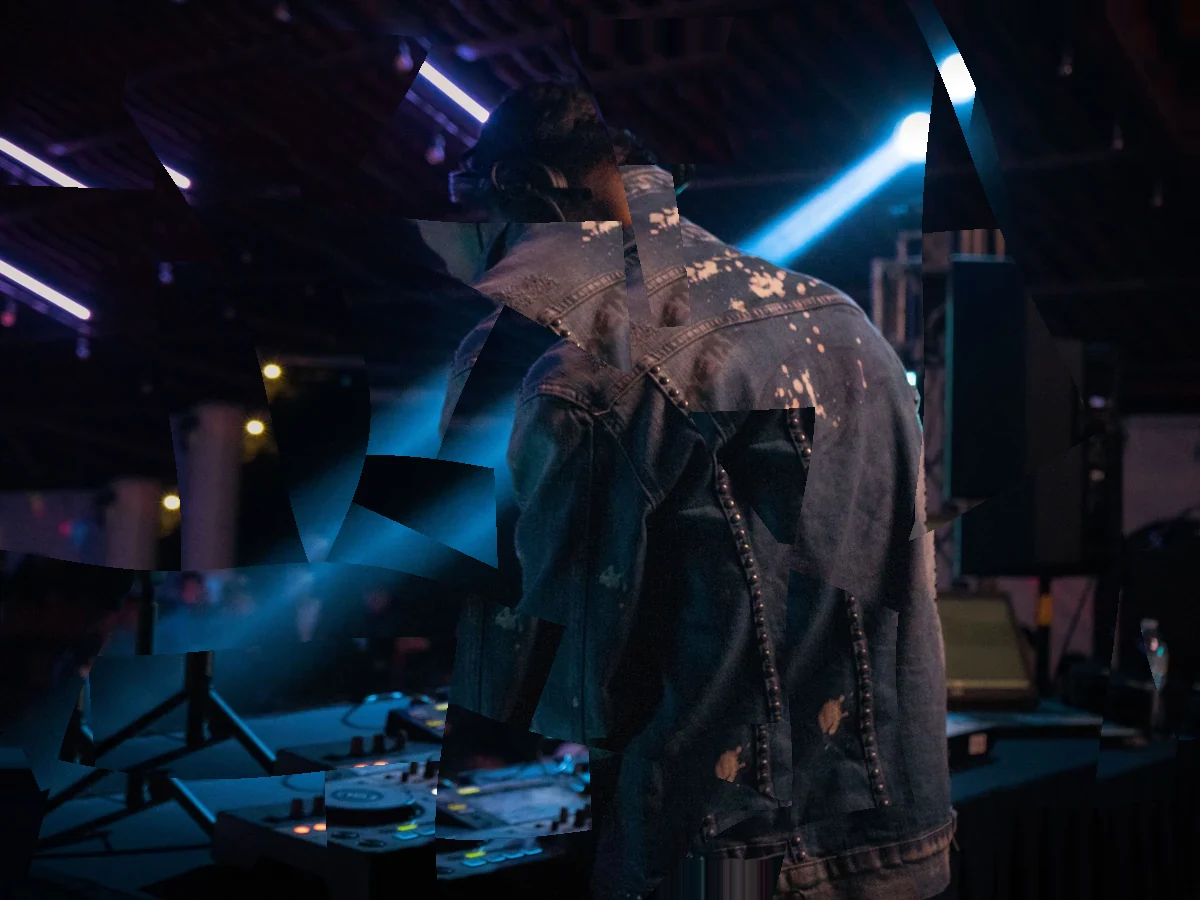
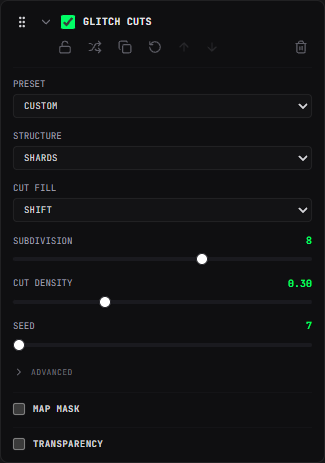
Choose an effect and adjust its controls.
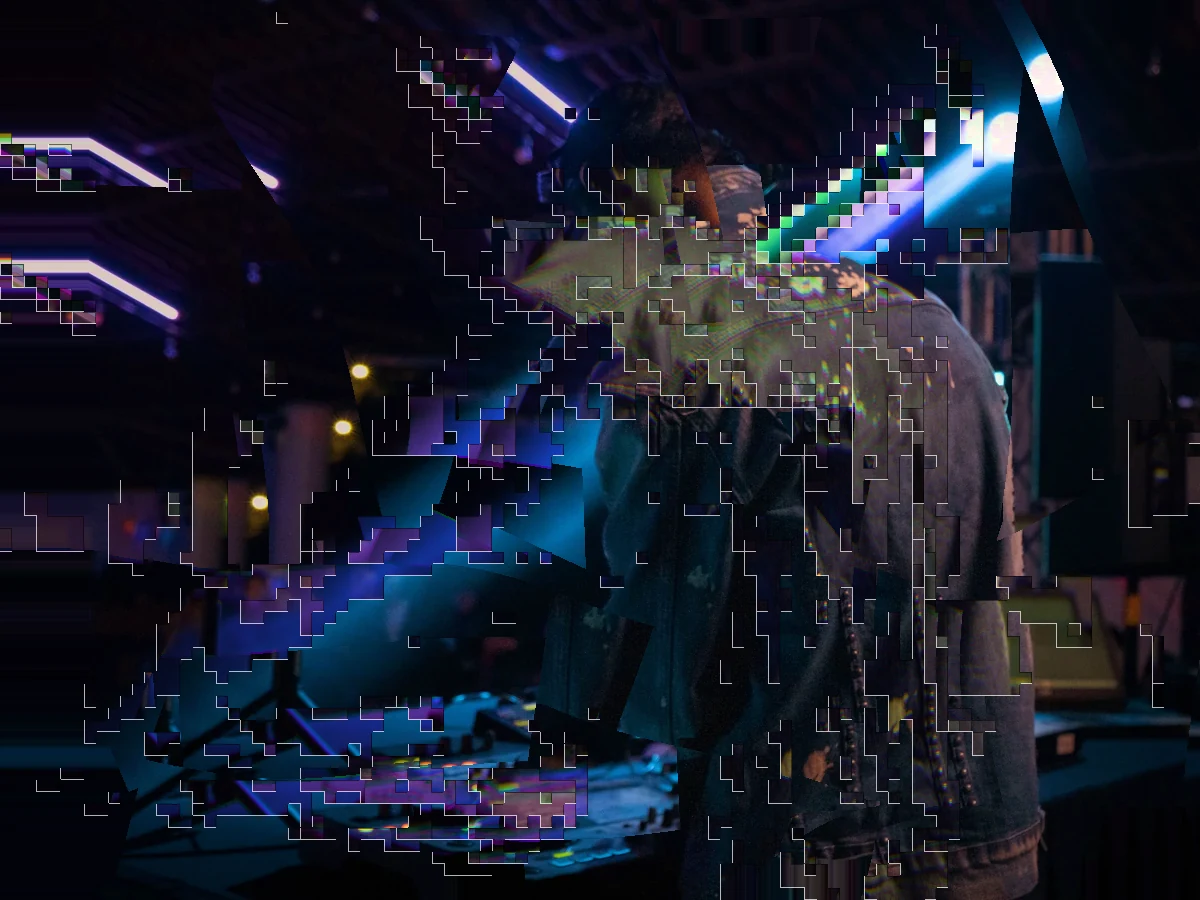
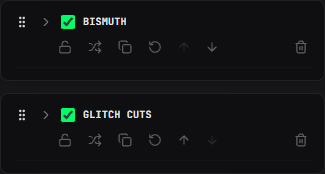
Combine effects to build a look of your own.
Stack layers, each with its own effect chain, opacity and blend mode. Move, scale, rotate and feather them on the canvas, then combine them with 10 blend modes.
Start with the main controls, then open Advanced for finer adjustments. Shape each effect with sliders, menus and precise values.
Animate any slider with sine, triangle, saw, ramp or hold. Start with a still image, give its effects a little movement, then export a clip that loops seamlessly.
MP4, WebM or MOV, any length, glitched in real time as it plays. Export the whole thing or just the section you mark, at up to 60 fps with the original audio.
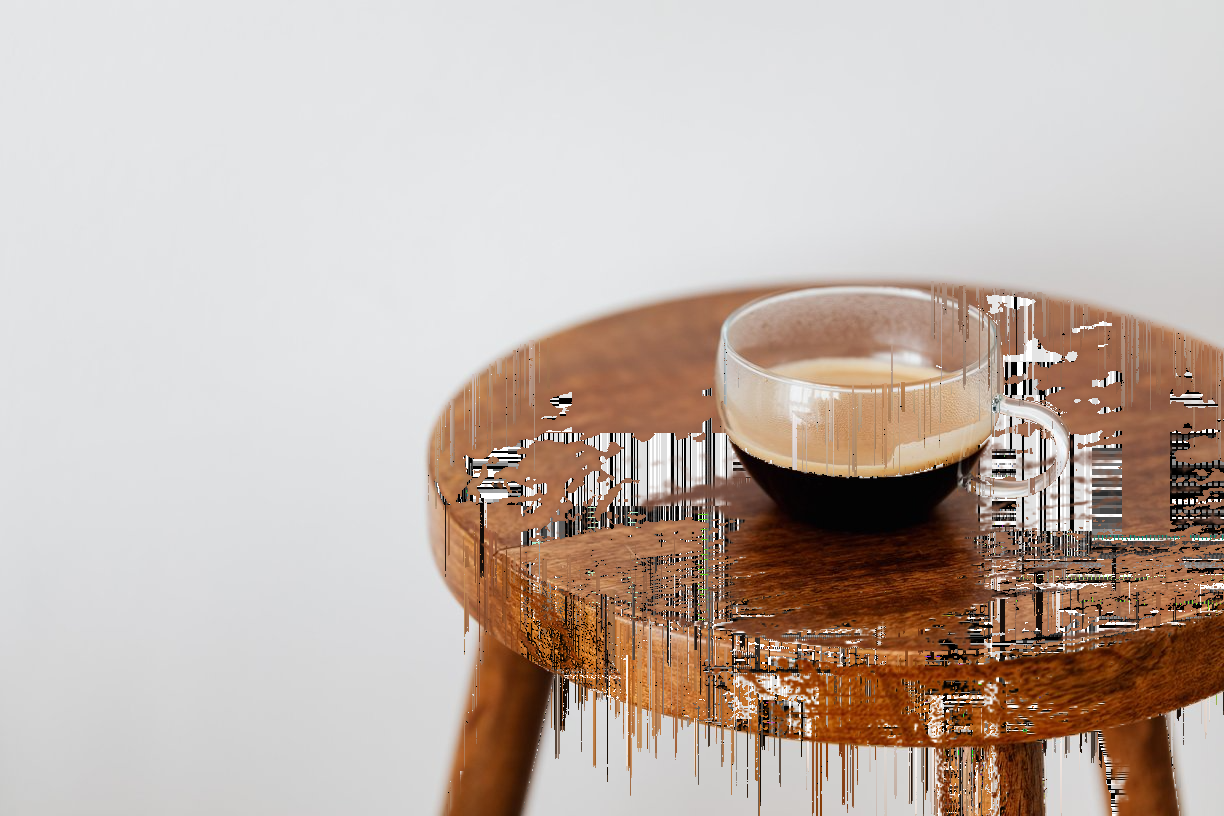
Give each effect its own mask. Let it through by brightness, edges, color or transparency, and use the canvas, another layer or an uploaded image as the source.
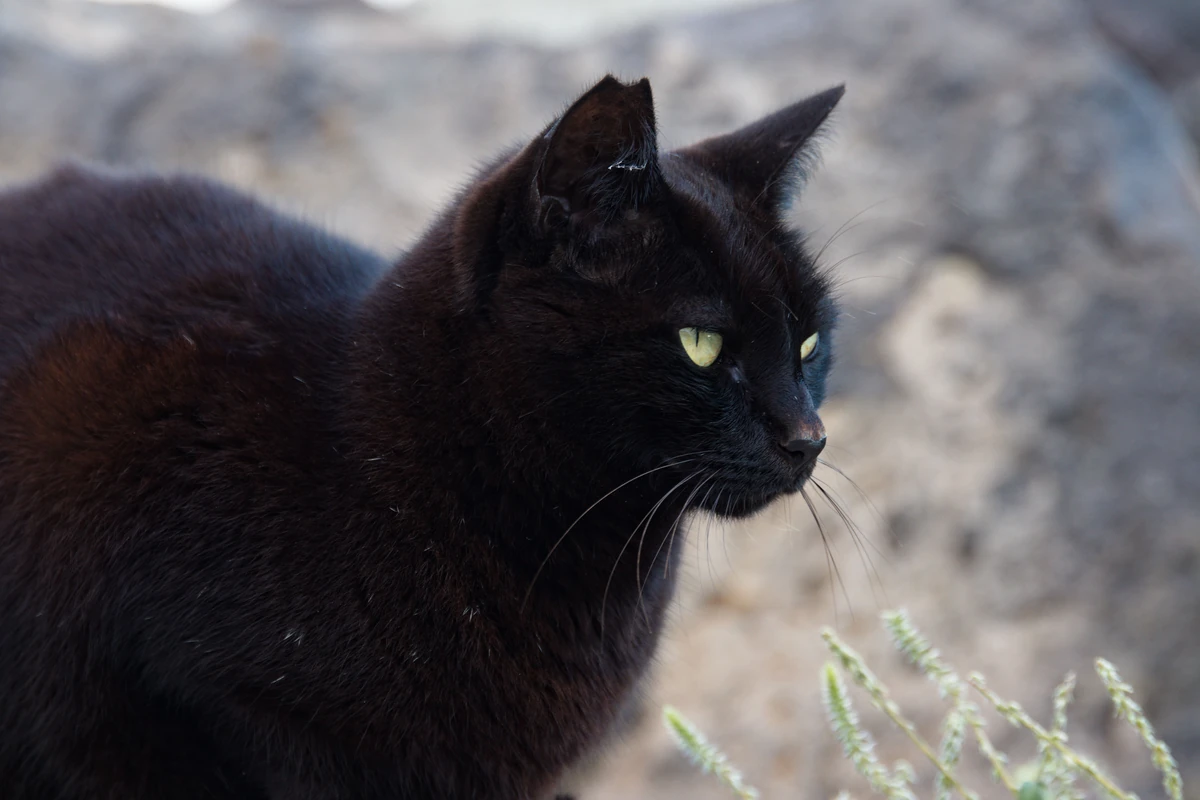
Paint effects in or out by hand, on one effect or the whole stack. The pixel-sort brush drags sorted streaks wherever you stroke. Keep the parts you like and restore the places you want to leave alone.
Draw a rectangle, trace a shape with Lasso, or pick a matching color with Magic Wand. Add to a selection, subtract from it, or feather its edge before you paint, erase or make a mask.
Paint onto your own layers, add editable text, and combine them with the rest of your image. Shape the result with brush controls, typography, layer transforms and blending.
Load a built-in preset or save an effect stack of your own. Export your preset library to back it up, share it, or import it into another browser. Your favorite combinations are ready for the next image or video.
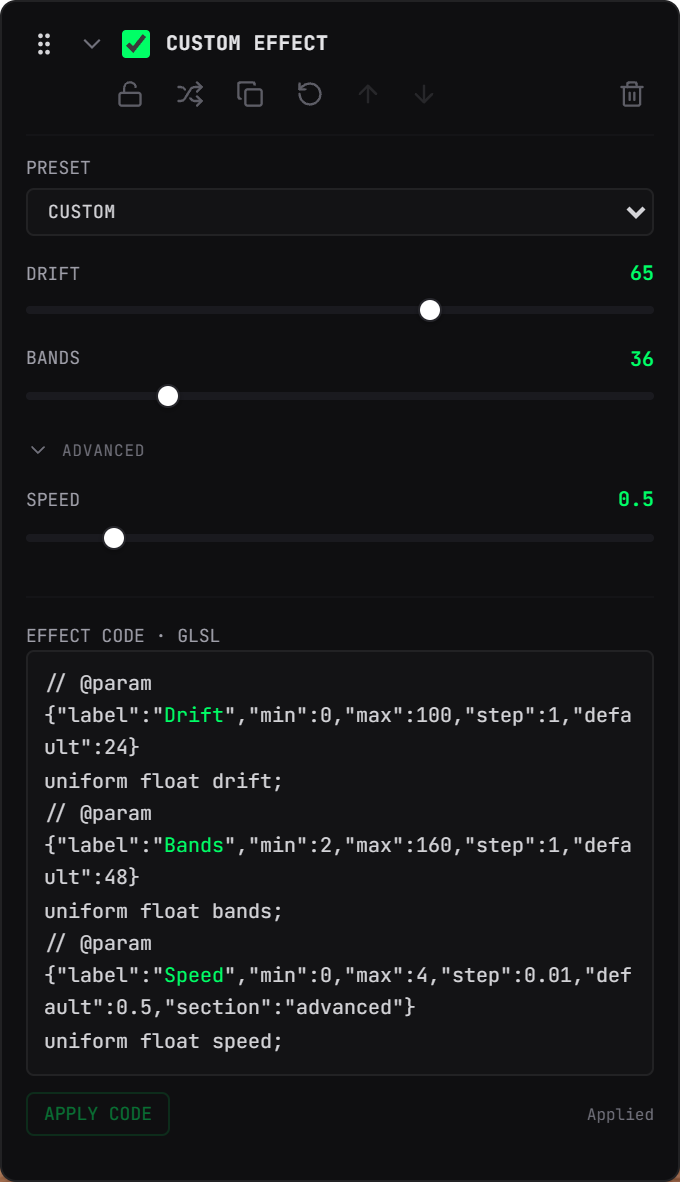
Start from an example or write your own GLSL effect. Turn its parameters into sliders and color controls, then combine it with the built-in effects, masks and animation tools.
Turn a prompt into a new image, then bring it onto the canvas.
Describe a change to the image in your stack. Generate a result, then keep building on it.
Choose where your AI runs. Use either connection for source image generation and the AI effect card.
Connect your own provider keys and work with cloud models.
Run compatible models on your hardware with the Local AI companion engine.
Roll a new effect stack, or randomize the parameters of the effects you already have. Choose which effects can appear and how many to use, then keep refining or try another combination.
Render a grid of alternatives at once — mutate the look you have, or build new stacks from nothing. Keep what works, reroll the rest, take the lot as a ZIP. Each one carries the seed that made it, so a happy accident is reproducible instead of lost.
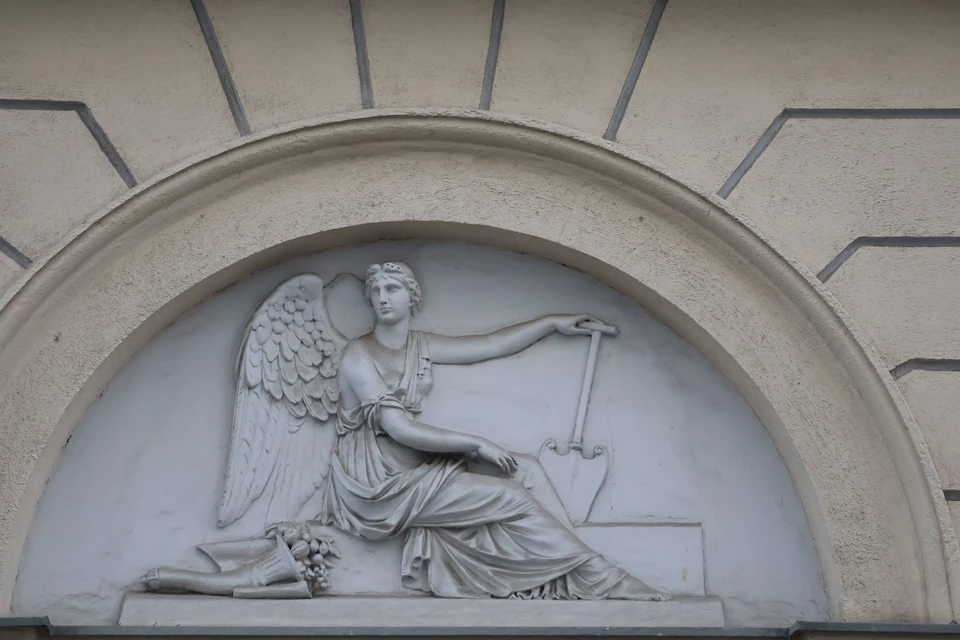
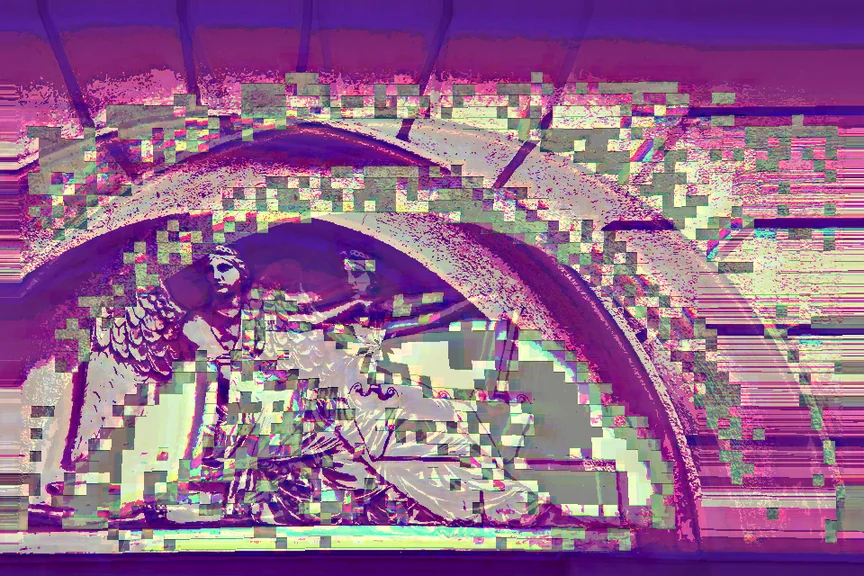
Click a category to expand its effects. Selecting an effect switches the live before & after slider preview on the right.
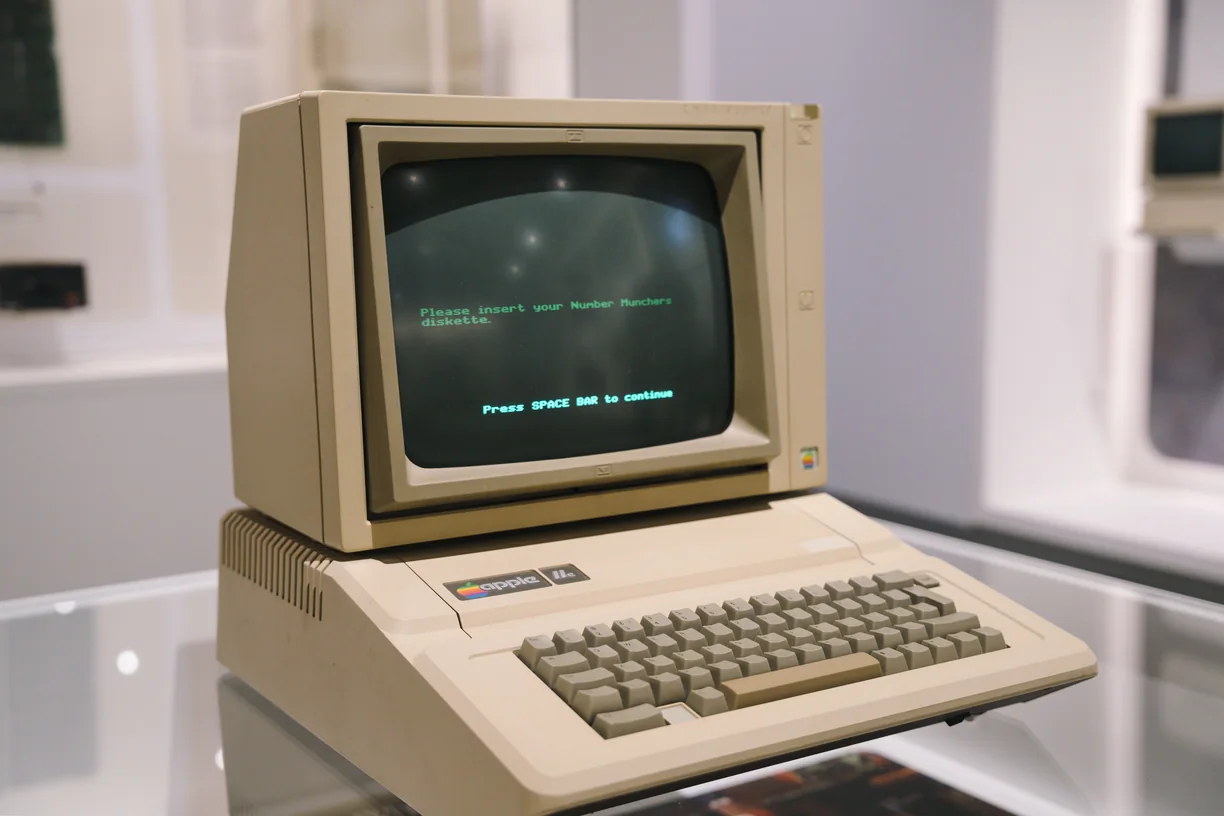 Before (Original)
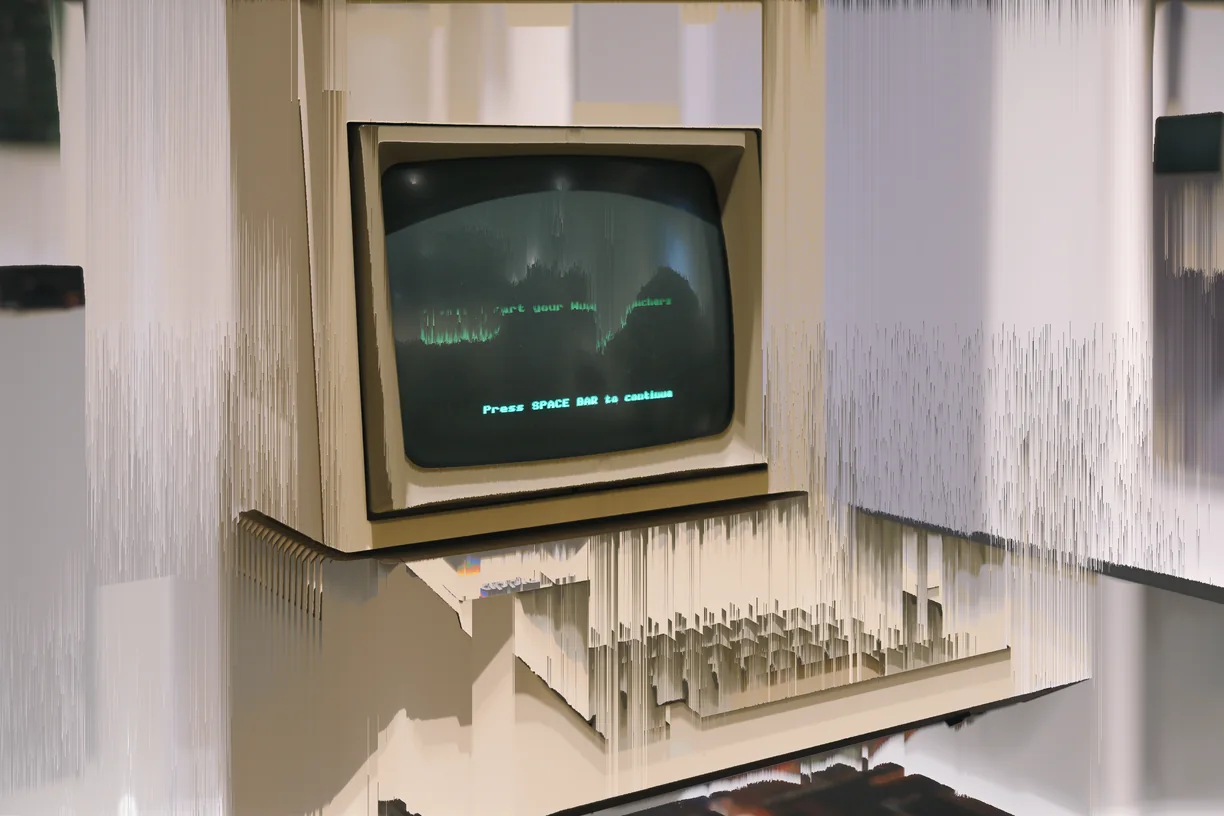
Every effect runs on your own computer. Nothing you edit is uploaded, and your account never holds your work.
The one exception is the optional AI features, which use your own API key and only run when you press Generate.
Seven days to explore every effect. Lifetime access unlocks clean, full-resolution export, video export, and Create Variations.
Sale
No card for the trial · One payment, no subscription · 14-day refund, no questions asked