13 effects
Chromatic Aberration, RGB Split & Color
Chromatic Split separates the red, green and blue channels and moves them apart. A real lens does a small amount of this because it cannot focus every wavelength at the same point, which is why an exaggerated version reads instantly as a broken image rather than a stylized one.
Most of the category is color replacement rather than color adjustment. Palette does it three ways: as a gradient map it throws away the original hues and re-colors the image by brightness alone, and as a palette or retro palette it snaps every pixel to the nearest entry in a fixed one, which is what gives 8-bit and Game Boy looks their particular flatness. Adaptive Palette reads a palette out of the image first. Film Look's stocks, cross-processing and grain reproduce what happens in chemistry.
Image Adjustment holds the ordinary grading controls - curves and levels, HSL, color temperature, channel mixing - here because a glitch usually needs grading after it to sit right. The unusual ones are Color Gravity Collapse, Palette Infection and Dead Channel Reconstruction, which treat color as something that can spread, fail, or be guessed back from what survived.
Every color effect
Each preview is the same source photograph with that one effect applied at its default settings. In the editor every one of them has its own full set of controls.
-
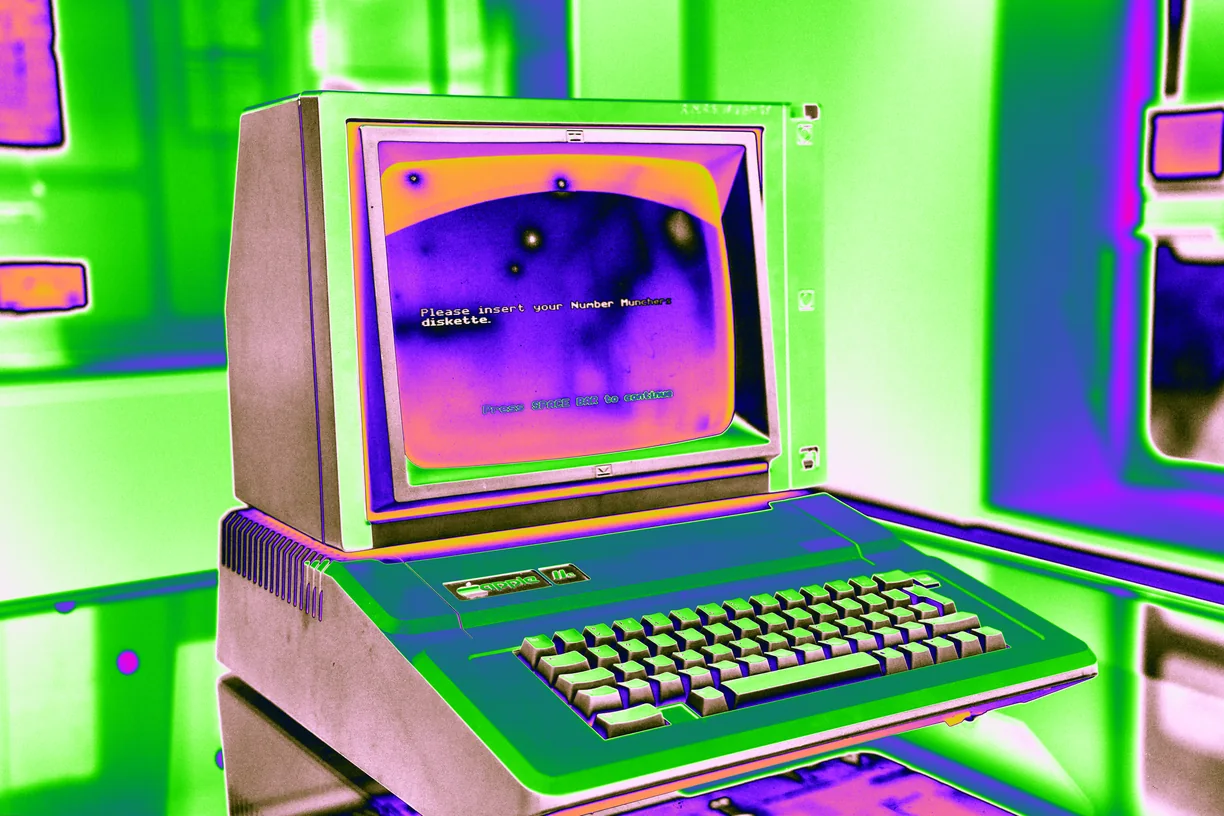
Palette
-
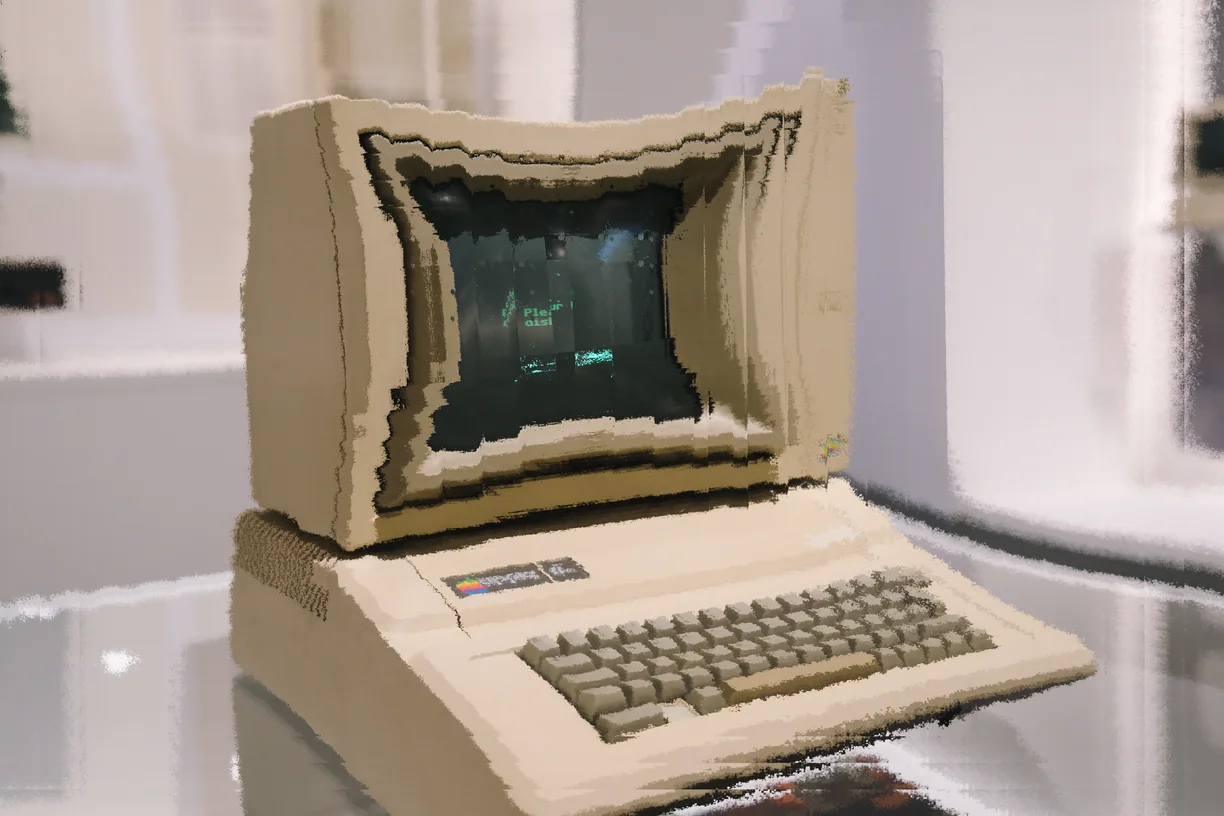
Color Magnetism
-
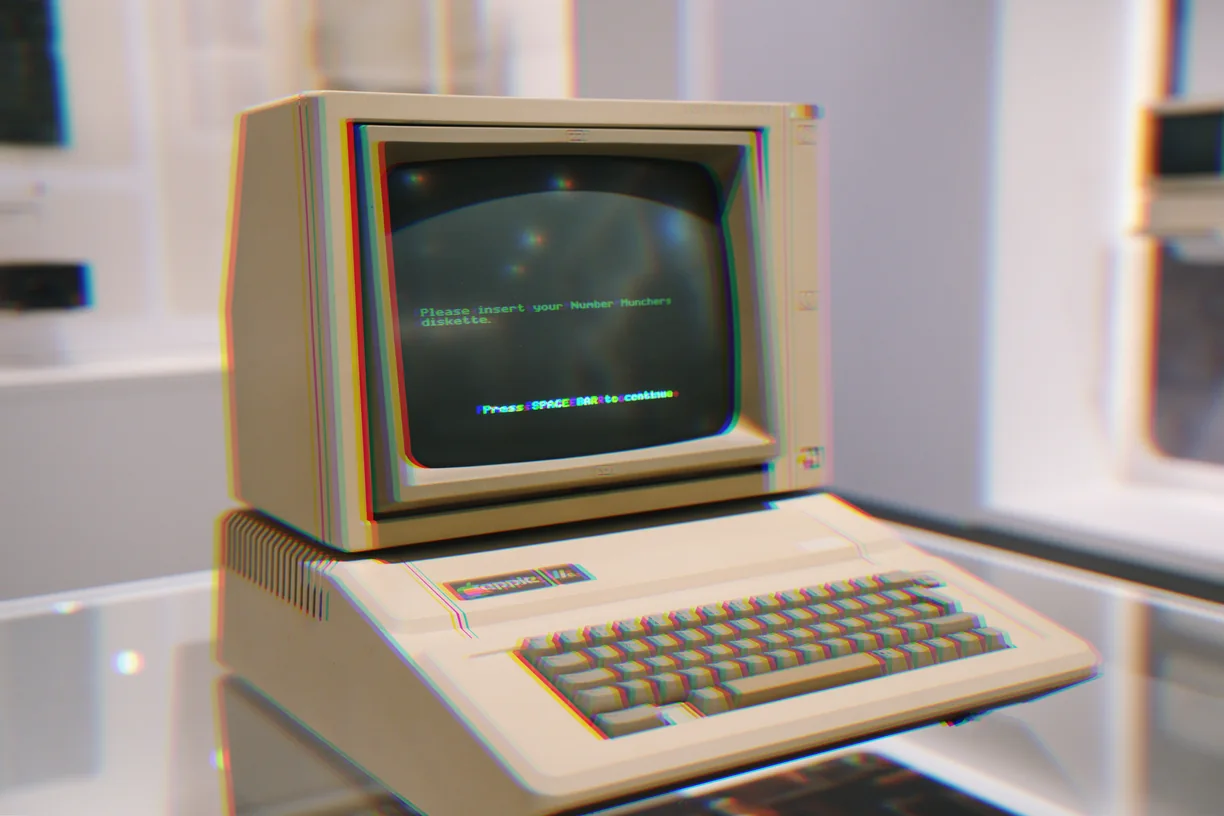
Chromatic Split
-
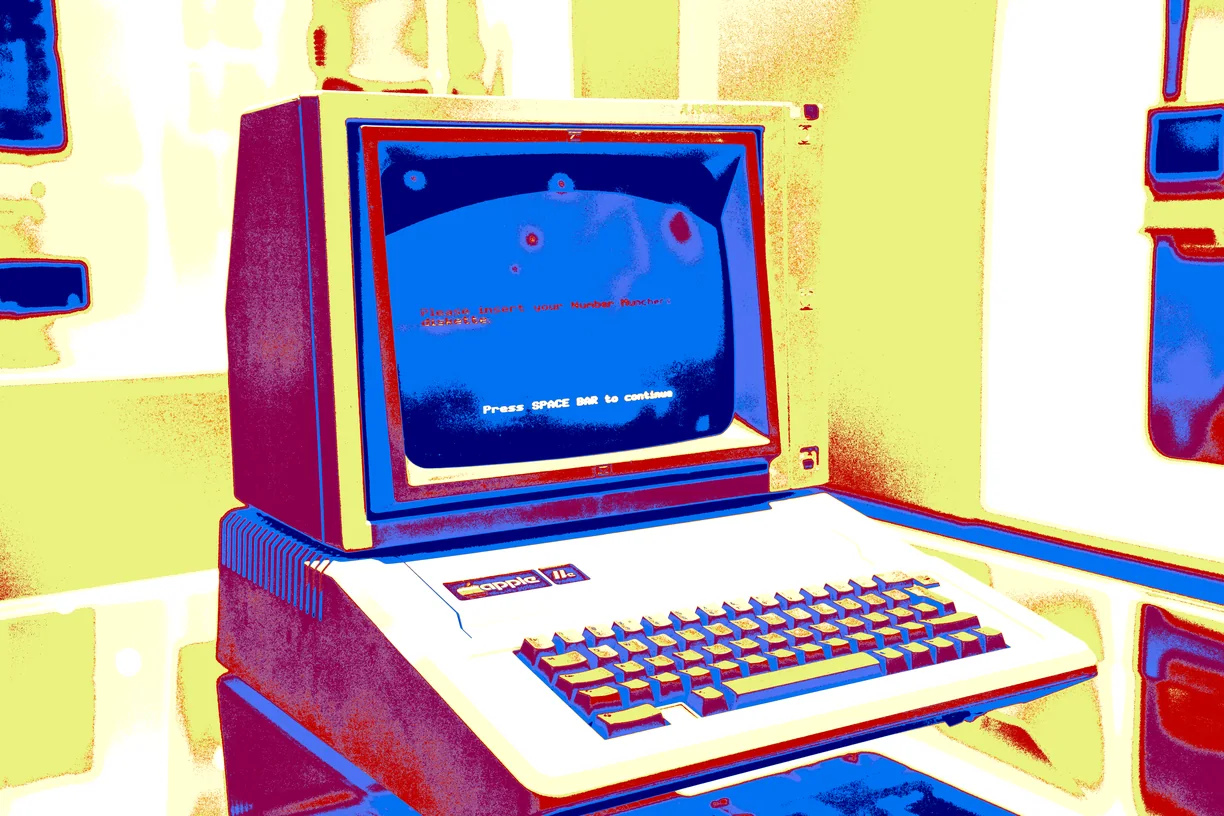
Thermal Vector
-
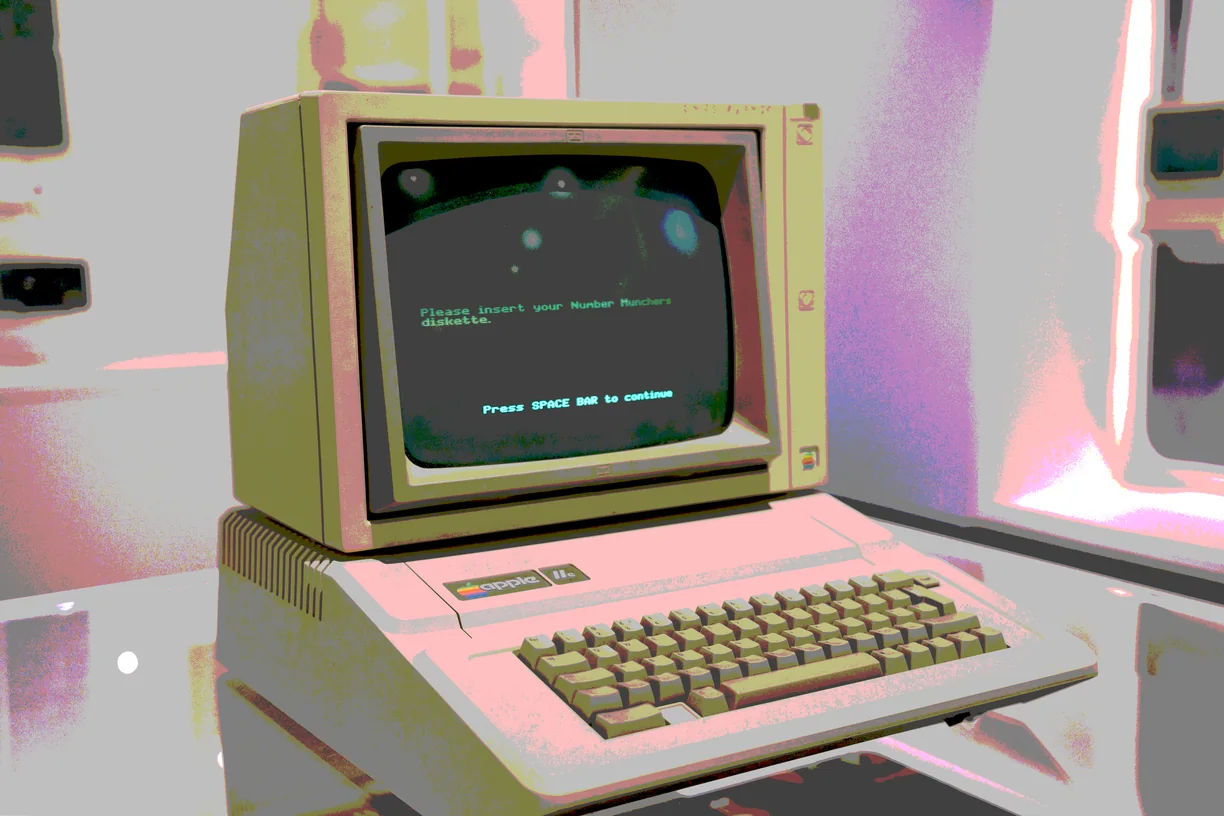
Posterize
-
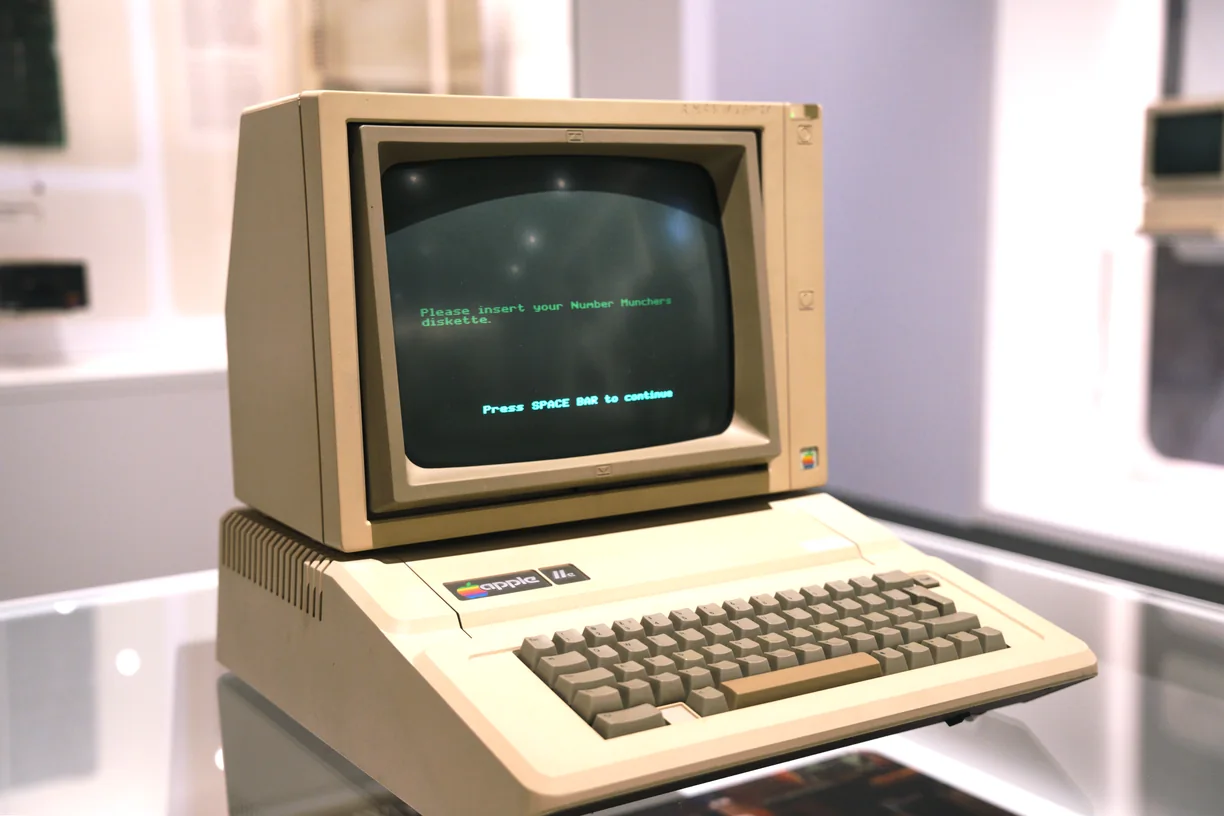
Bloom / Glow
-
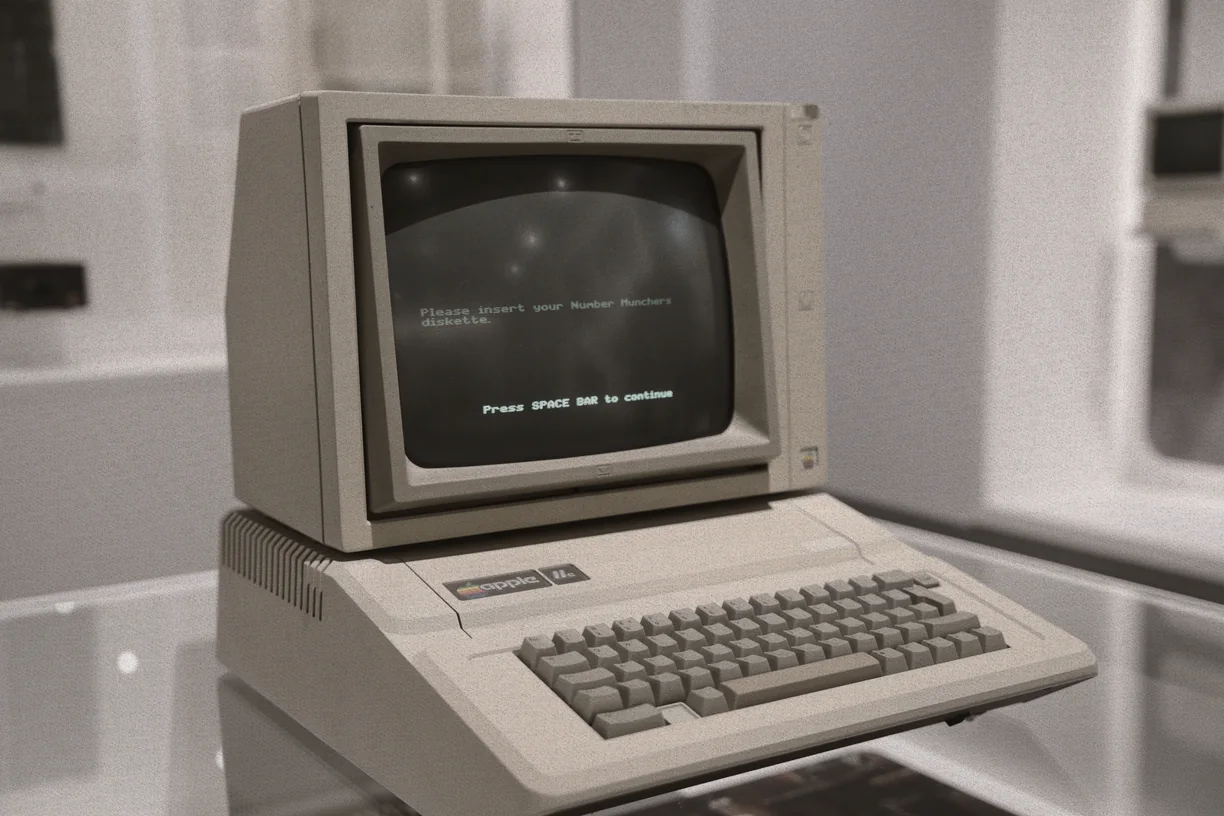
Color Erosion
-
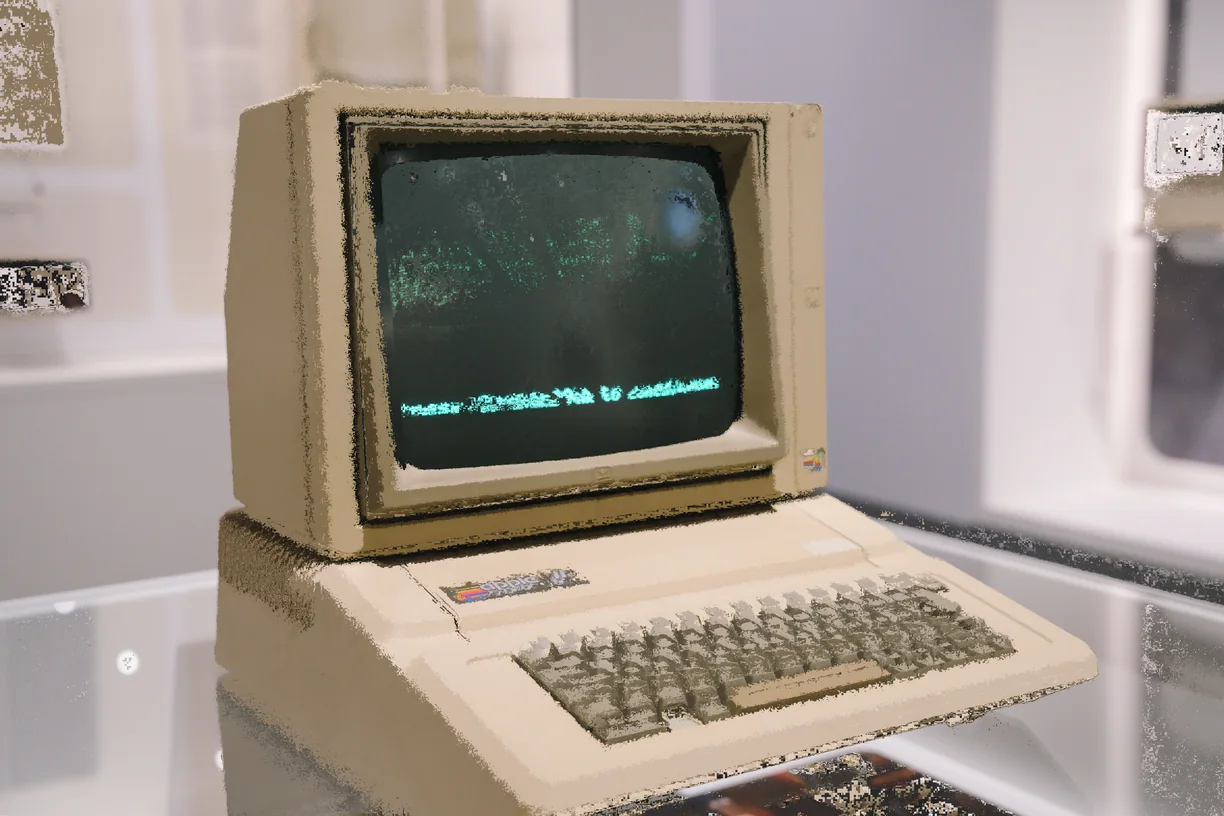
Color Gravity Collapse
-
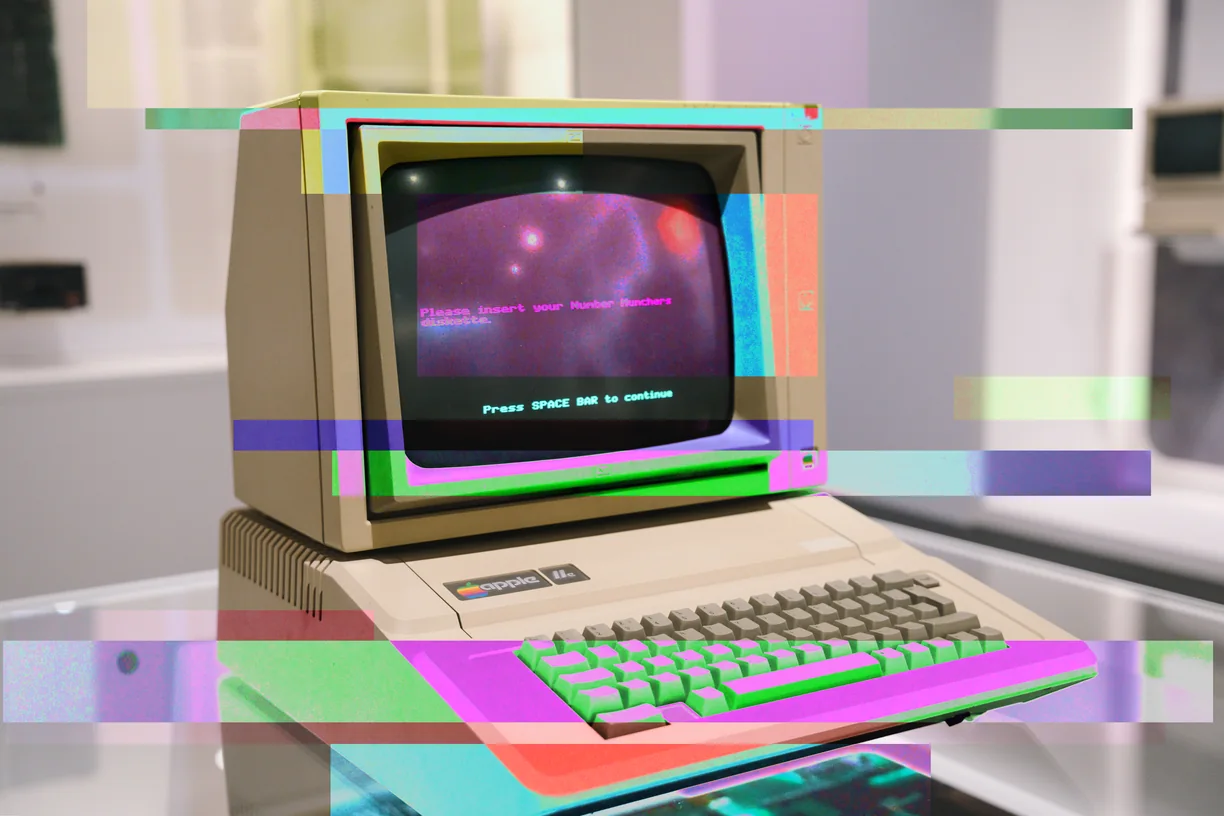
Palette Infection
-
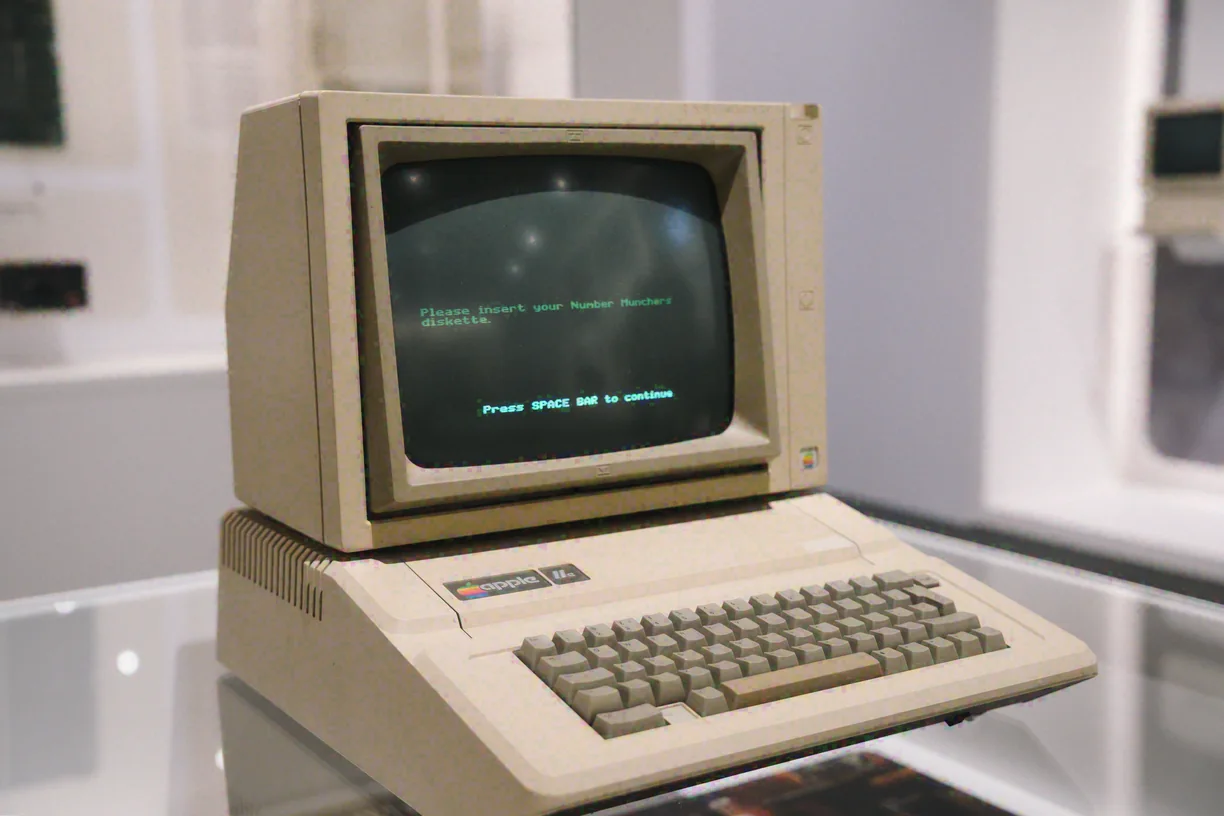
Dead Channel Reconstruction
-
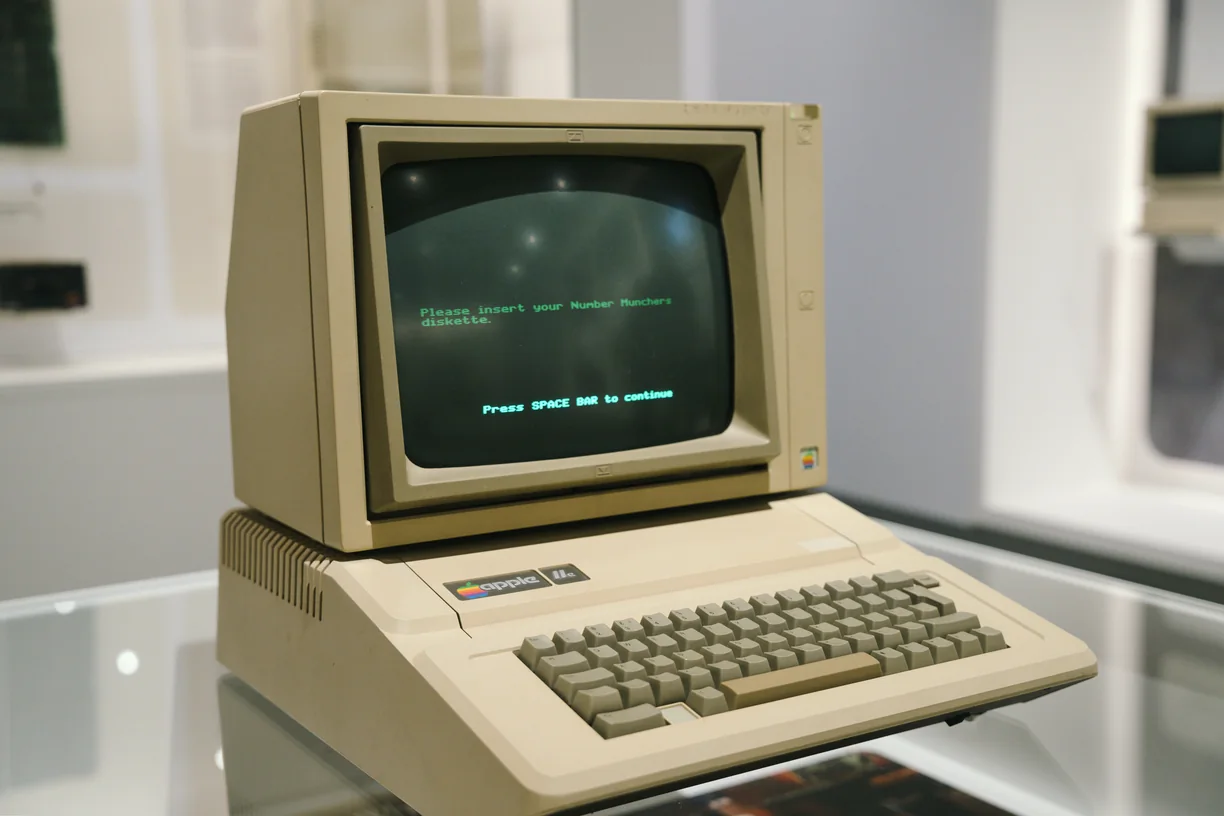
Film Look
-
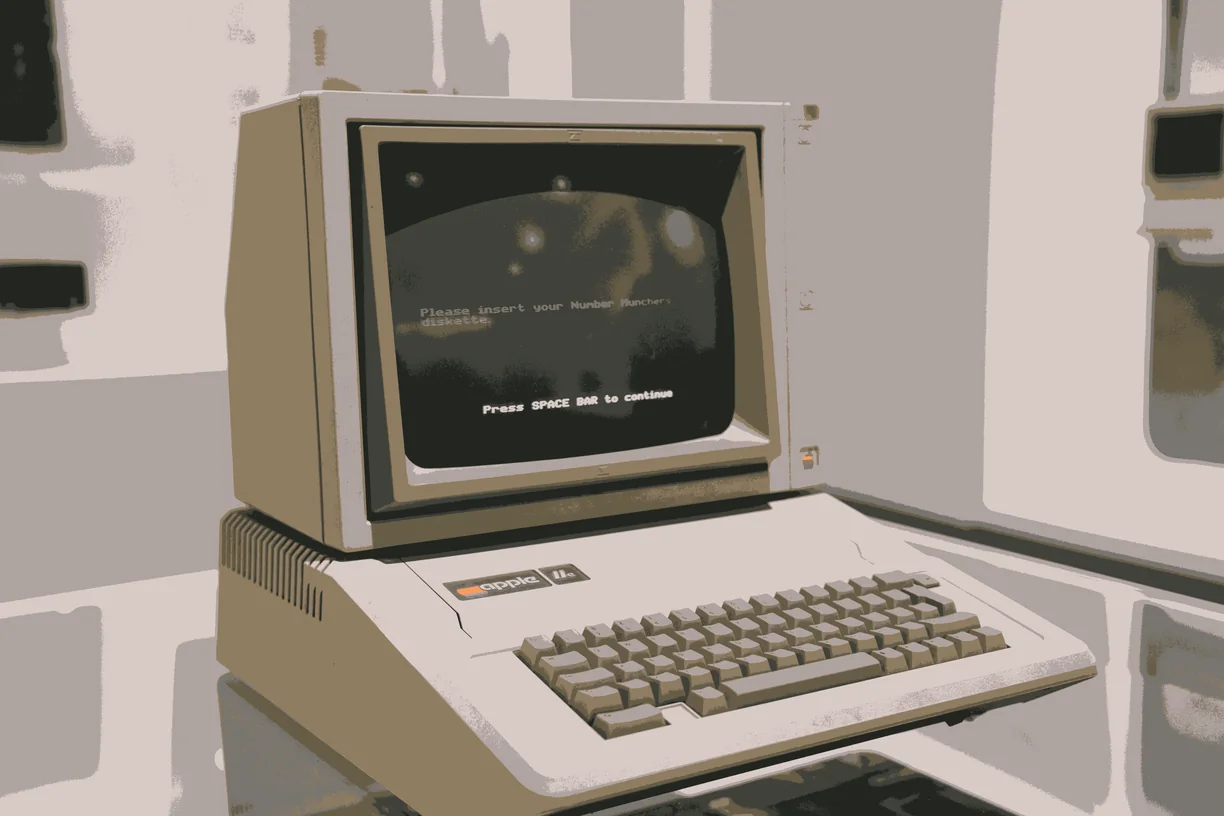
Adaptive Palette
-
Image Adjustment
How these work in the editor
- Stack them. Effects run in order down a stack, and the order changes the result - a sort after a warp is not the same picture as a warp after a sort.
- Mask them. Any effect can be limited to part of the image by brightness, hue, saturation, detail, color key or gradient, or driven by a depth, edge, flow or segmentation map read from the image itself, another layer, or a file you upload.
- Paint them in. Soft erase and restore brushes take an effect out of the places you do not want it, on one effect or the whole stack.
- Animate them. Any slider can be driven by sine, triangle, saw, ramp or hold motion, and exported as a clip that loops seamlessly.
- Use them on video. Bring in MP4, WebM or MOV of any length and export WebM at up to 60 fps with the original audio carried through.