10 effects
Glitch Cuts, Bismuth & Displacement
These effects move parts of the image somewhere else. Glitch Cuts slices the frame into shards and shifts, removes or fills them, which is the classic torn-screen look; Bismuth facets the picture into the stepped terraces a bismuth crystal grows in, quantizing color as it goes.
Displacement Map is the general case, and the most useful effect here once you know it: it moves every pixel by an amount read from another image - or from another layer of your own stack - so a texture, a gradient or a second photograph decides where the picture goes. Seam Carve removes the least important paths through the image instead, the way content-aware resizing does, so the subject stays and the space around it collapses.
Warp & Distortion, Topological Displacement and the two Local Coordinate effects work on the coordinate grid rather than the pixels, rotating and collapsing small neighbourhoods of the image into themselves. Effects in this category can cut through to the layers beneath, or to transparency - PNG and WebP exports keep the cut-outs.
Every glitch effect
Each preview is the same source photograph with that one effect applied at its default settings. In the editor every one of them has its own full set of controls.
-
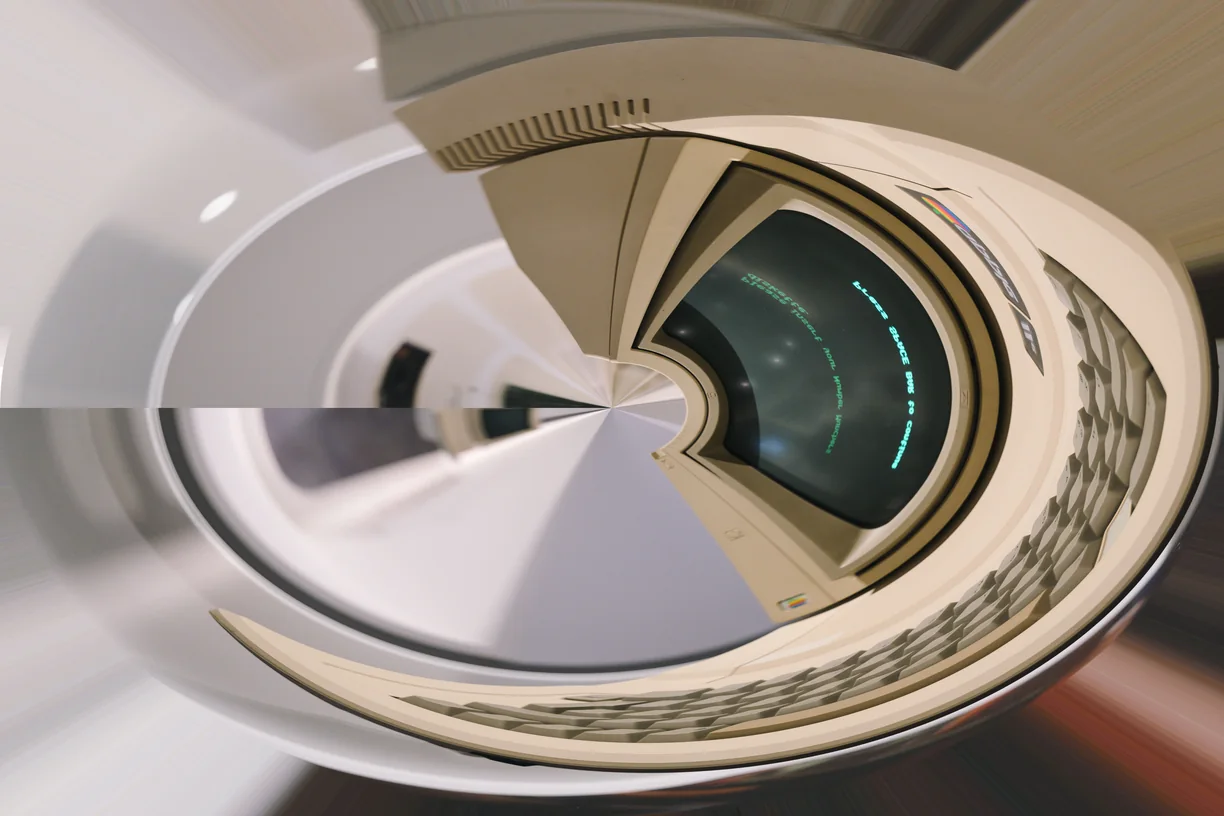
Warp & Distortion
-
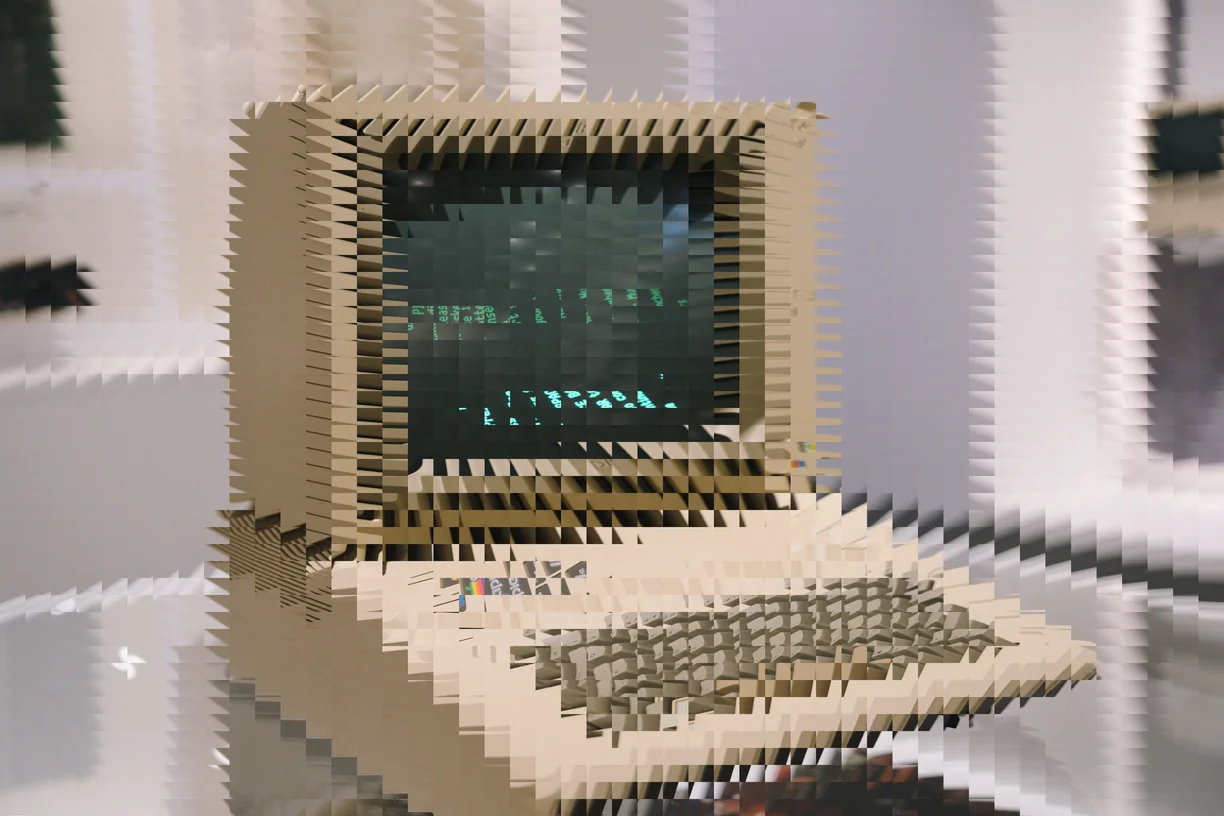
Local Coordinate Rotation
-
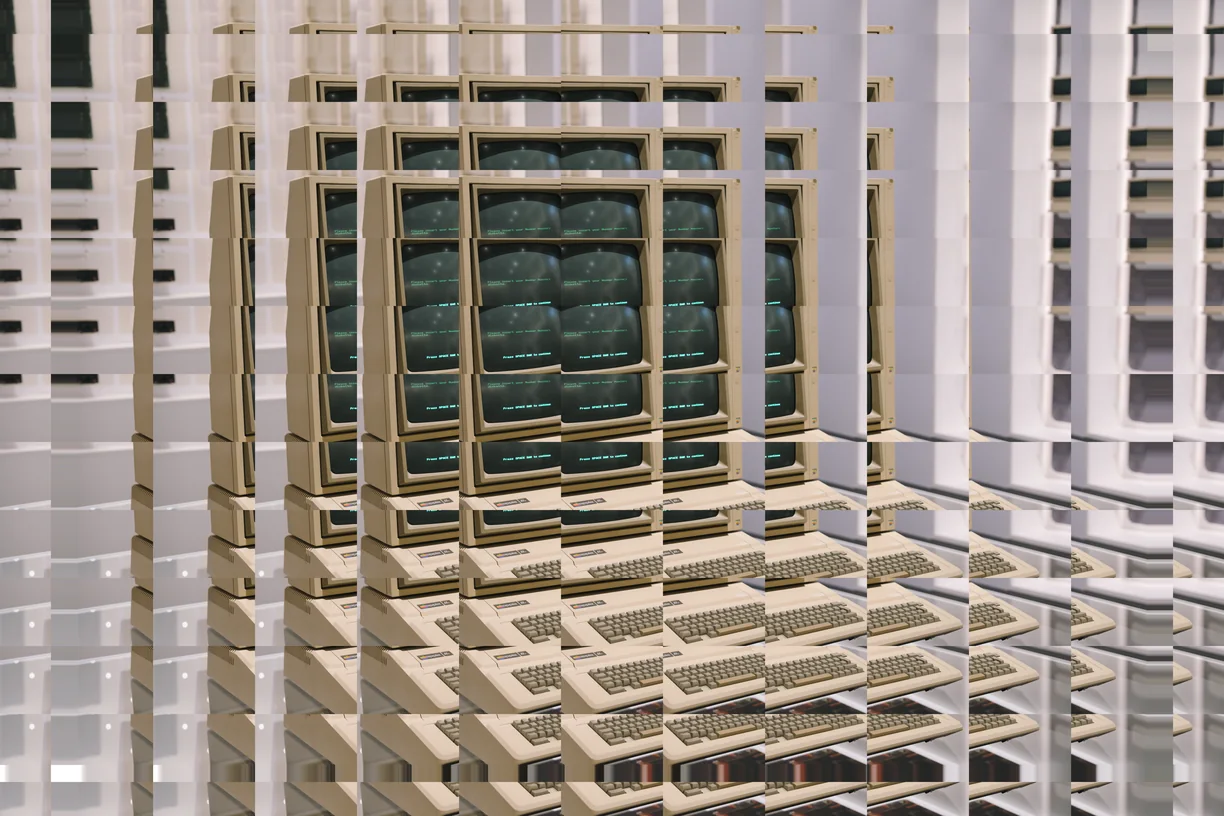
Topological Displacement
-
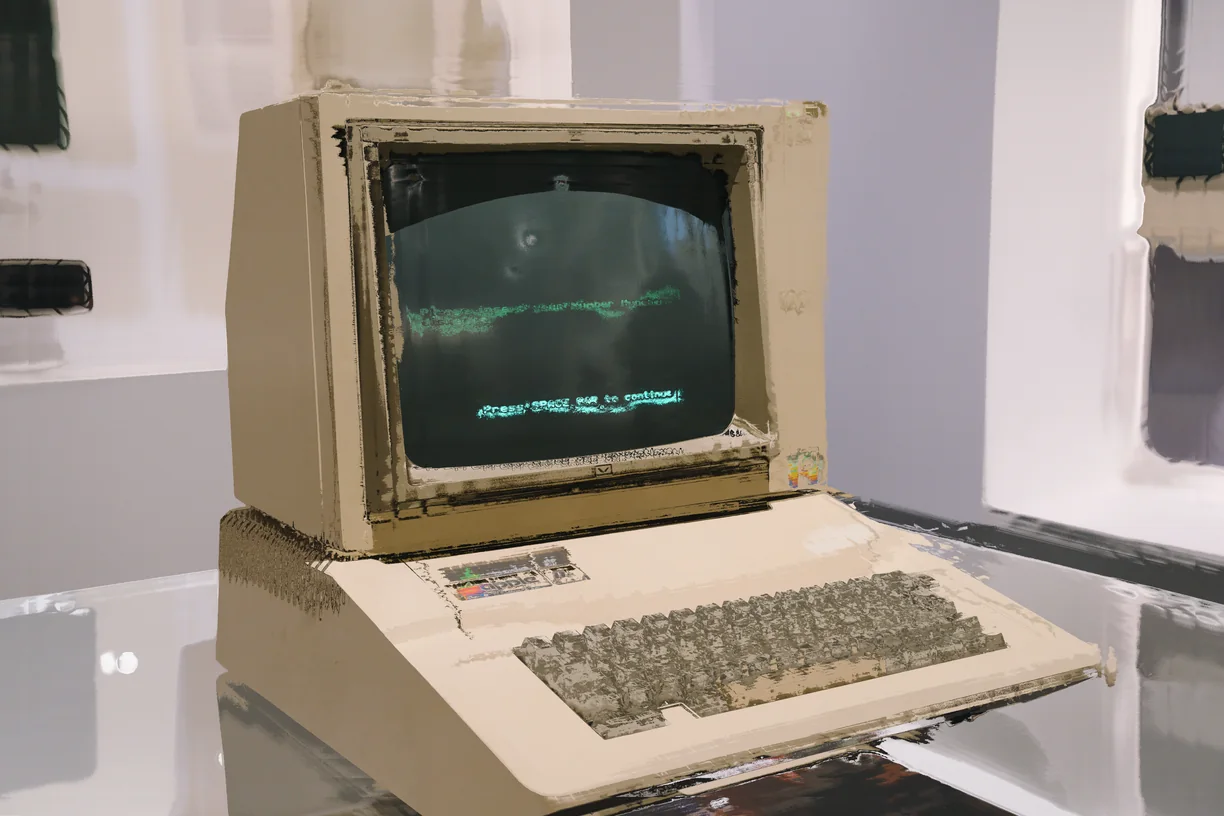
Local Coordinate Collapse
-
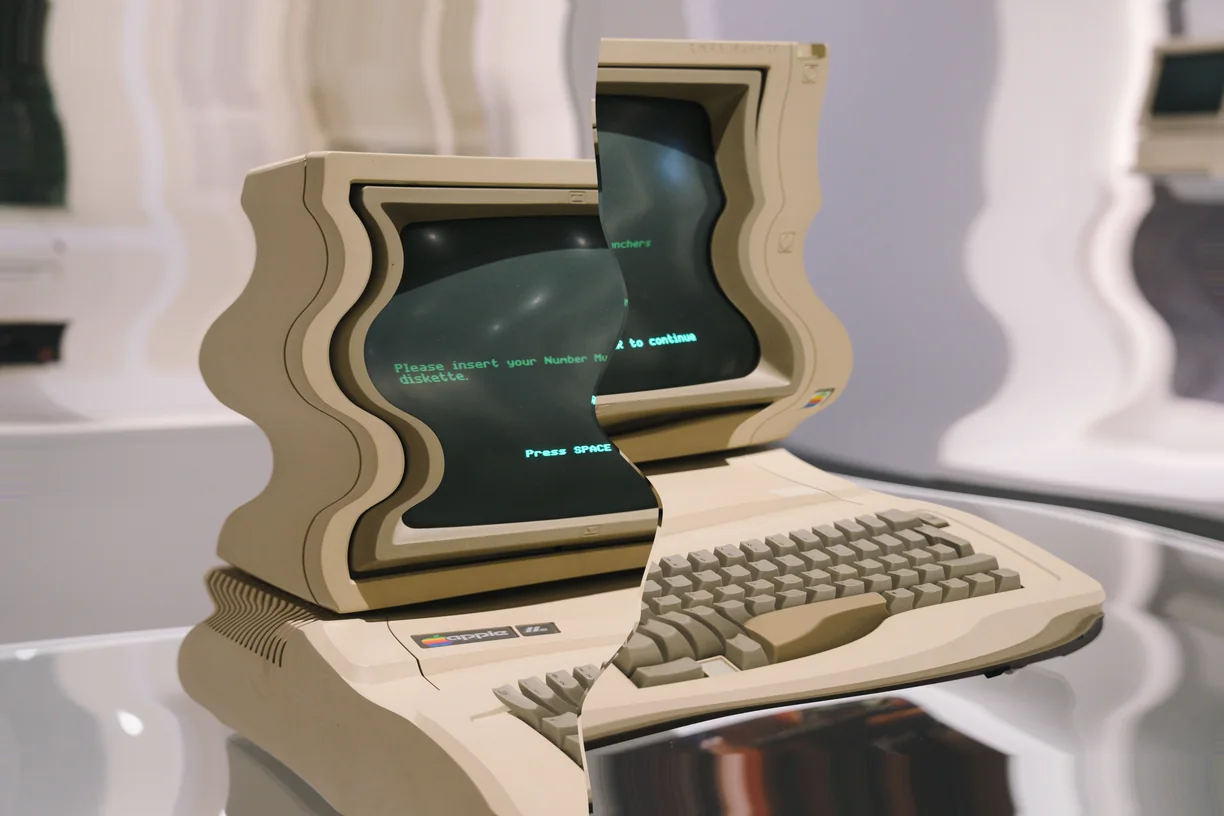
Dimensional Rift
-
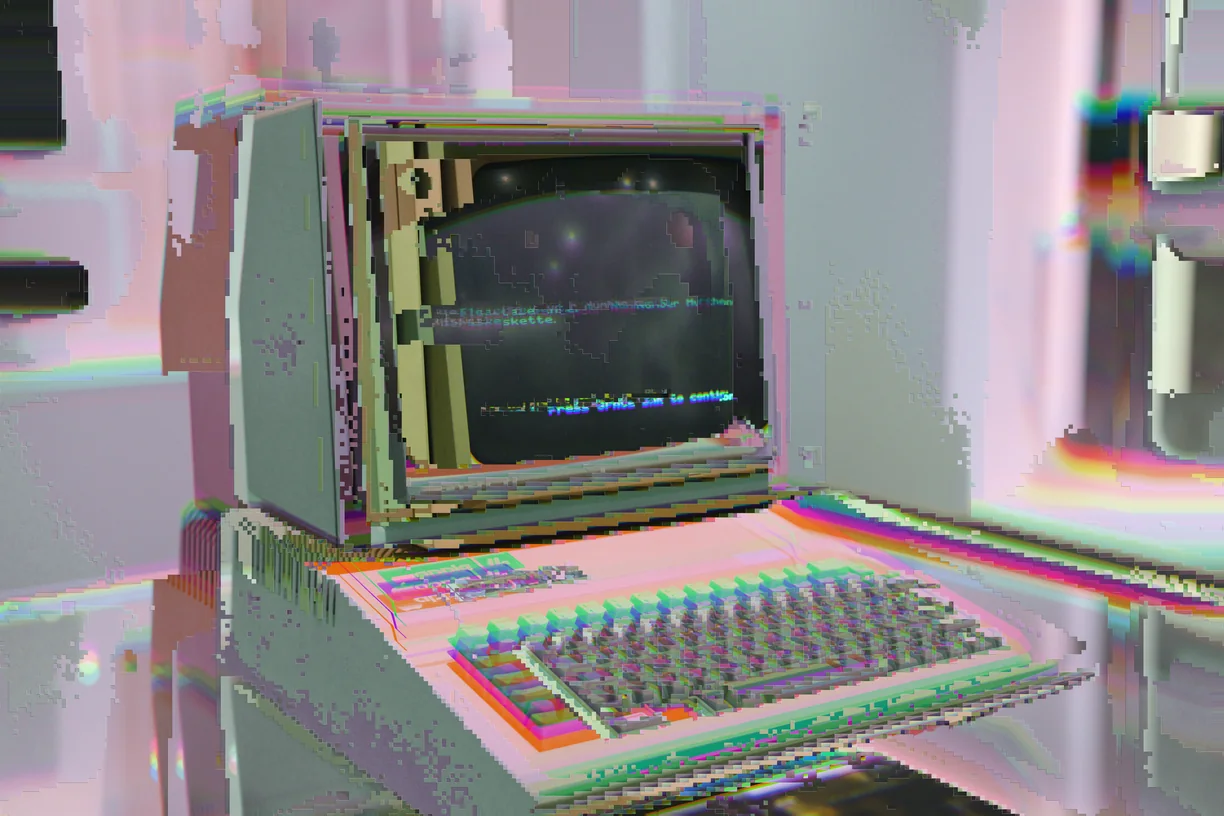
Bismuth
-
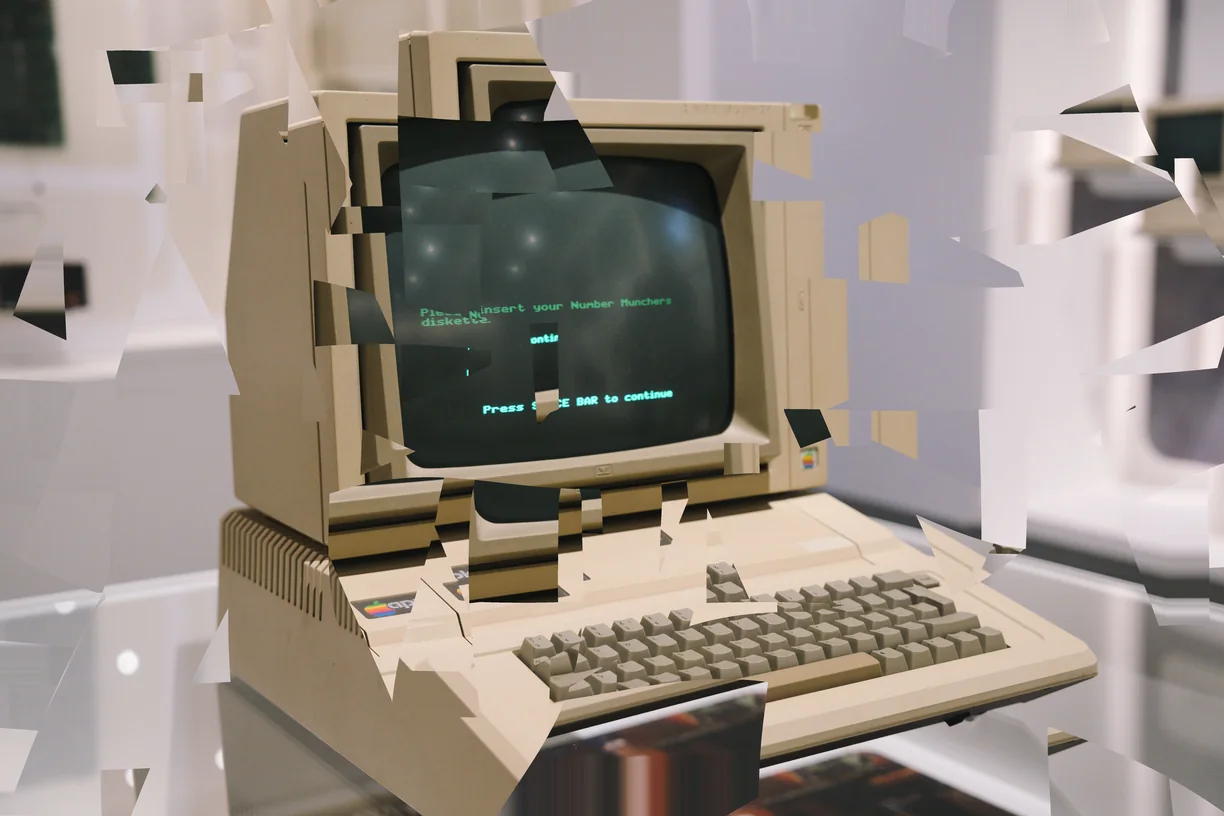
Glitch Cuts
-
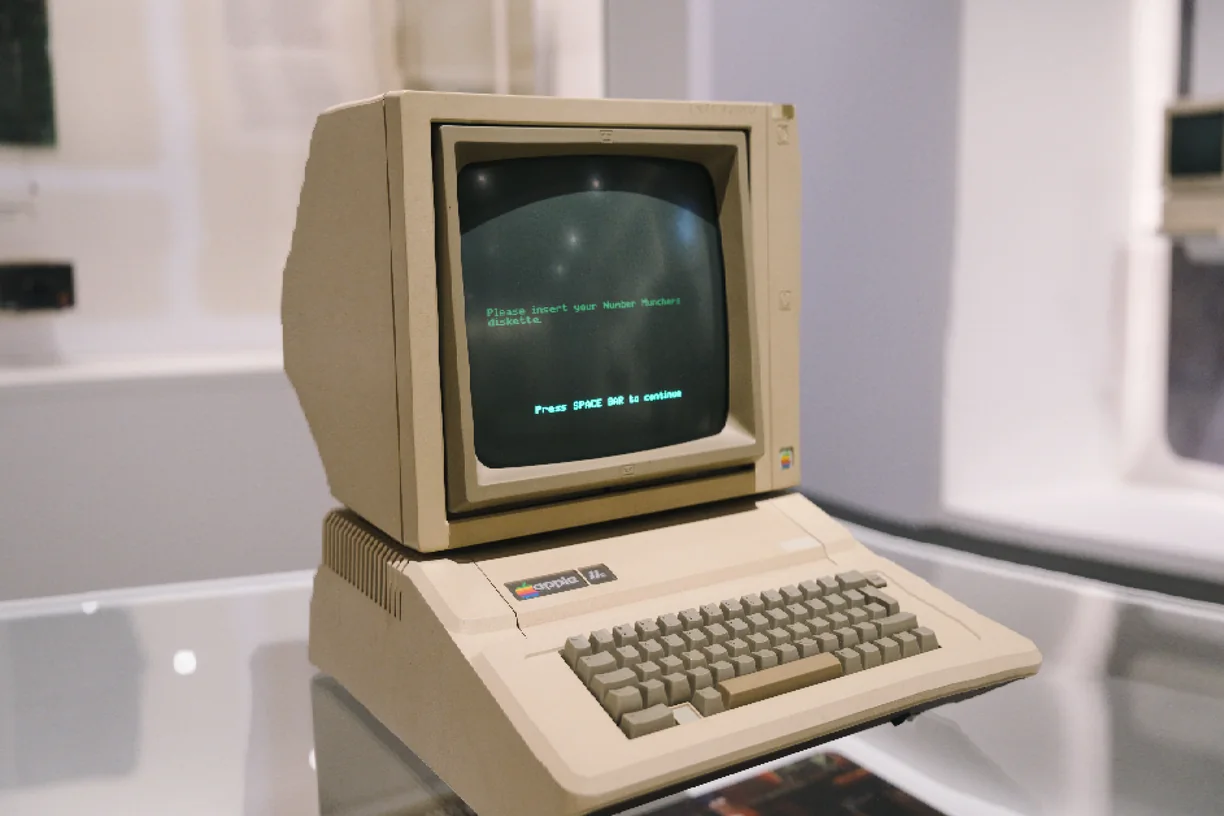
Seam Carve
-
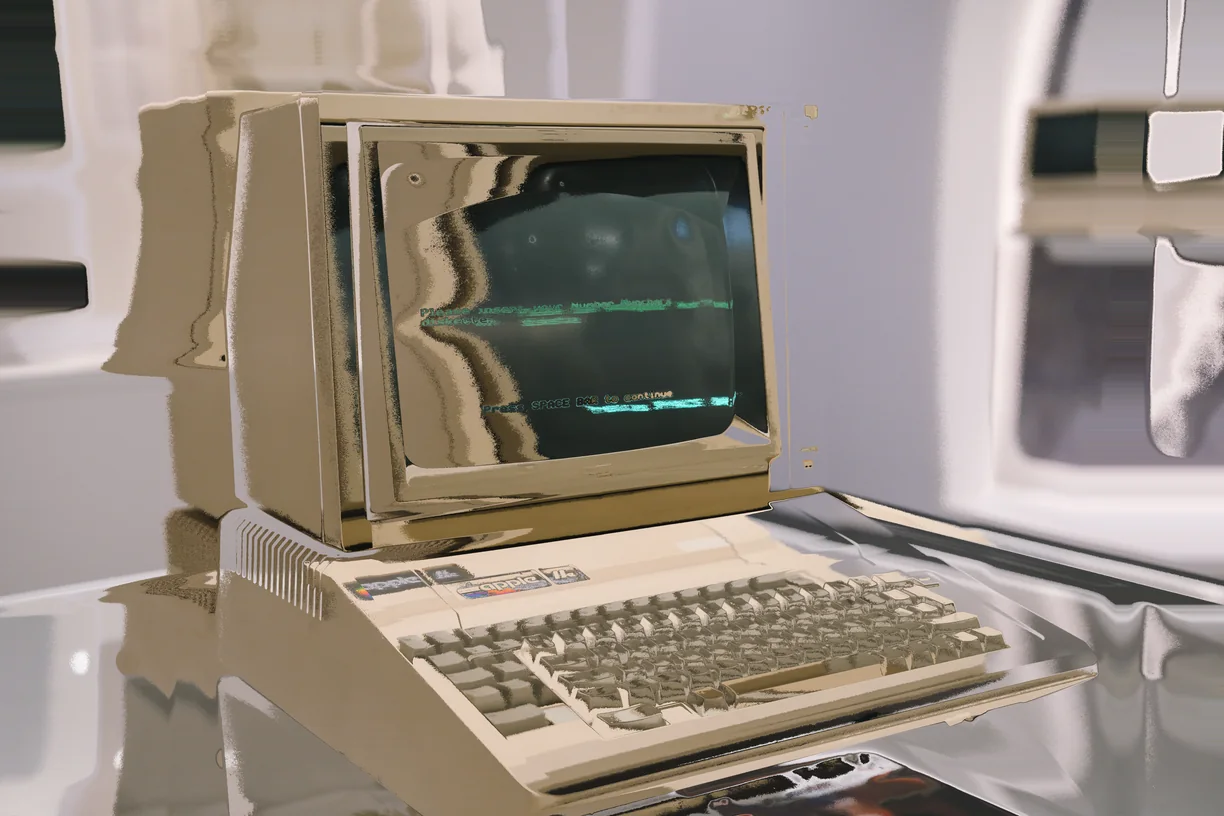
Displacement Map
-
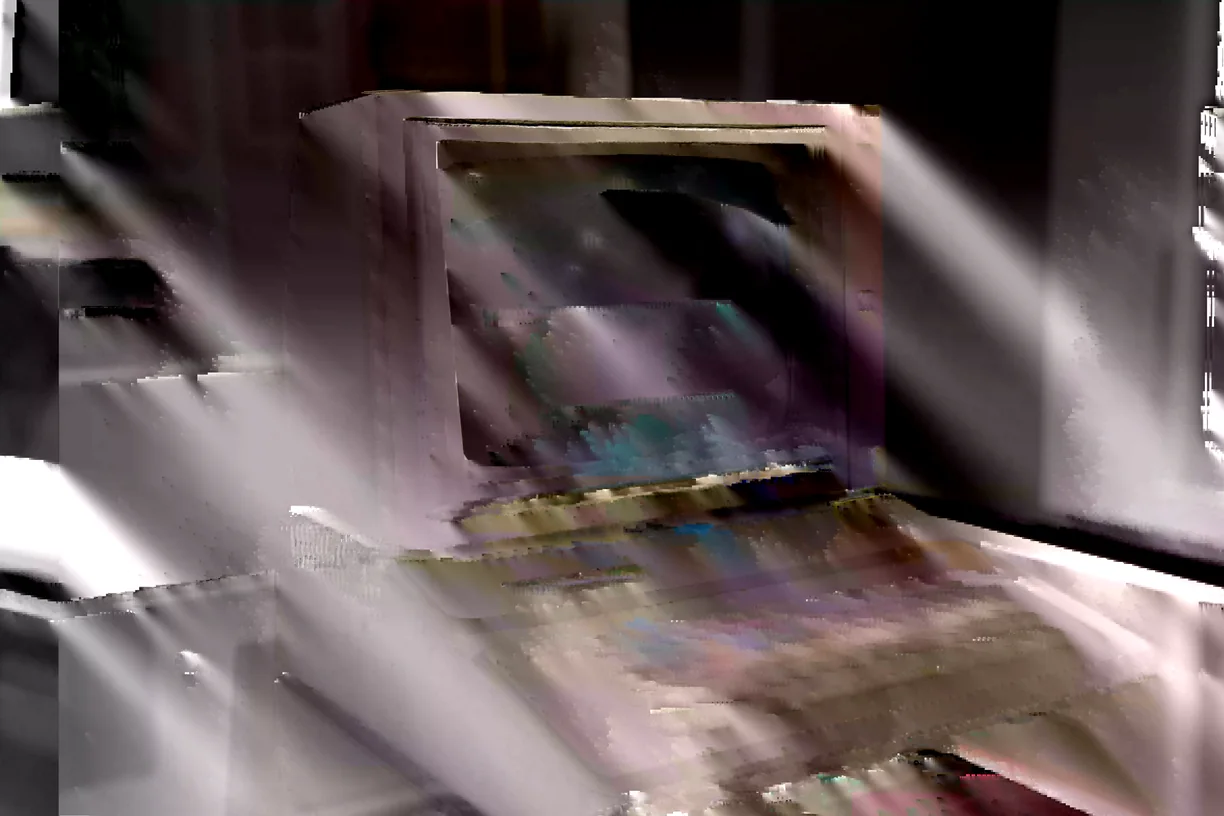
Datamosh
How these work in the editor
- Stack them. Effects run in order down a stack, and the order changes the result - a sort after a warp is not the same picture as a warp after a sort.
- Mask them. Any effect can be limited to part of the image by brightness, hue, saturation, detail, color key or gradient, or driven by a depth, edge, flow or segmentation map read from the image itself, another layer, or a file you upload.
- Paint them in. Soft erase and restore brushes take an effect out of the places you do not want it, on one effect or the whole stack.
- Animate them. Any slider can be driven by sine, triangle, saw, ramp or hold motion, and exported as a clip that loops seamlessly.
- Use them on video. Bring in MP4, WebM or MOV of any length and export WebM at up to 60 fps with the original audio carried through.