22 effects
Pixel Sorting, Datamosh & Pixel-Level Glitch
Pixel sorting reorders the pixels along each row or column by brightness, hue or saturation, so a photograph keeps its overall shapes while its detail smears into long ribbons of color. It is the effect most people mean when they say glitch art, and it is the first one in this category.
The rest of the category works at the same scale - individual pixels and small blocks rather than the whole frame. Datamosh Freeze holds onto a frame and lets the next one's motion drag it around. Macroblock Drift pushes compression blocks out of alignment. Melt & Drip pulls color downward. Falling Sand, Reaction Diffusion and Cellular Automata stop treating the picture as a picture and run it as a simulation.
Any of them can be limited to part of the image with a mask, painted in by hand with a brush, set in motion on any slider, and stacked with everything else. Pixel Sort has a brush of its own as well, which drags sorted streaks wherever you paint.
Every pixel effect
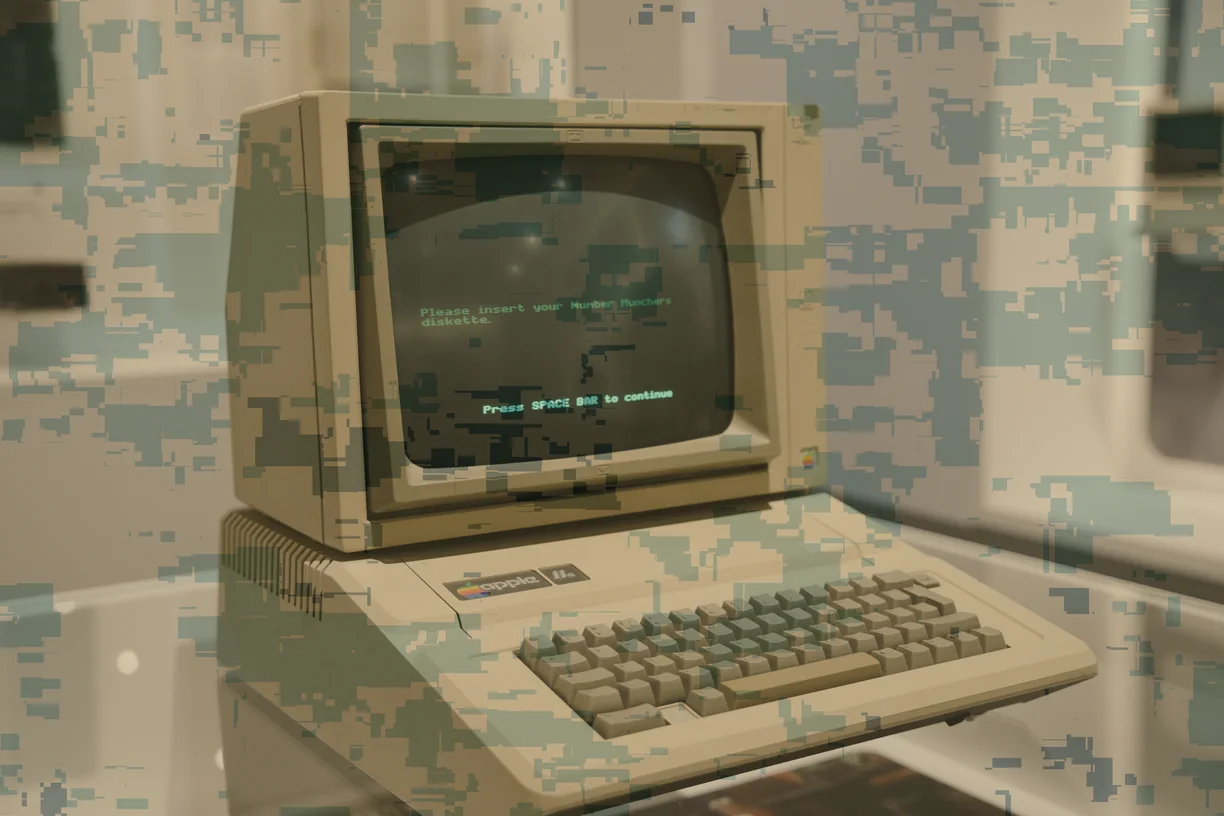
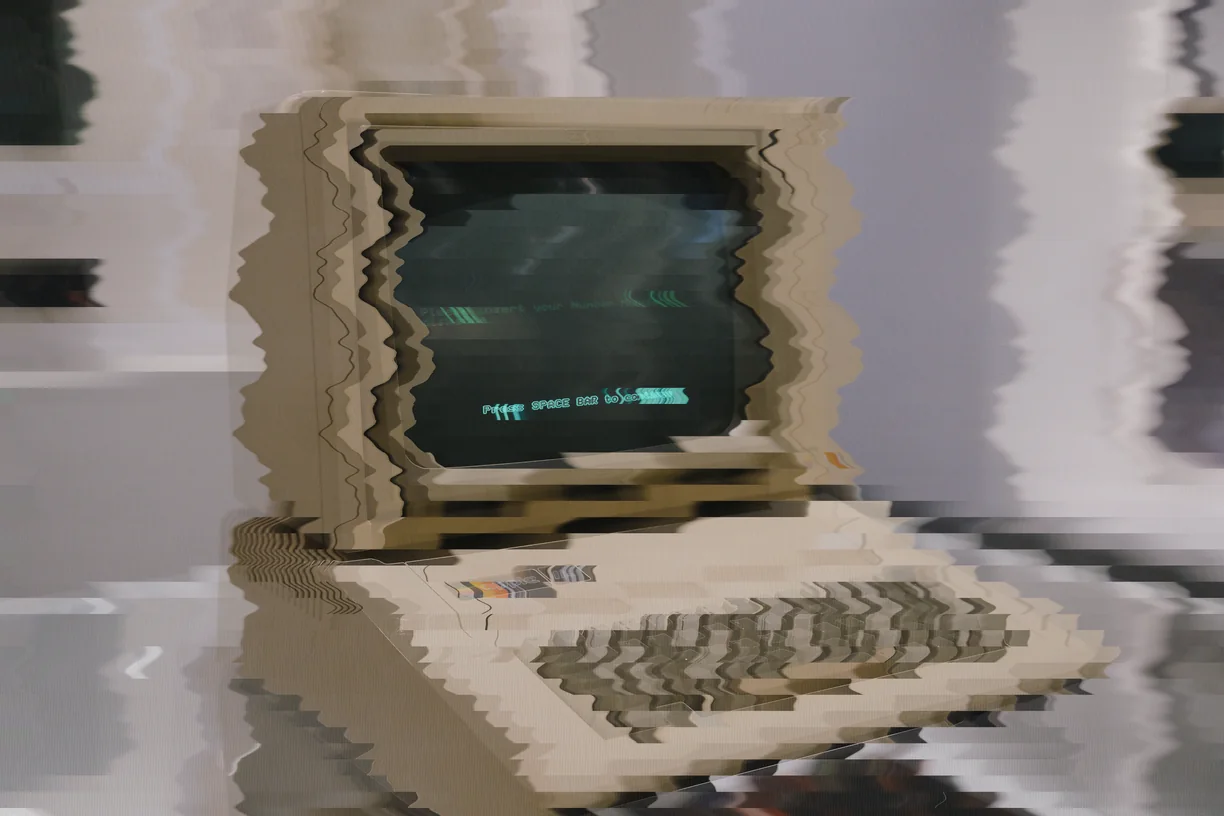
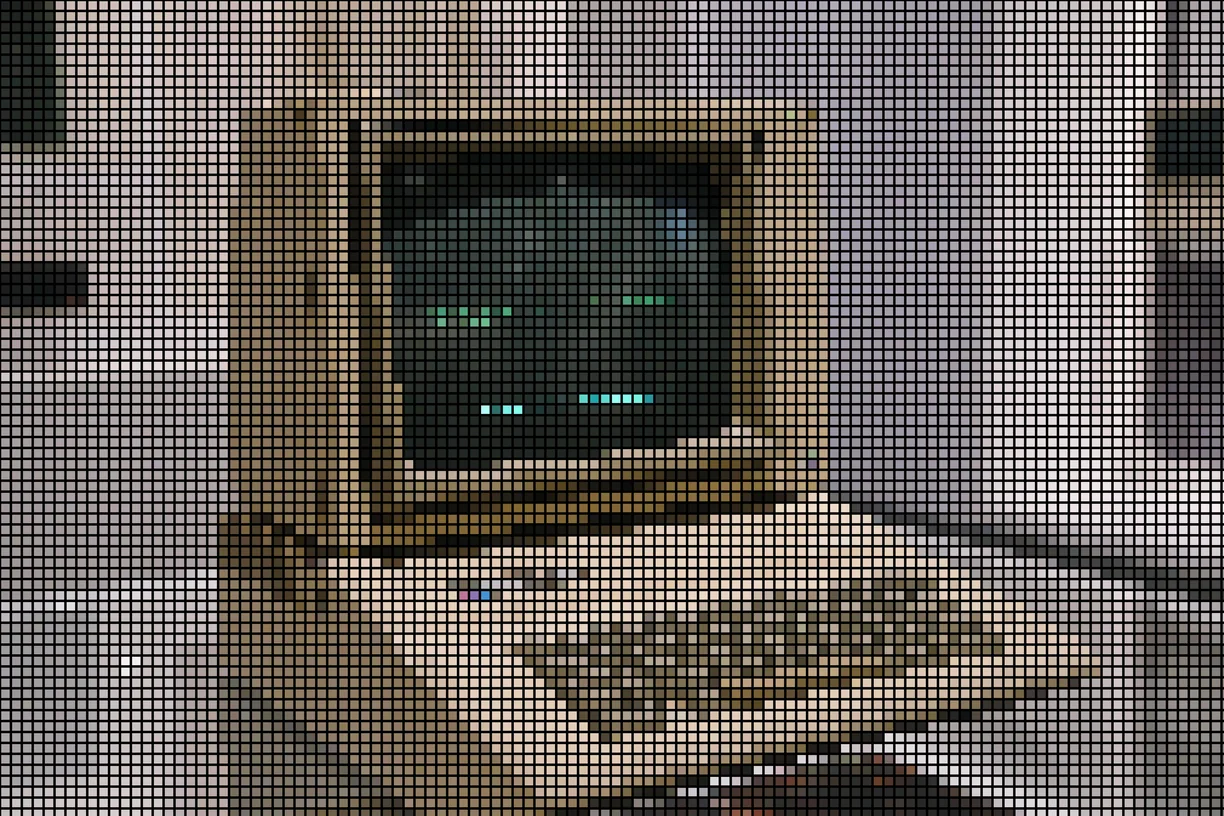
Each preview is the same source photograph with that one effect applied at its default settings. In the editor every one of them has its own full set of controls.
-
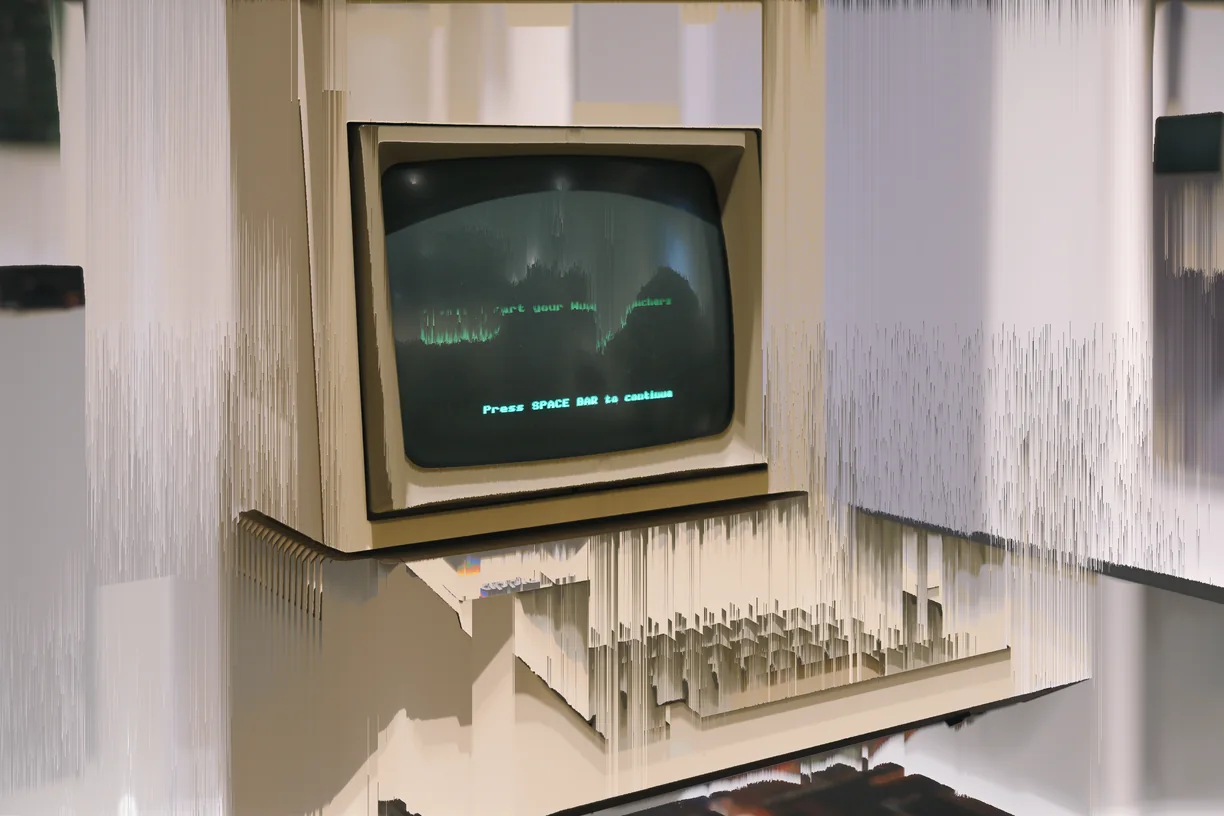
Pixel Sort
-
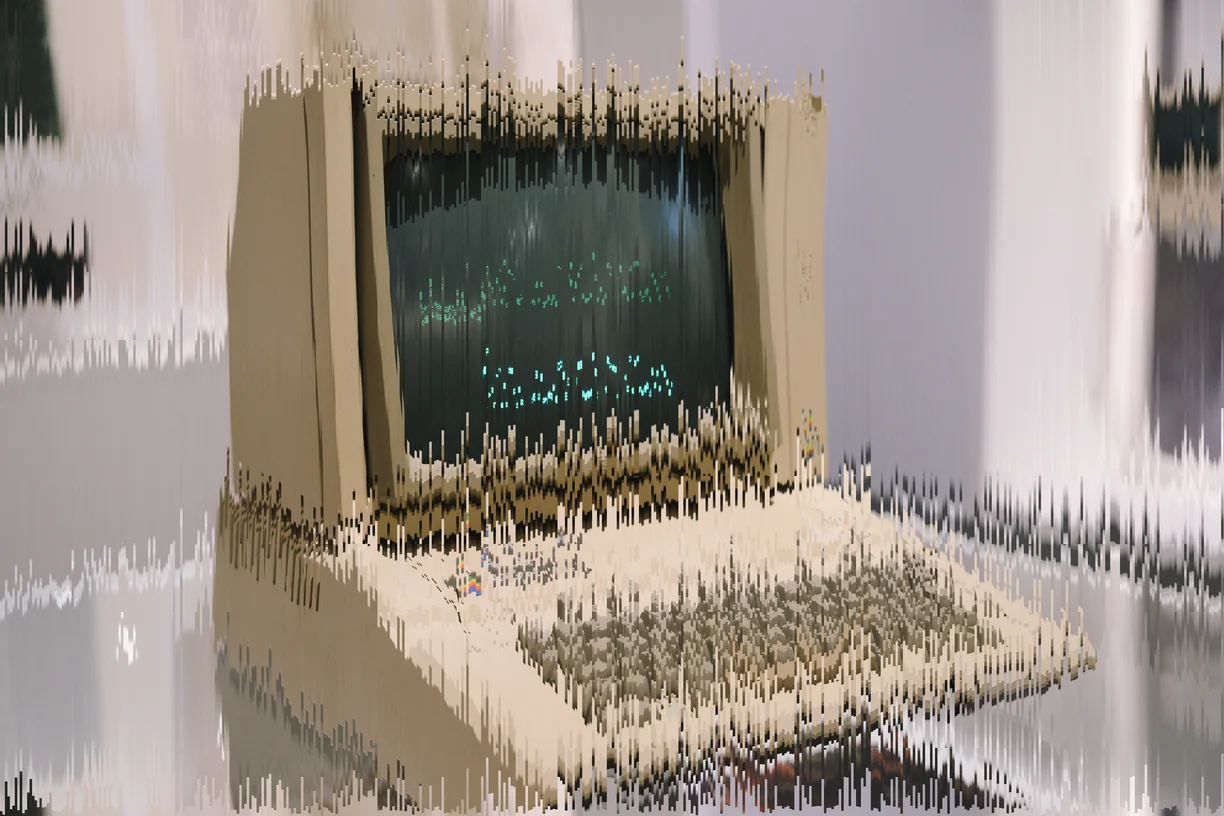
Melt & Drip
-
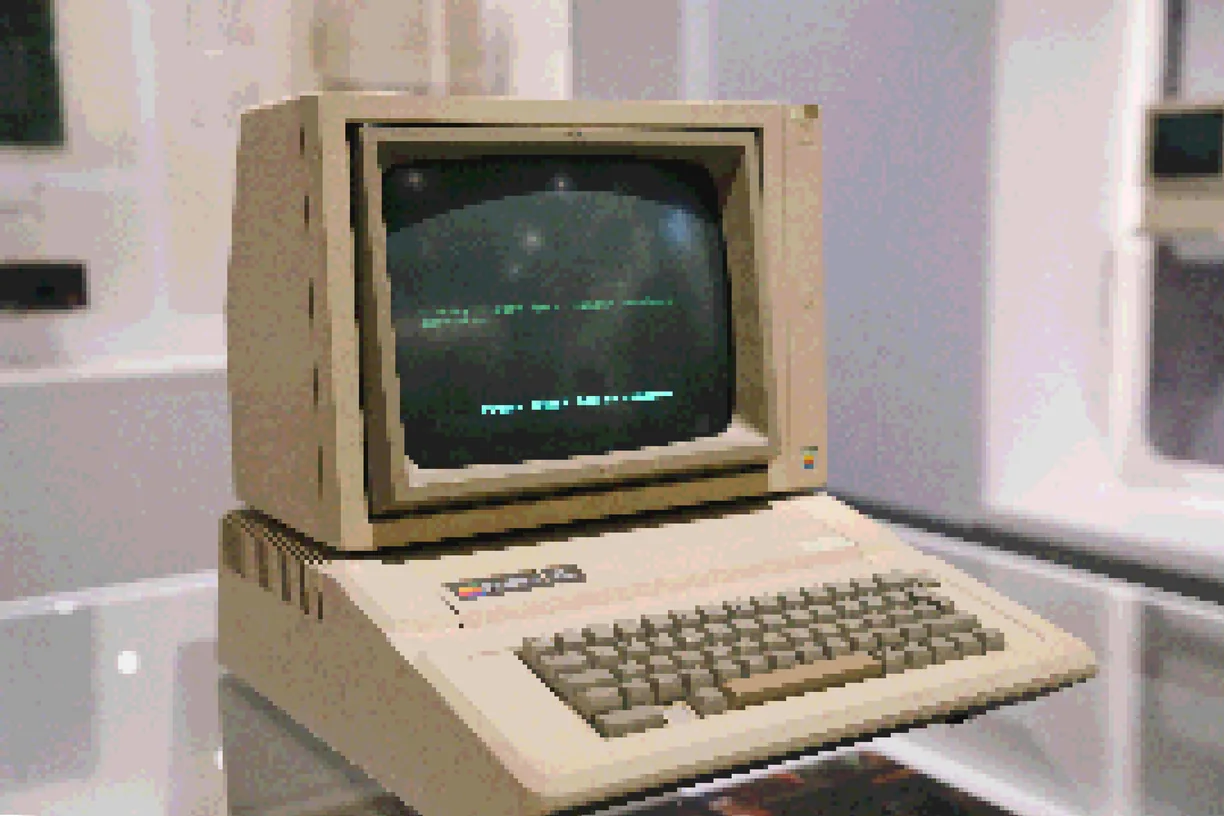
Pixelate
-
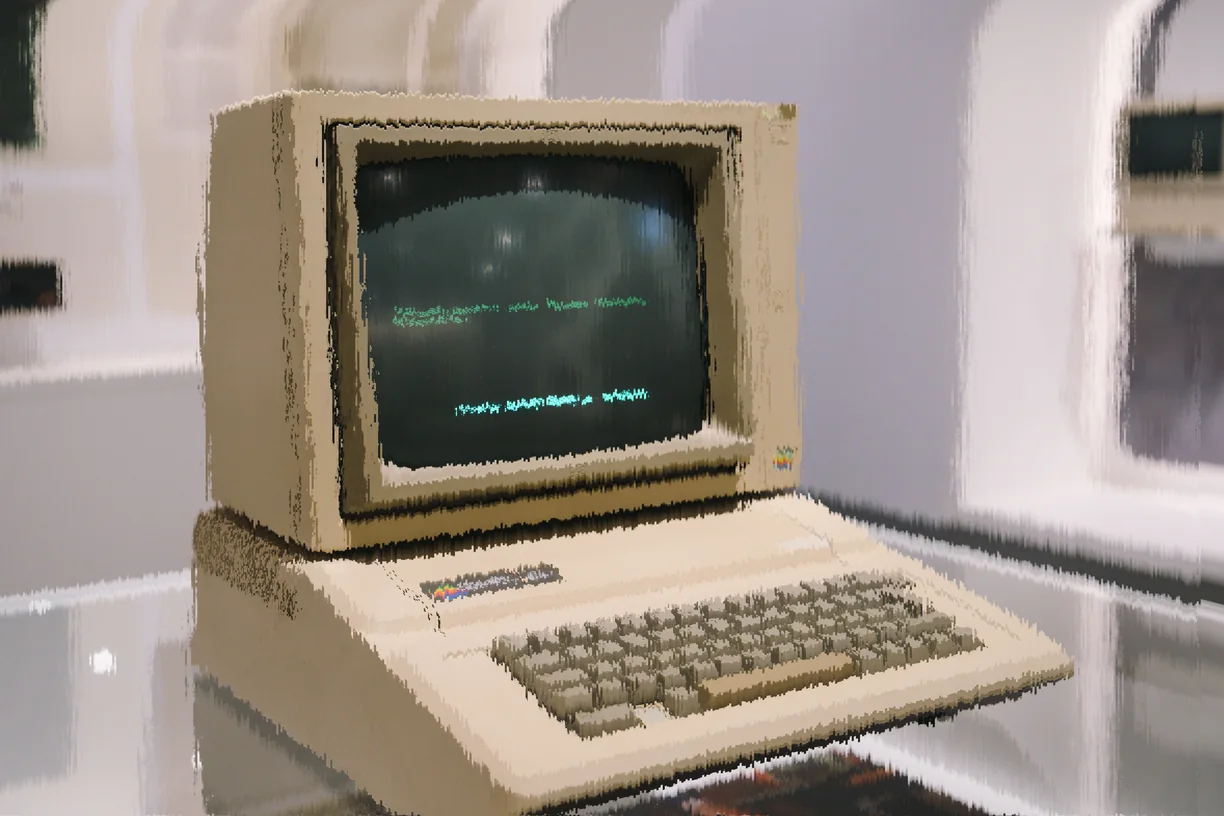
Macroblock Drift
-
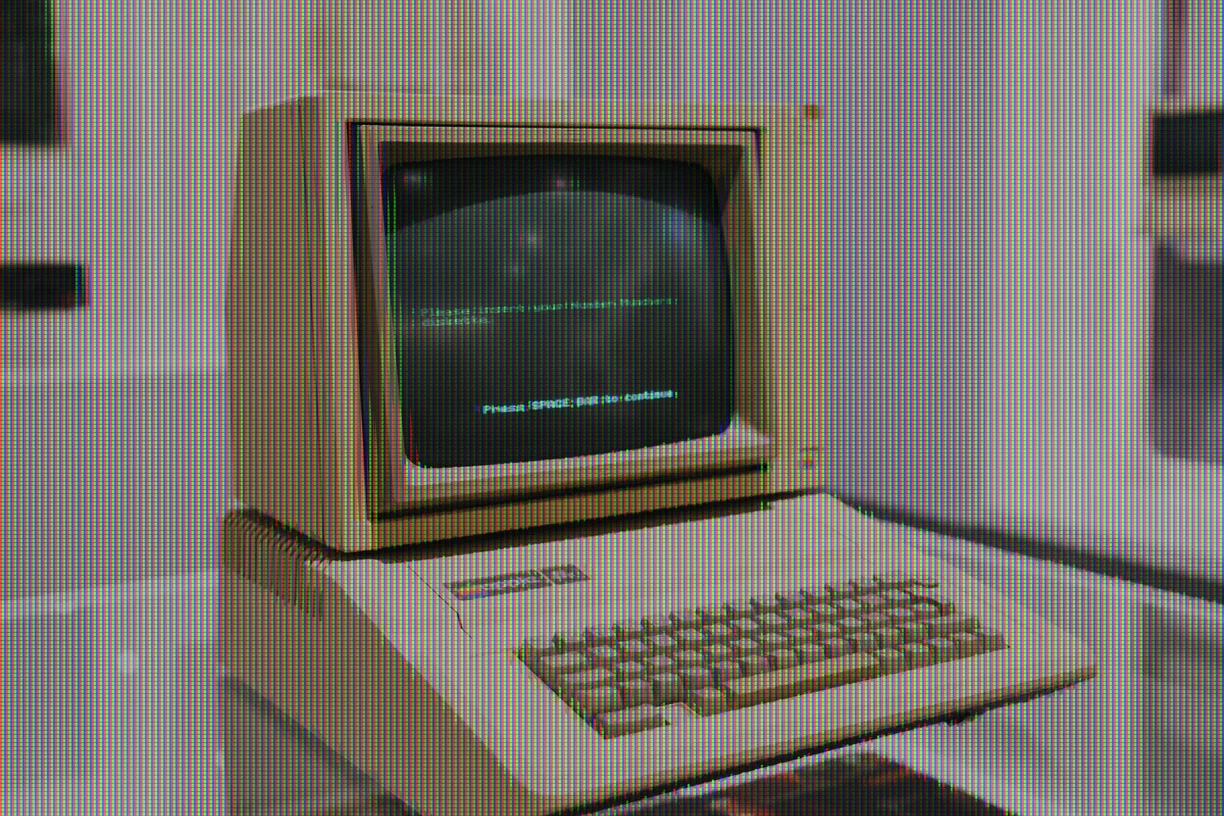
Subpixel Corruption
-
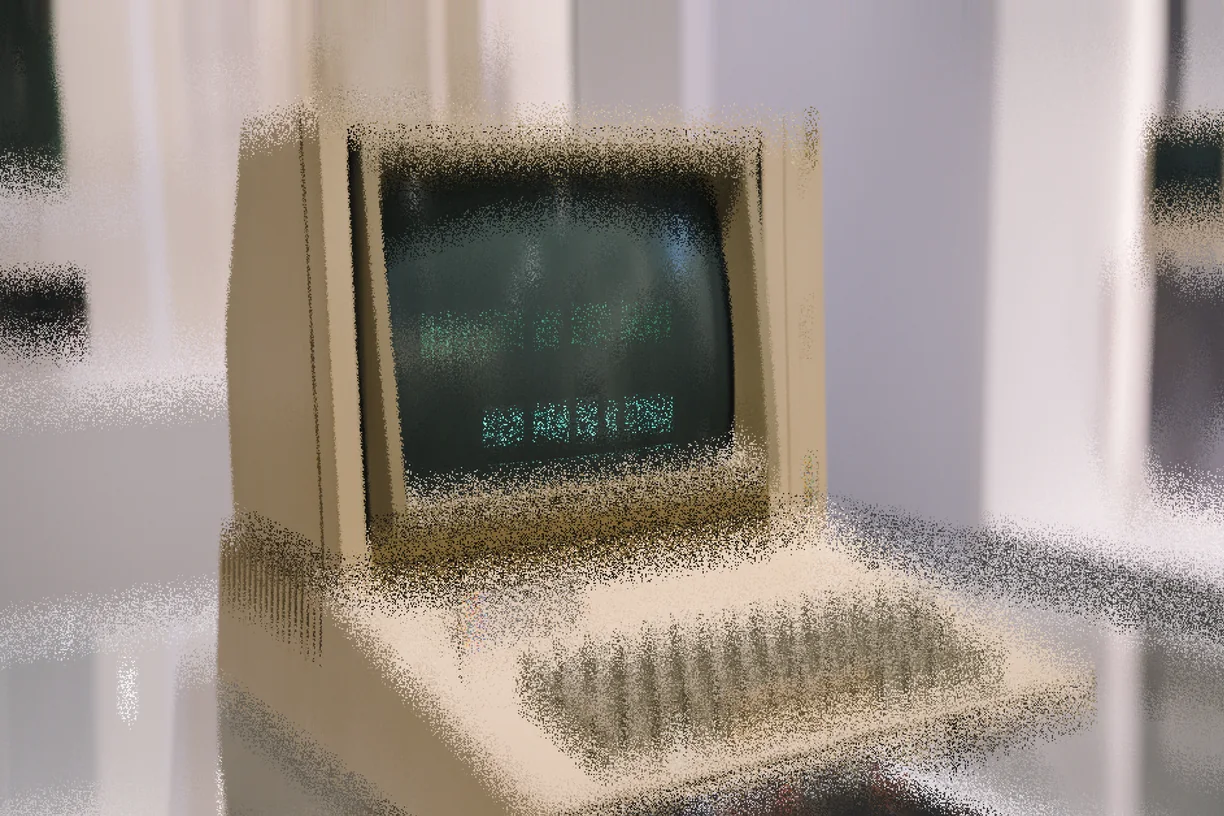
Sandstorm Dispersion
-
Blur
-
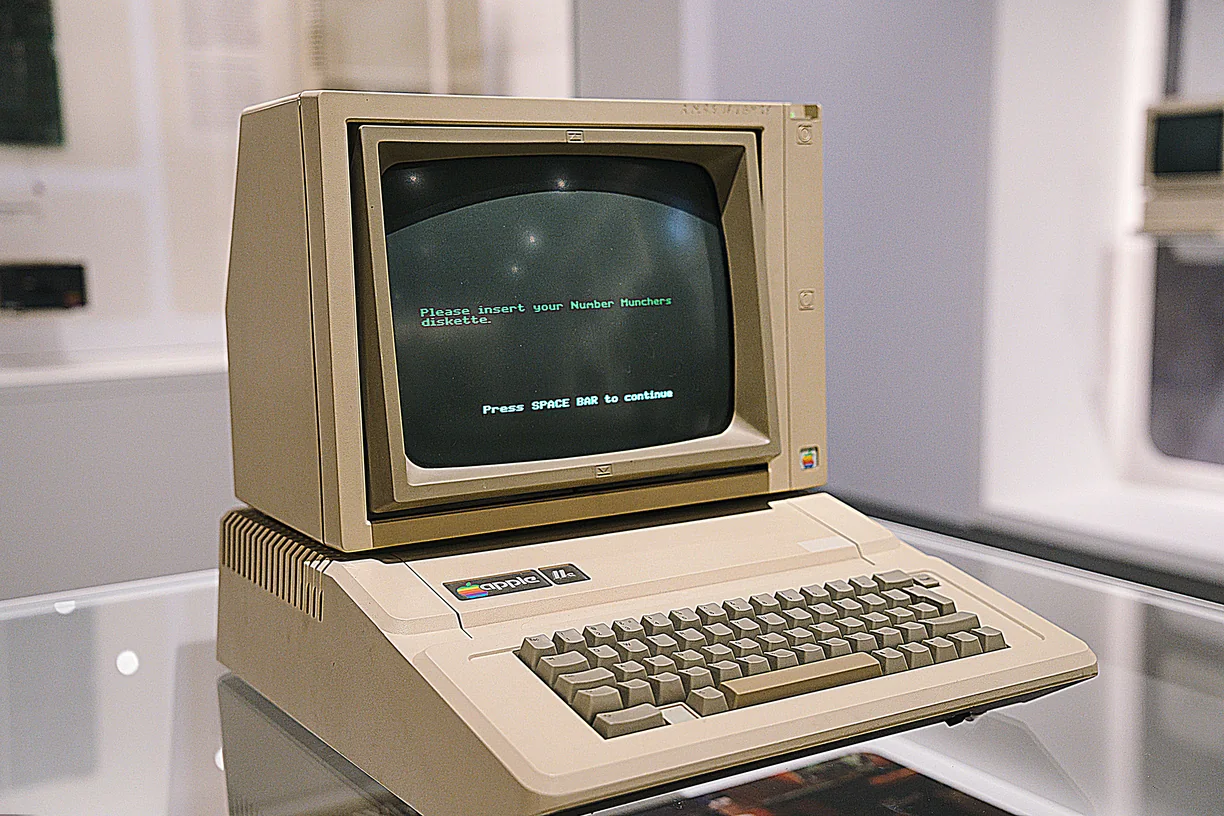
Sharpen
-
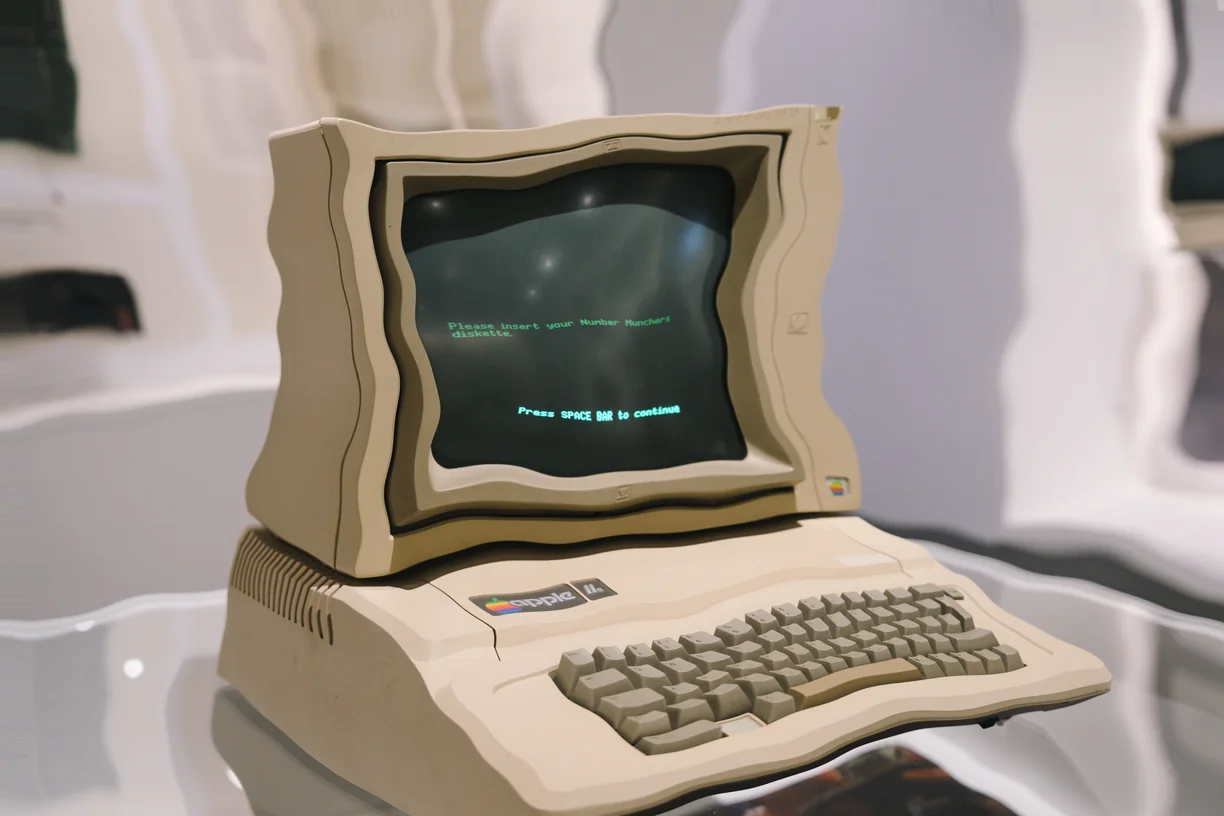
Fluid Dynamics
-
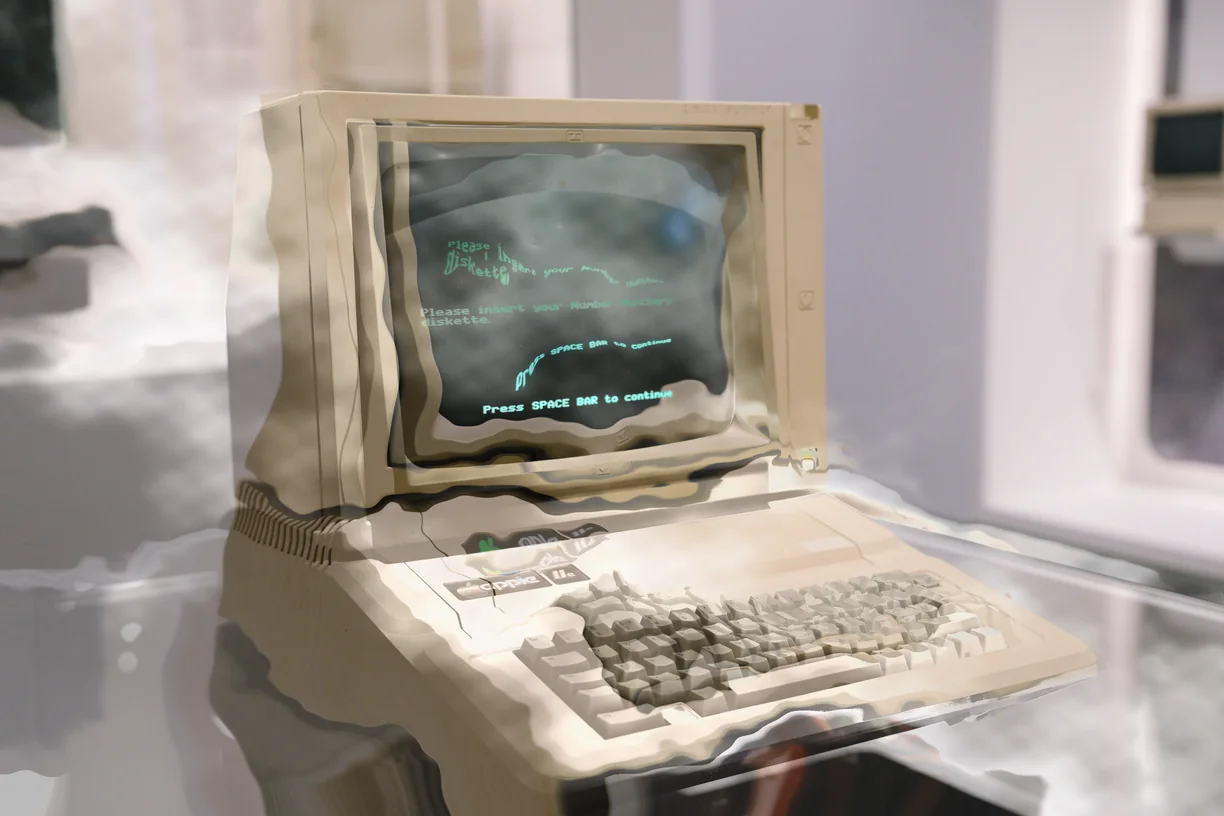
Phase Transition
-
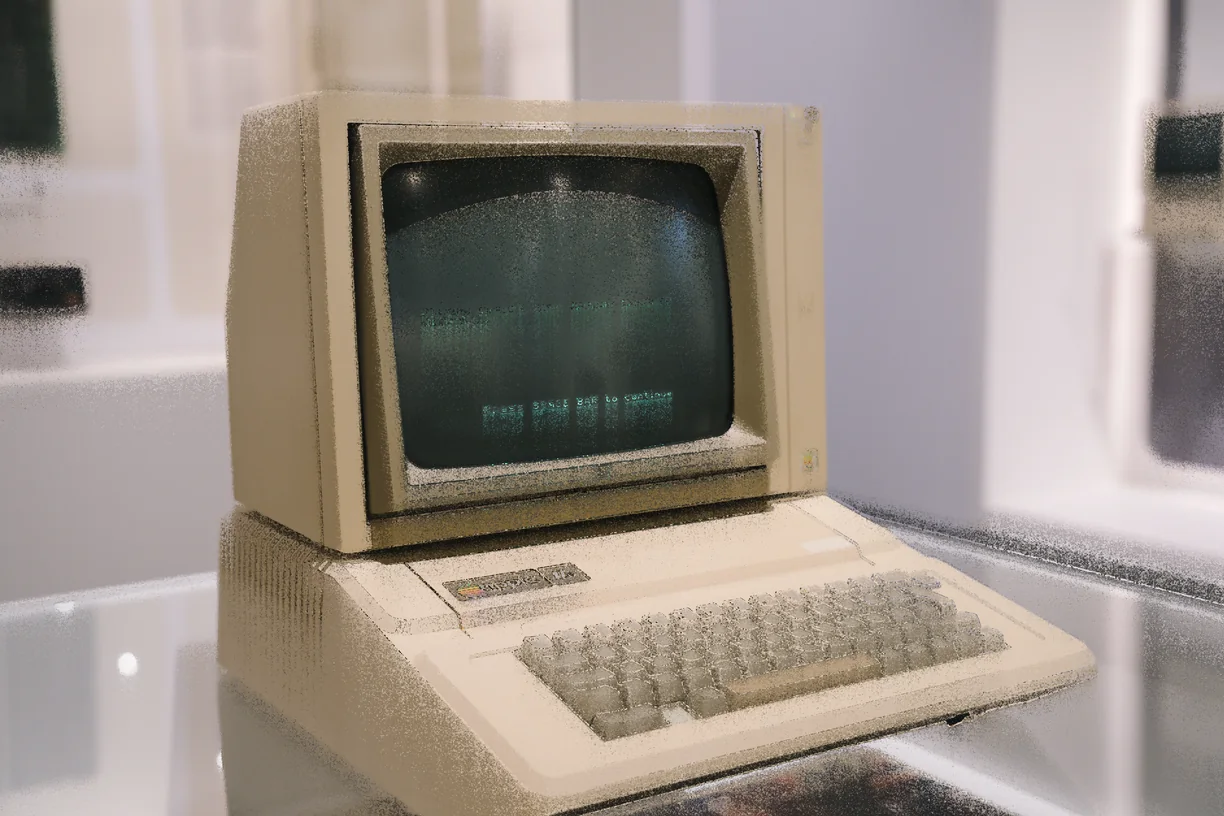
Particle Erosion
-
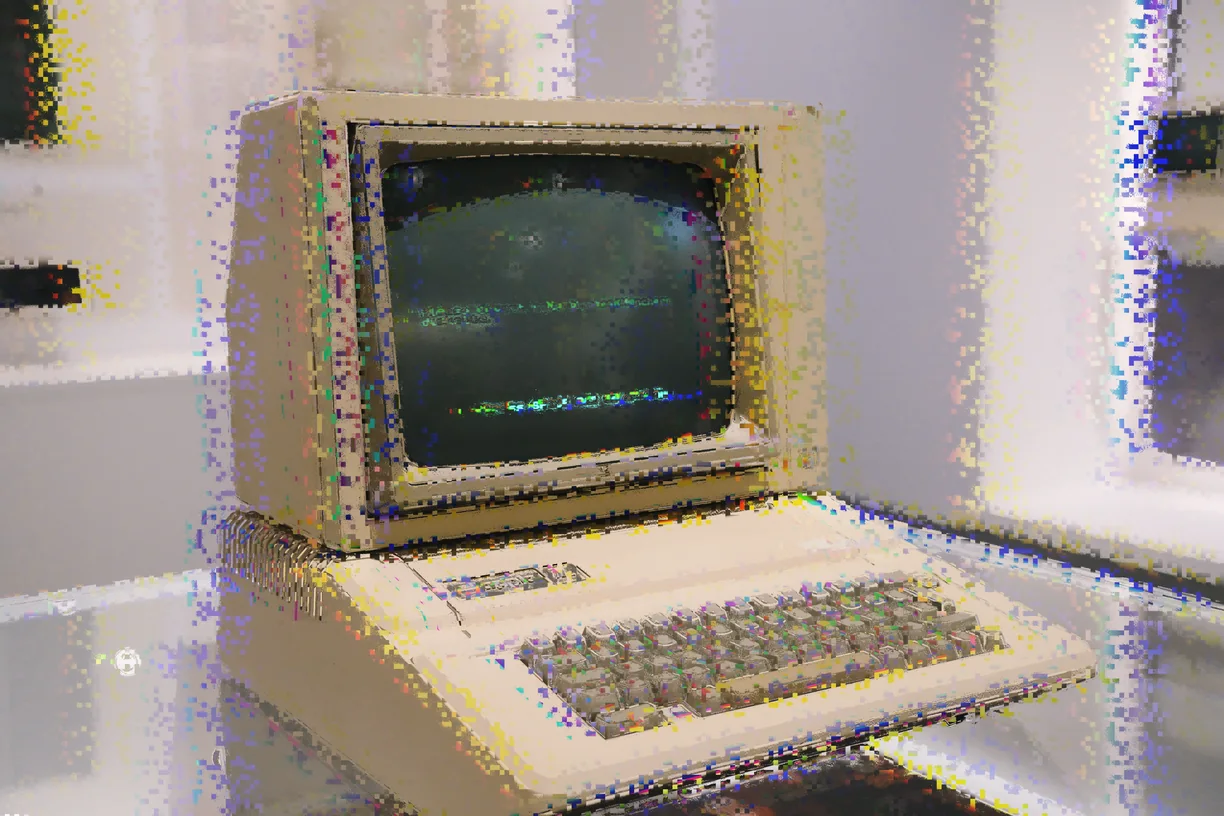
Datamosh Freeze
-
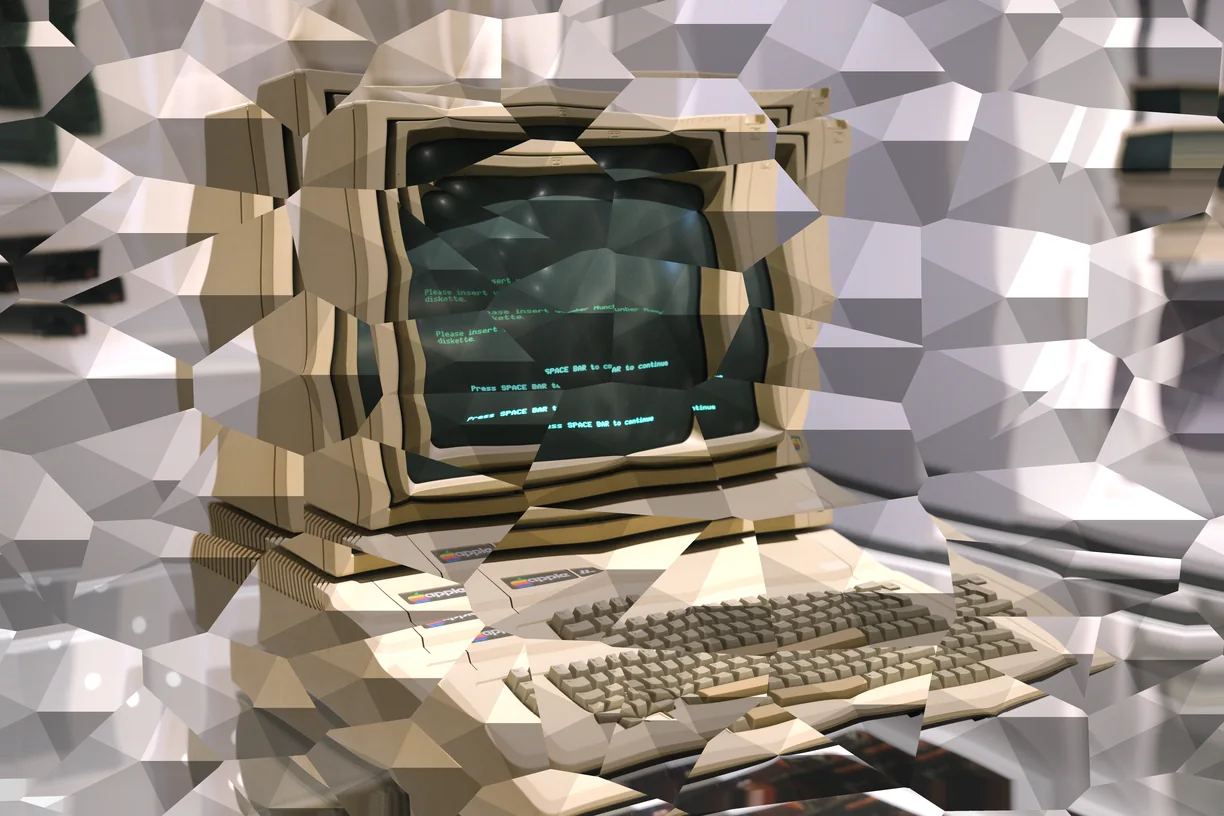
Crystal Growth
-
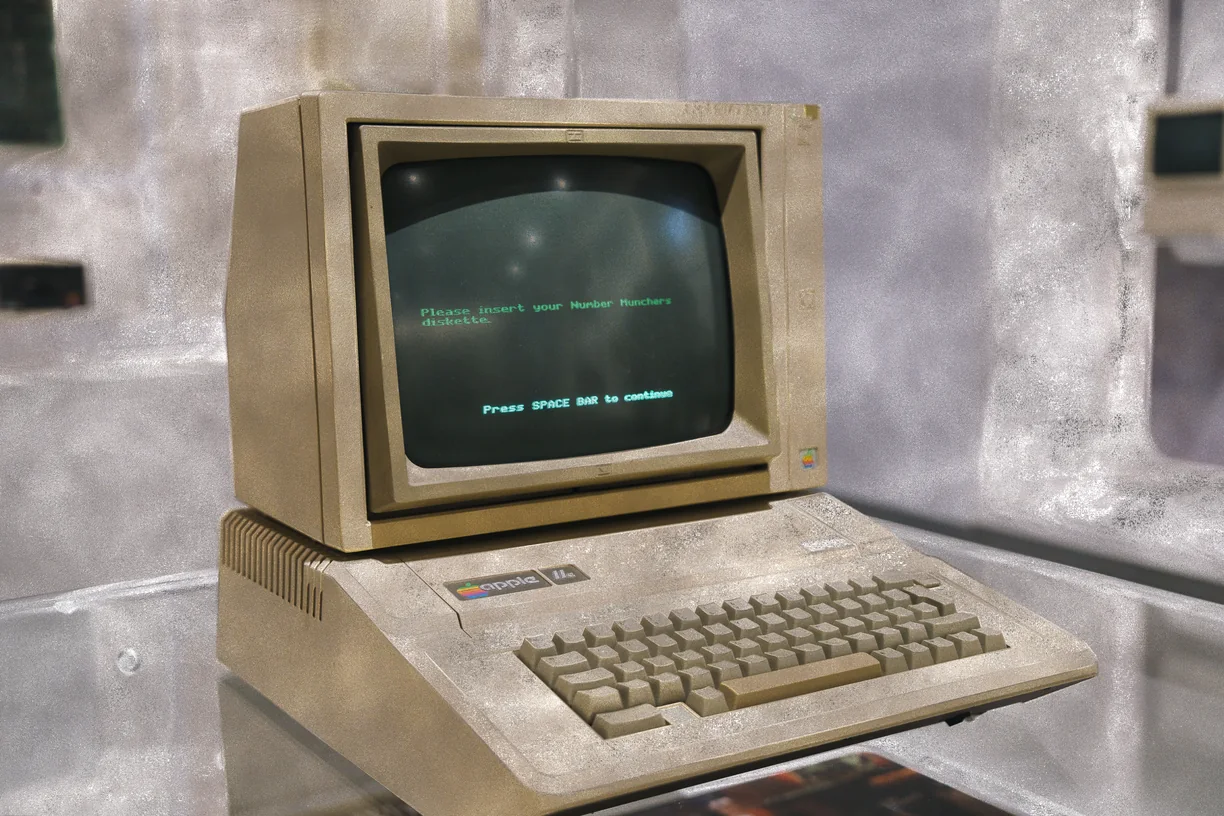
Reaction Diffusion
-
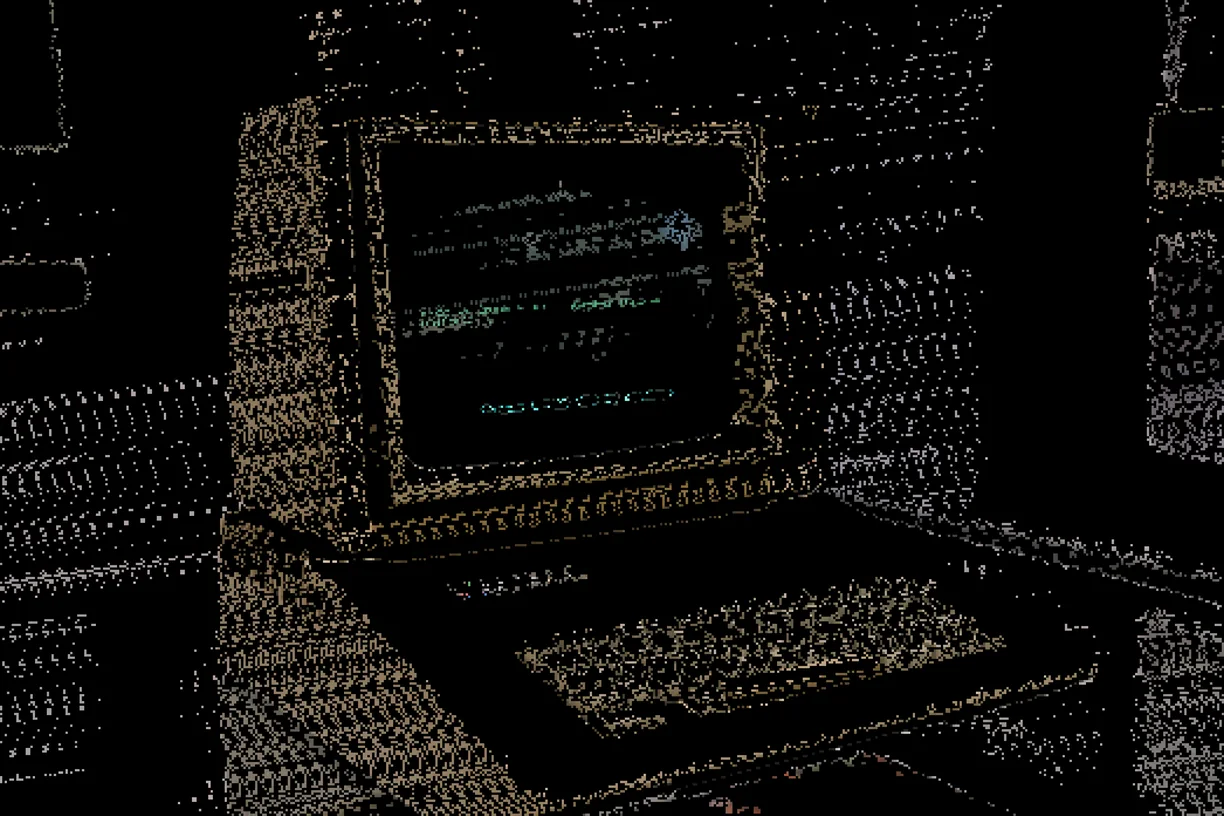
Cellular Automata
-
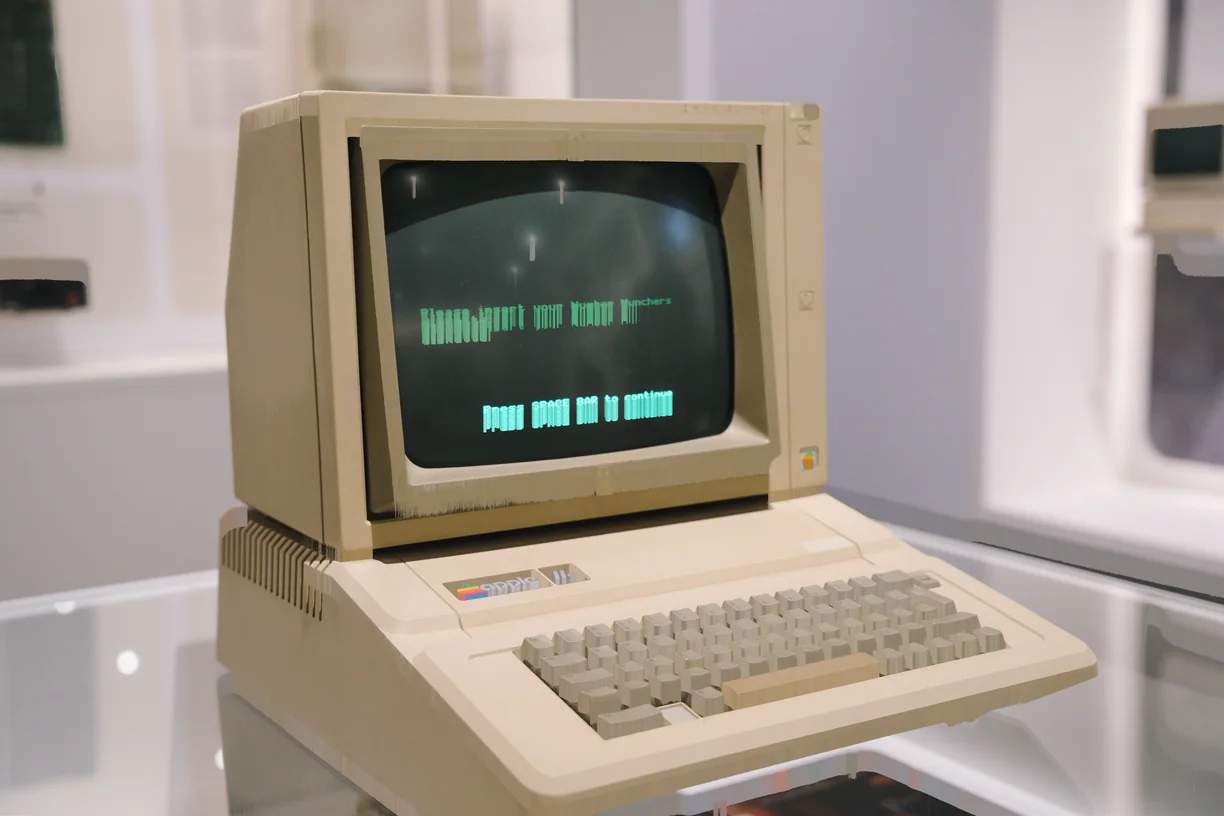
Falling Sand
-
Digital Camouflage
-
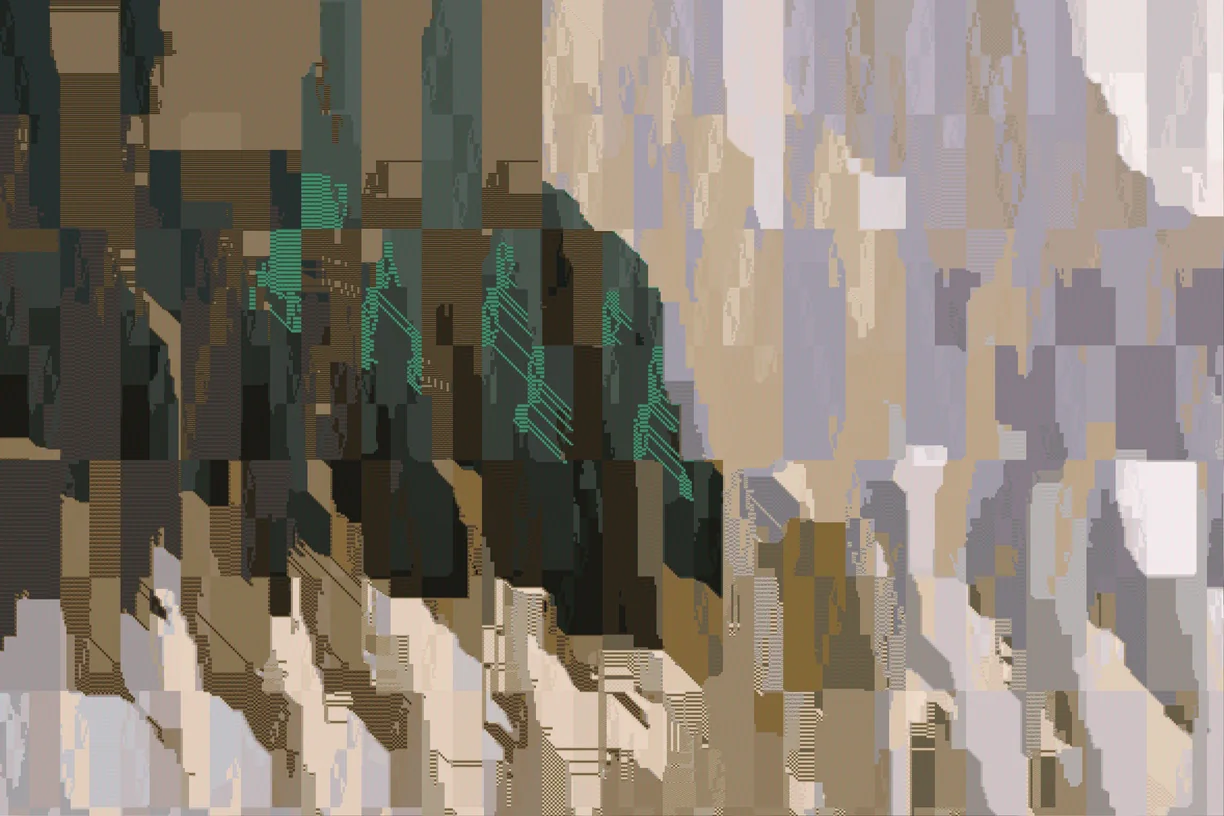
Image Collapse
-
Reconstruction Bloom
-
Mosaic Cells
-
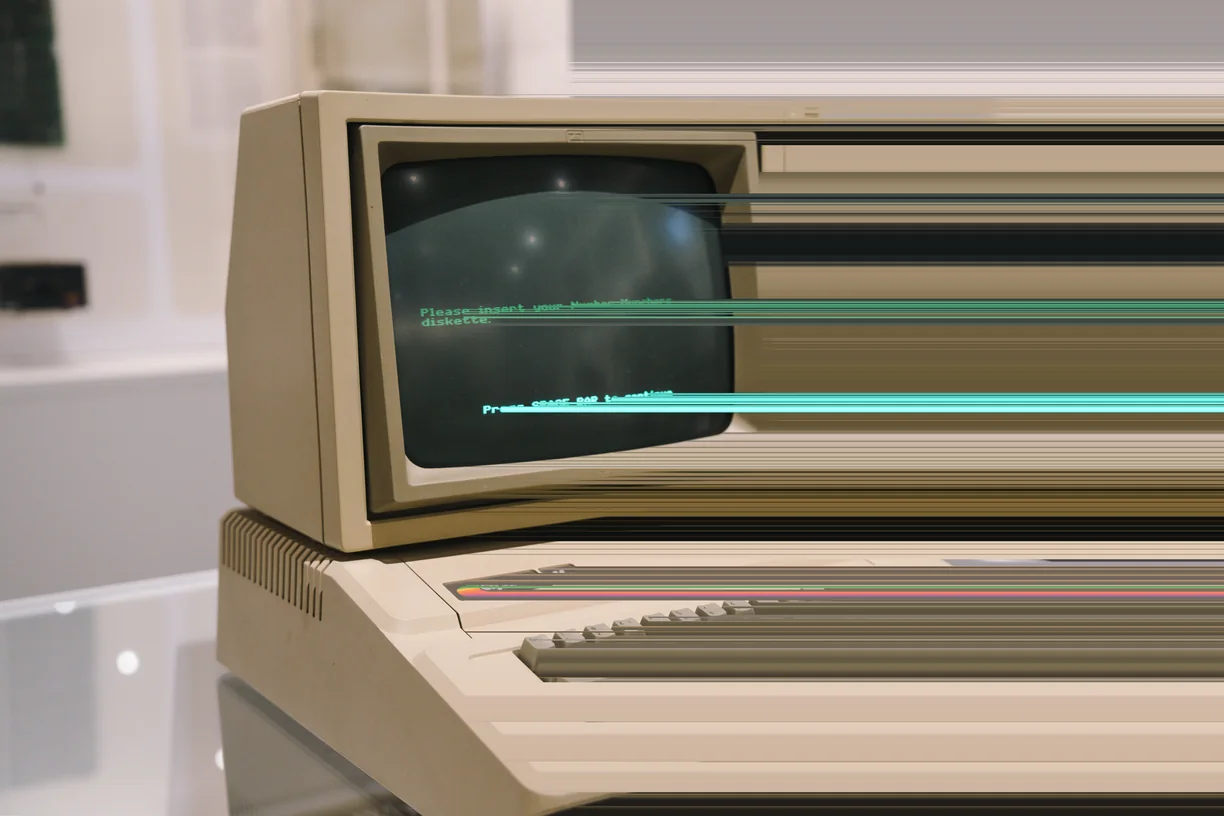
Pixel Stretch
-
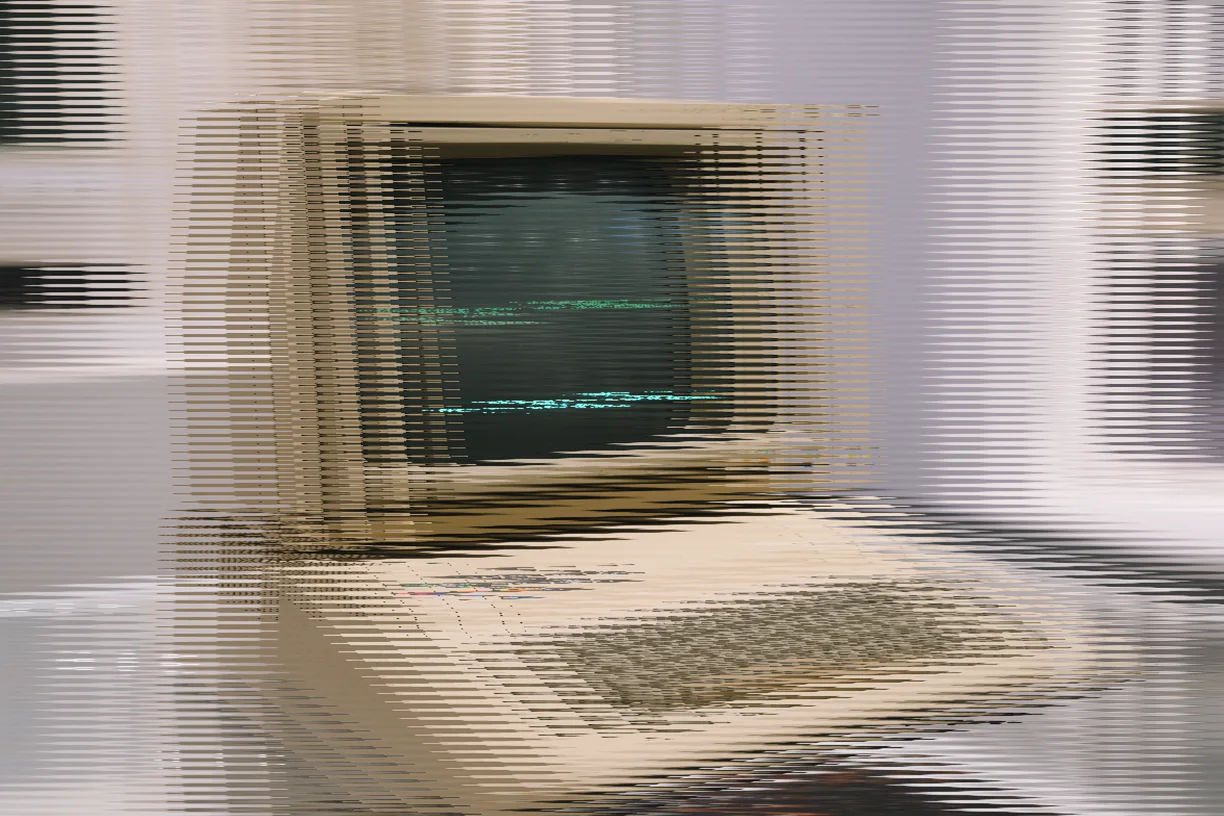
Wave Slice
How these work in the editor
- Stack them. Effects run in order down a stack, and the order changes the result - a sort after a warp is not the same picture as a warp after a sort.
- Mask them. Any effect can be limited to part of the image by brightness, hue, saturation, detail, color key or gradient, or driven by a depth, edge, flow or segmentation map read from the image itself, another layer, or a file you upload.
- Paint them in. Soft erase and restore brushes take an effect out of the places you do not want it, on one effect or the whole stack.
- Animate them. Any slider can be driven by sine, triangle, saw, ramp or hold motion, and exported as a clip that loops seamlessly.
- Use them on video. Bring in MP4, WebM or MOV of any length and export WebM at up to 60 fps with the original audio carried through.