16 effects
Kaleidoscope, Droste & Warp
Where the glitch category cuts the image, this one bends the space it sits in. Kaleidoscope reflects a wedge of the picture around a center; Droste Spiral nests the image inside itself so it recurs forever; Fractal Zoom and Hyperbolic Tiling map it onto geometries that have no flat equivalent, and Mobius Projection onto a surface with one side.
The gentler ones are lenses. Lens Deform, Perspective Tilt, Gravitational Lensing, Glass / Chrome and Ripple all pretend something is between the camera and the subject - a bad lens, a sheet of glass, a mass heavy enough to bend light, water. Voronoi and Tile Grid break the frame into cells and treat each one separately.
Video Feedback is the one to reach for on a clip: it re-reads its own previous output, which is what a camera pointed at its own monitor does, and it builds up over time rather than appearing all at once. Any of these can be animated on a slider and exported as a clip that loops.
Every warp effect
Each preview is the same source photograph with that one effect applied at its default settings. In the editor every one of them has its own full set of controls.
-
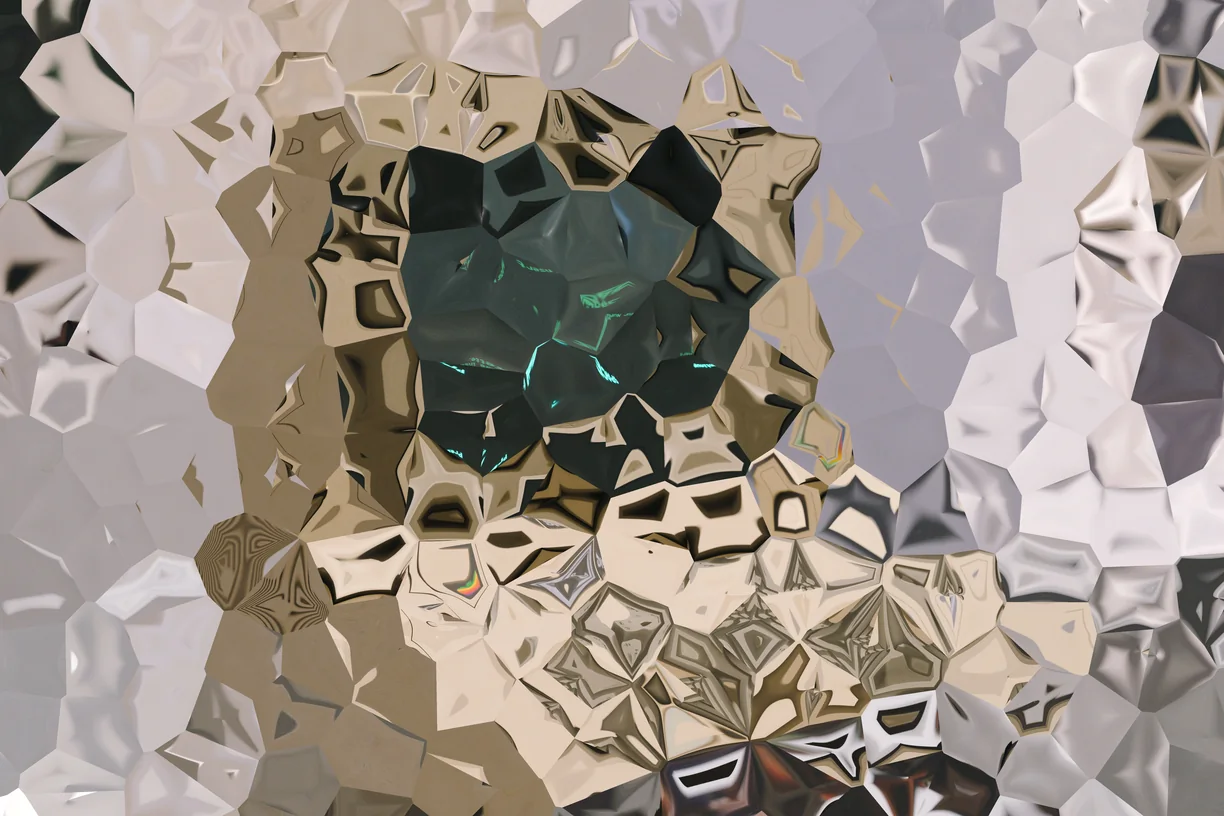
Voronoi
-
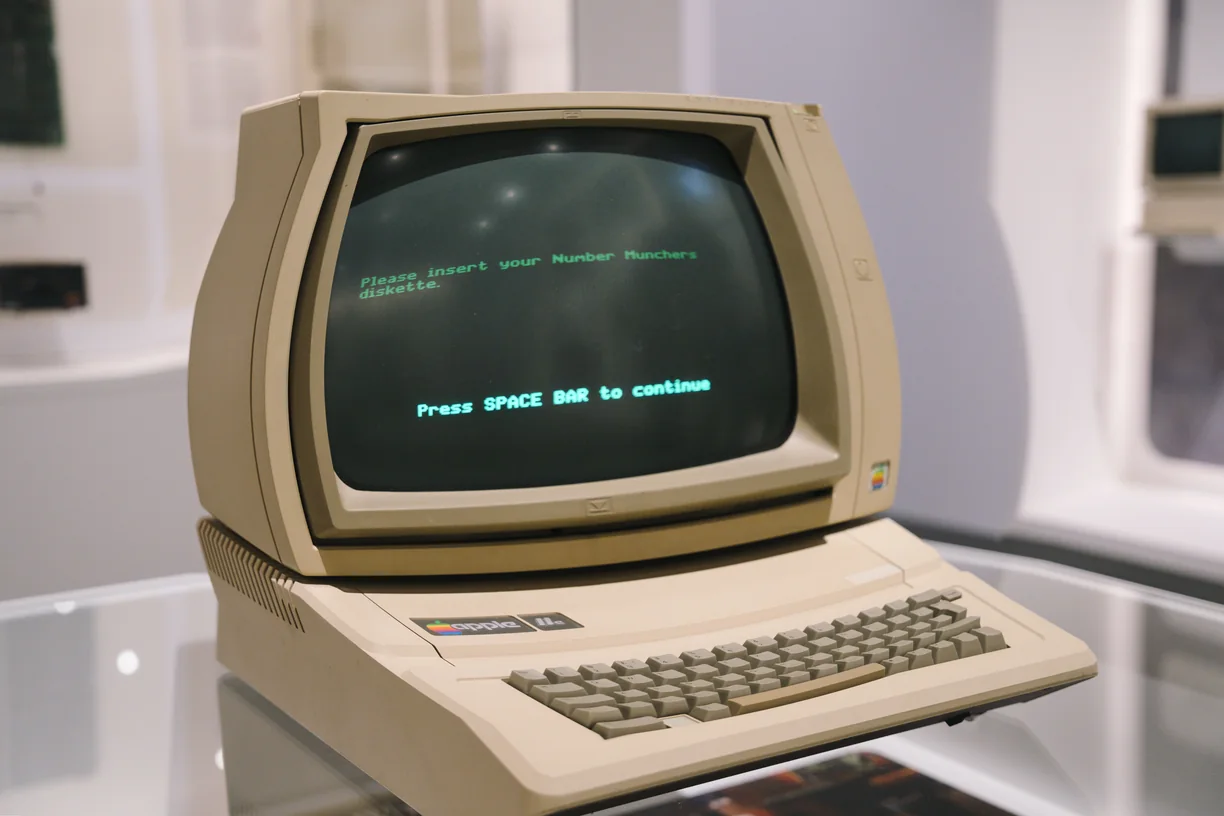
Gravitational Lensing
-
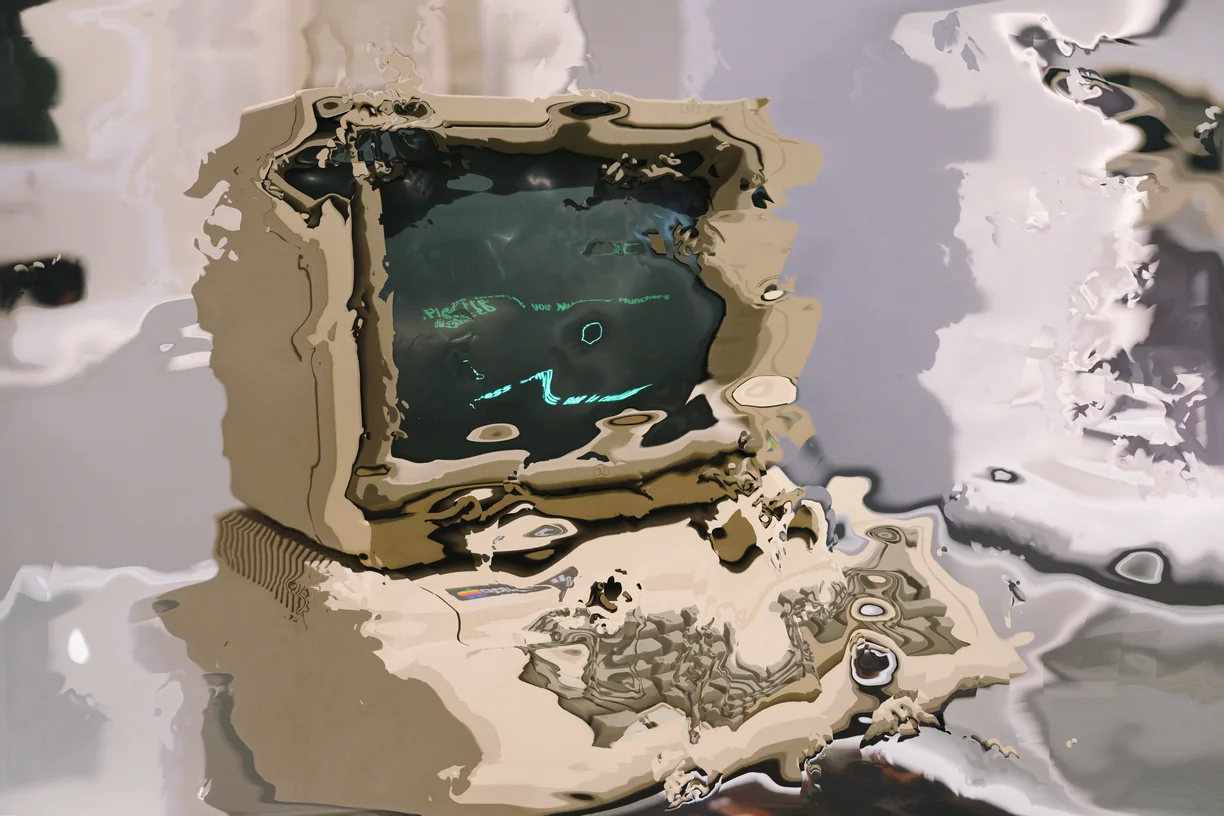
Glass / Chrome
-
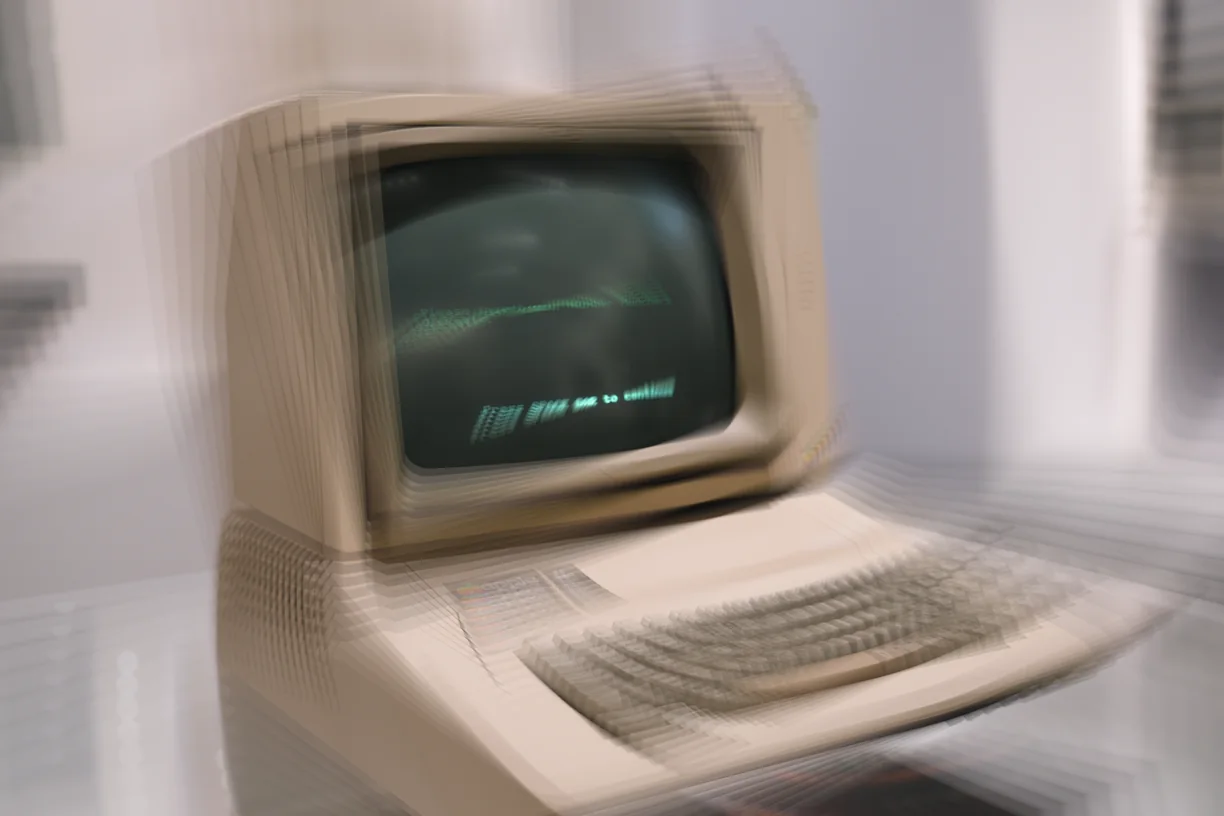
Video Feedback
-
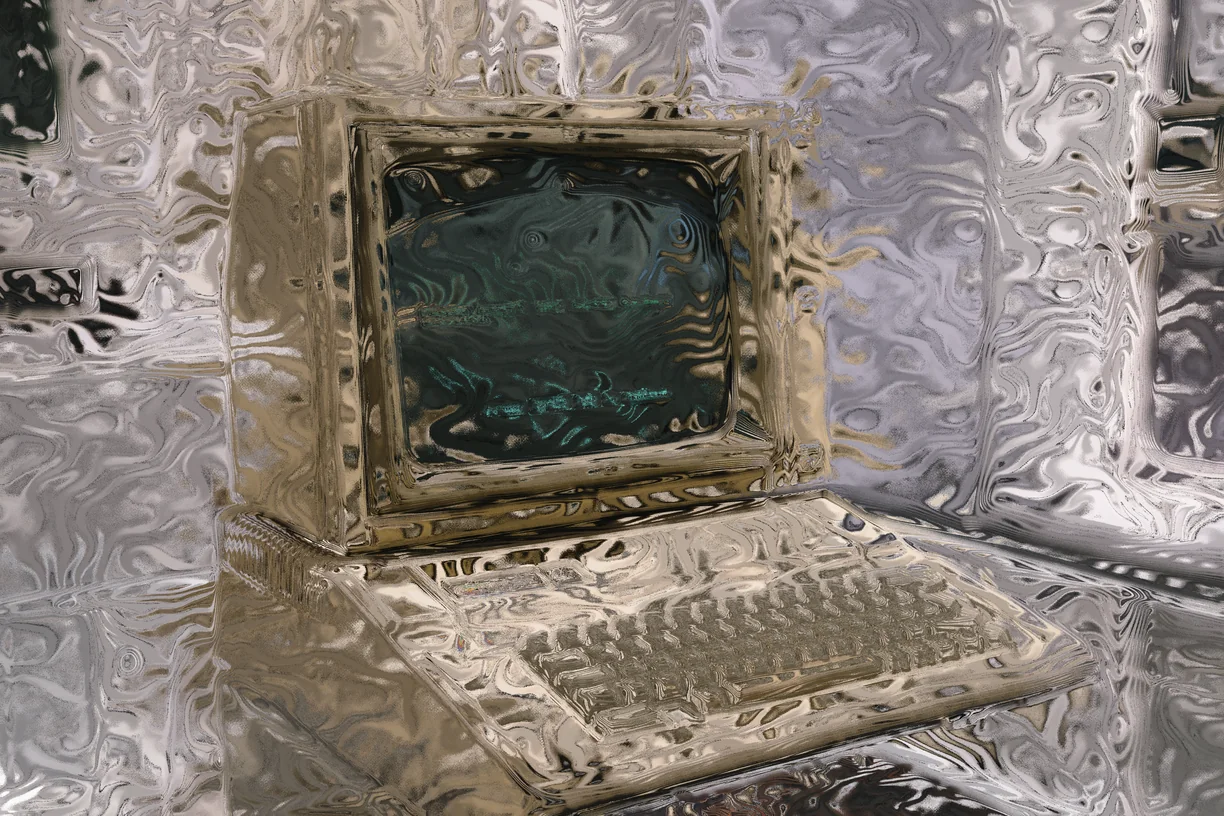
Topographic Contour Warp
-
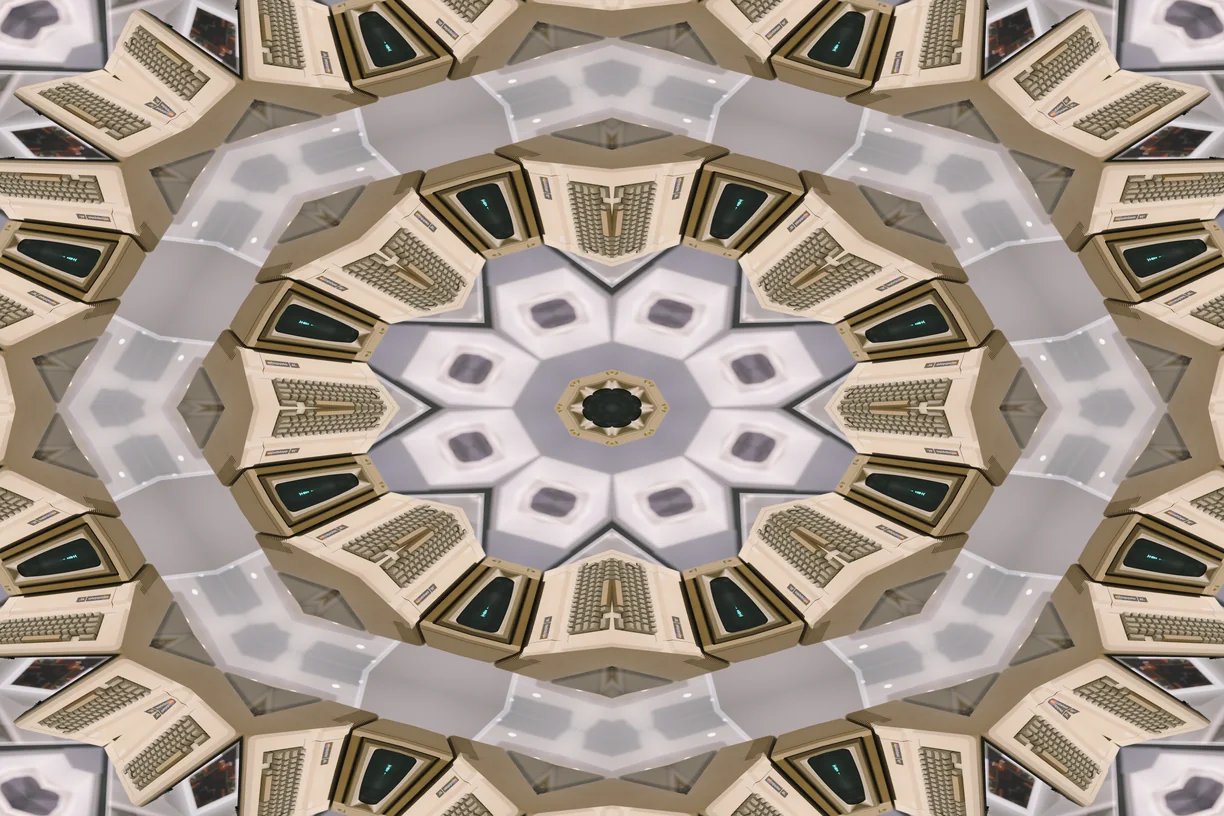
Kaleidoscope
-
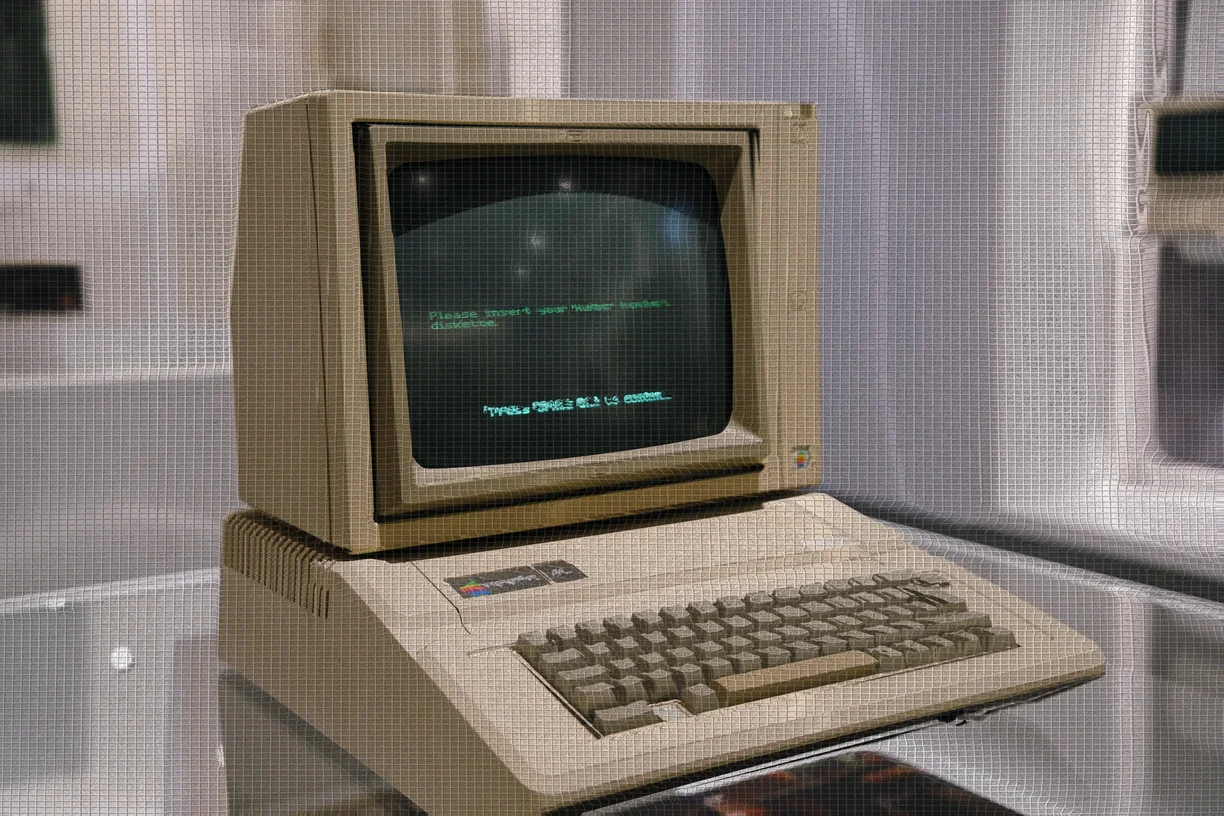
Digital Fabric
-
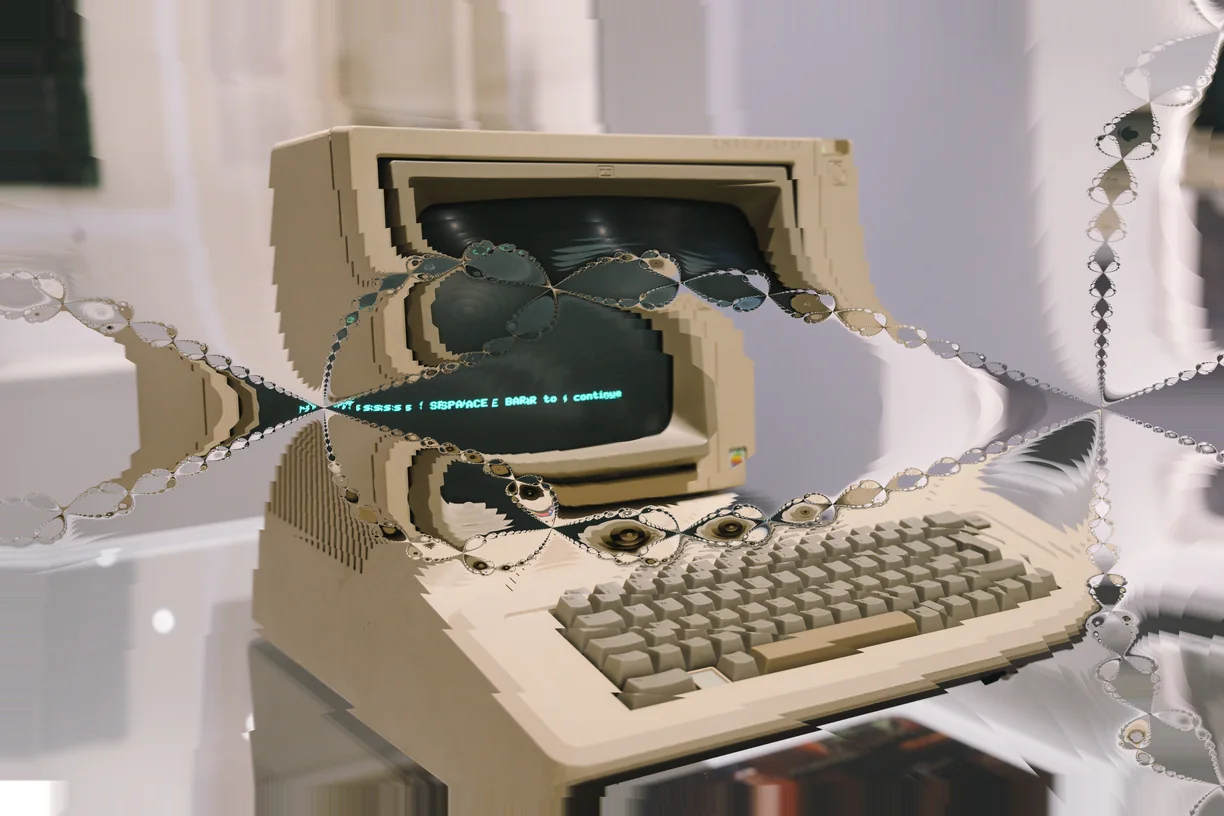
Fractal Zoom
-
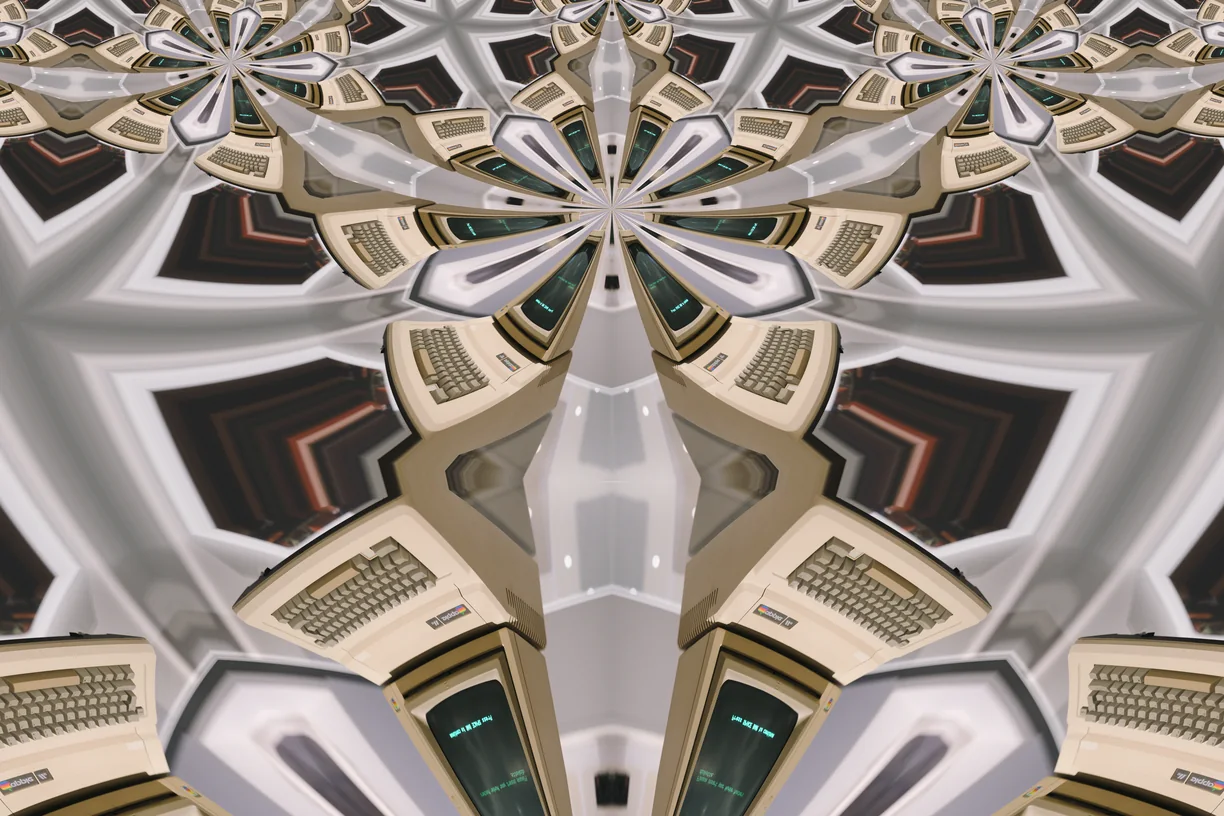
Hyperbolic Tiling
-
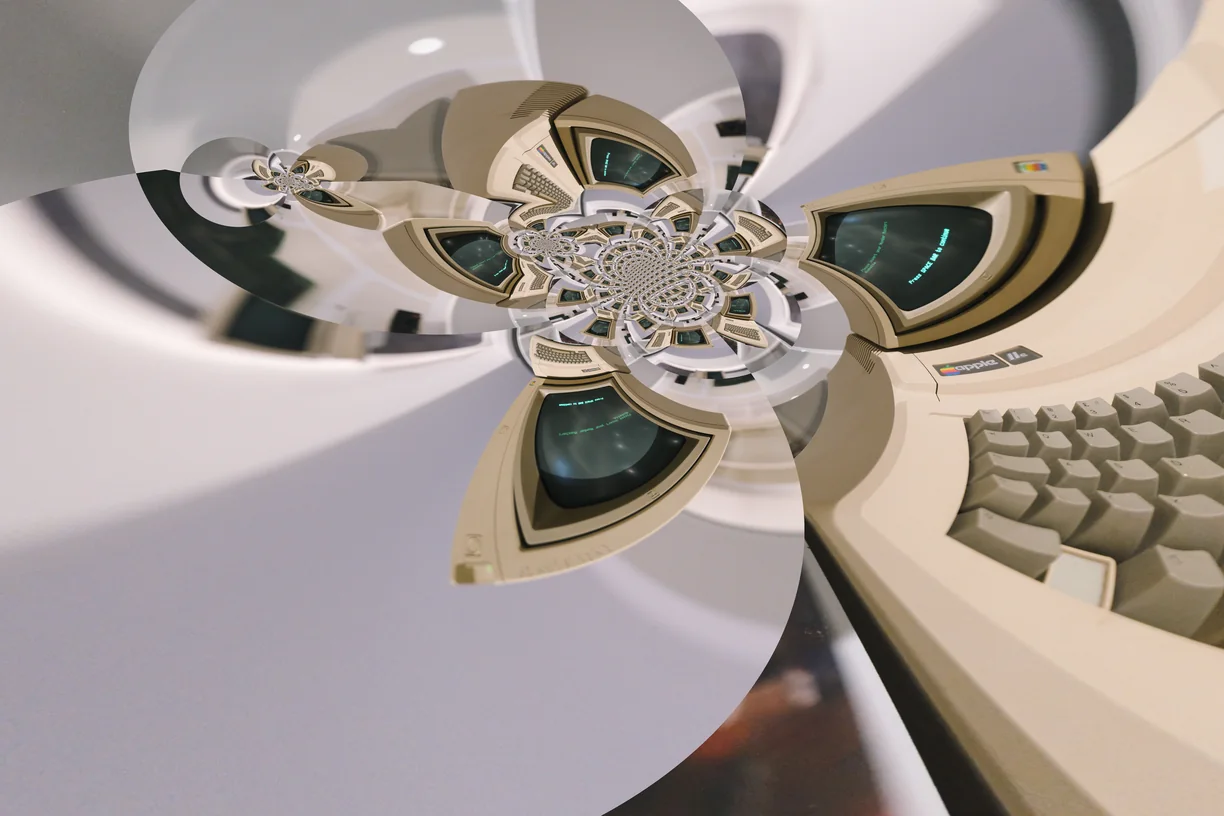
Mobius Projection
-
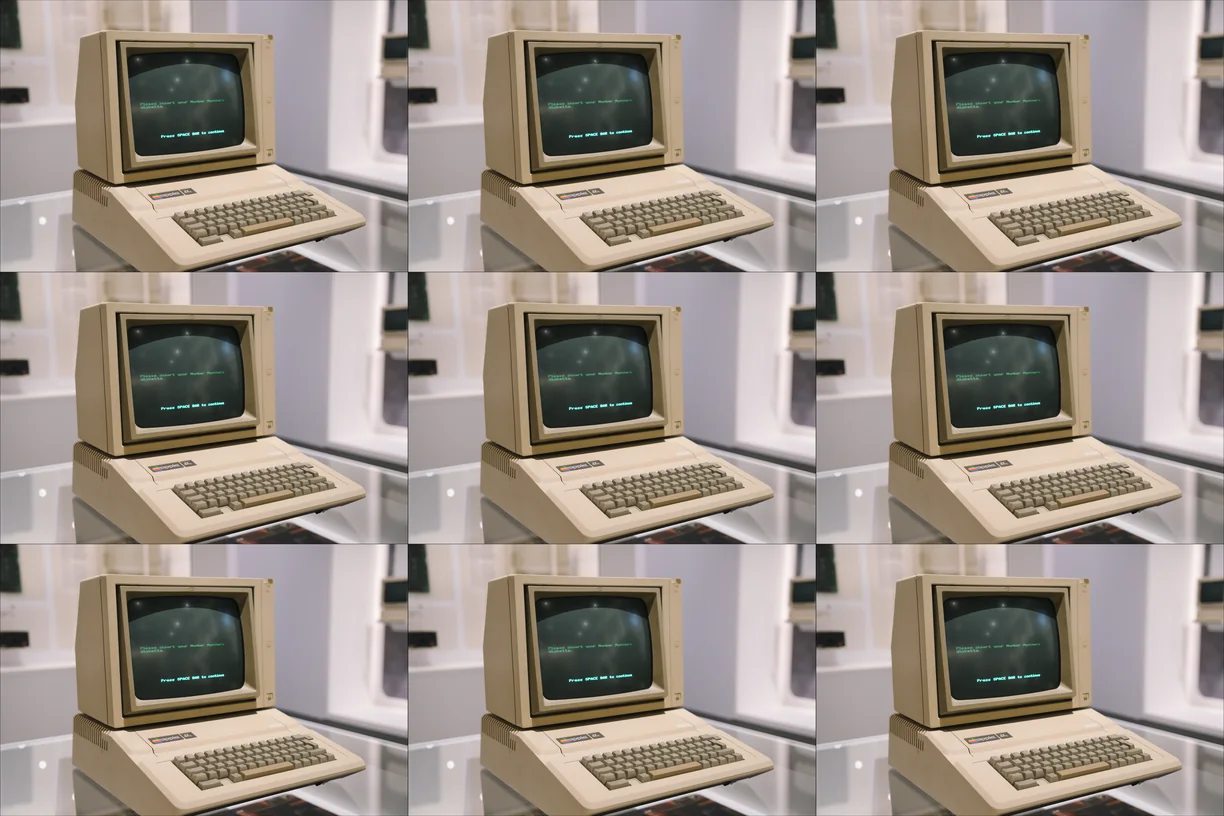
Tile Grid
-
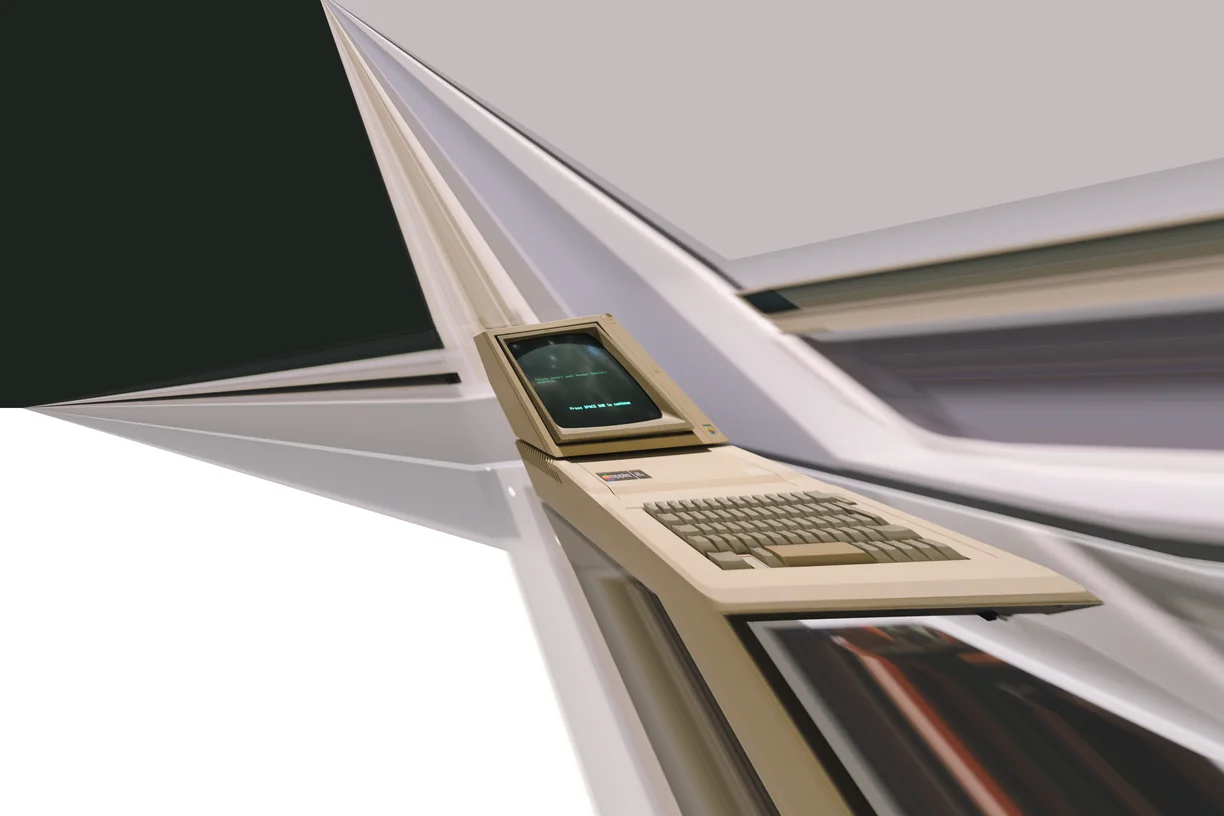
Perspective Tilt
-
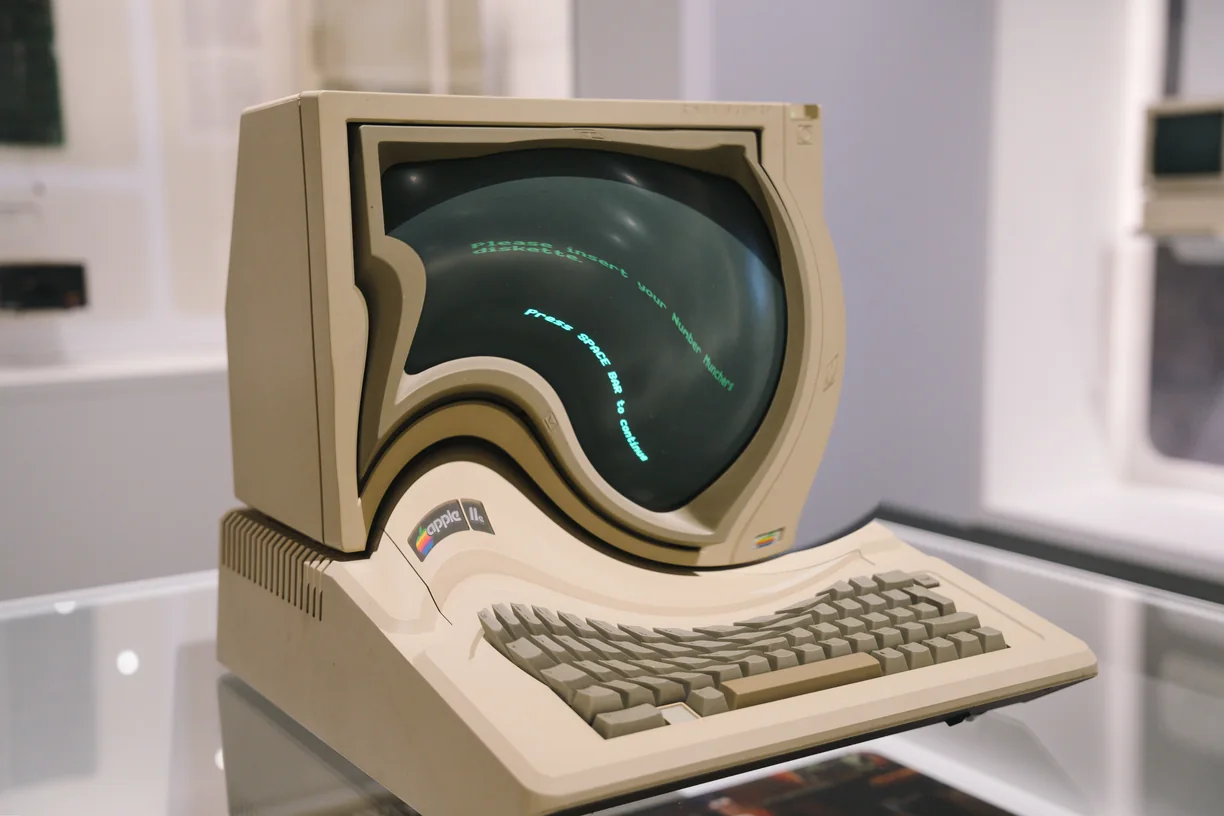
Lens Deform
-
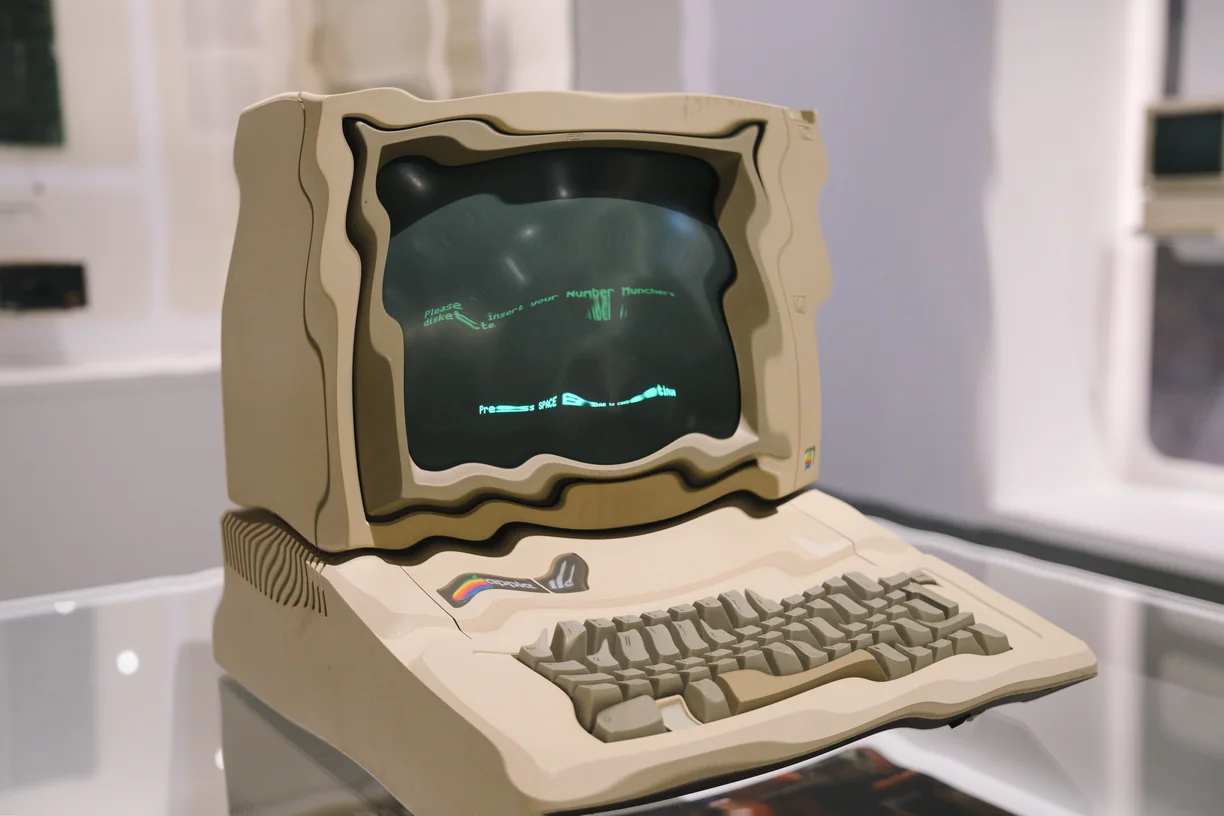
Ripple
-
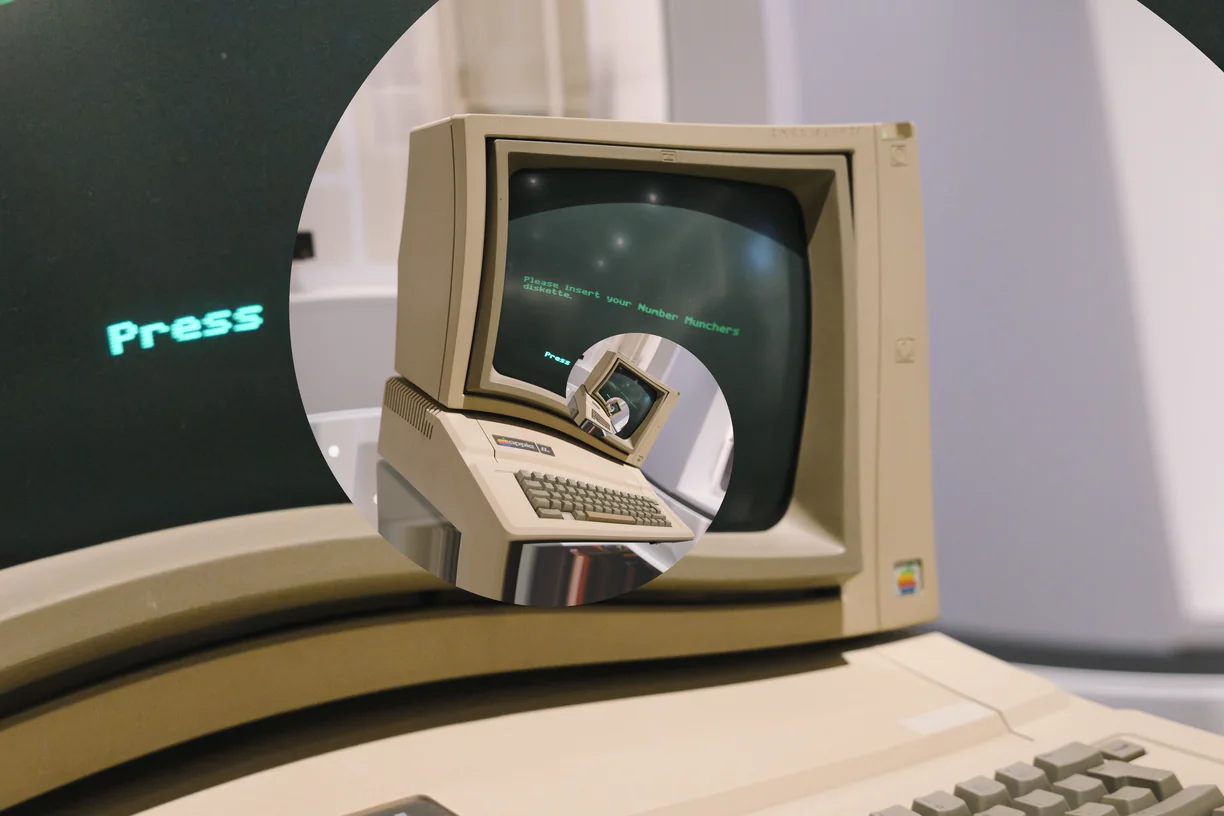
Droste Spiral
-
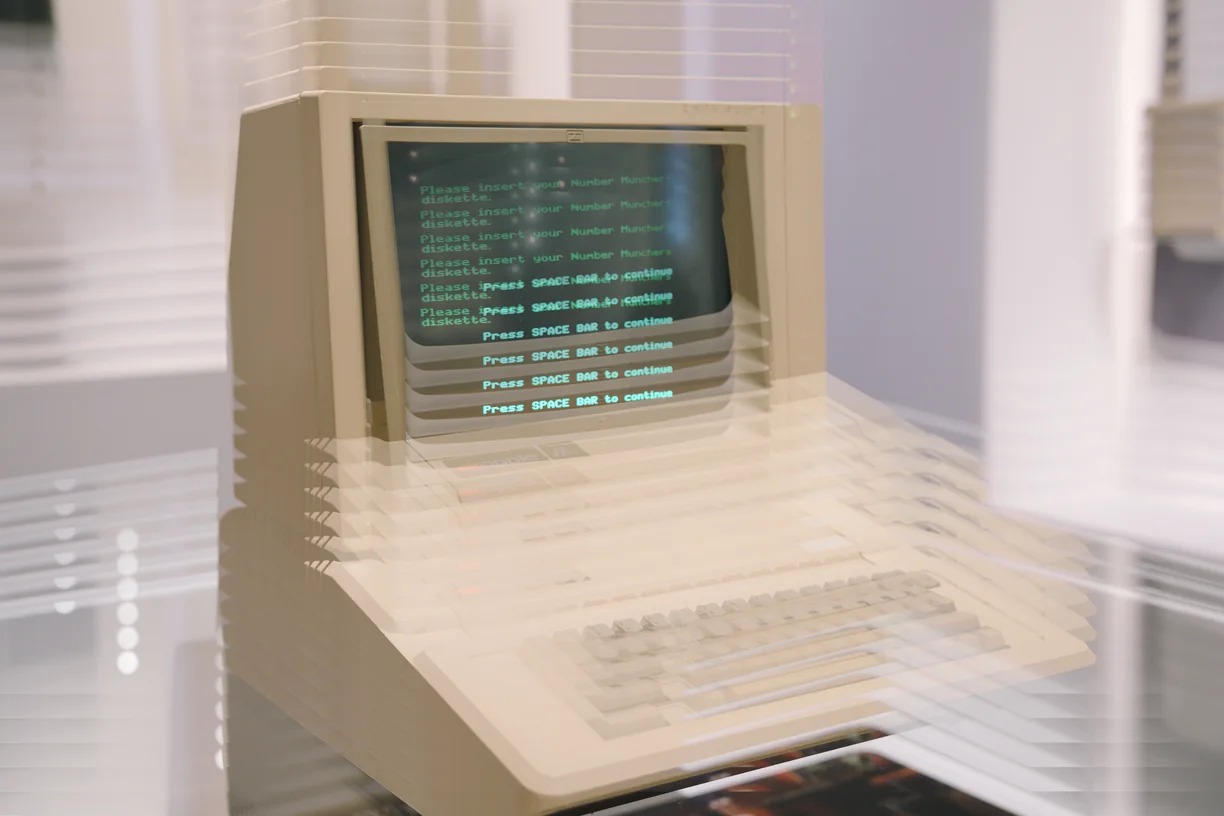
Ghosting
How these work in the editor
- Stack them. Effects run in order down a stack, and the order changes the result - a sort after a warp is not the same picture as a warp after a sort.
- Mask them. Any effect can be limited to part of the image by brightness, hue, saturation, detail, color key or gradient, or driven by a depth, edge, flow or segmentation map read from the image itself, another layer, or a file you upload.
- Paint them in. Soft erase and restore brushes take an effect out of the places you do not want it, on one effect or the whole stack.
- Animate them. Any slider can be driven by sine, triangle, saw, ramp or hold motion, and exported as a clip that loops seamlessly.
- Use them on video. Bring in MP4, WebM or MOV of any length and export WebM at up to 60 fps with the original audio carried through.