12 effects
Halftone, Dither & ASCII Overlays
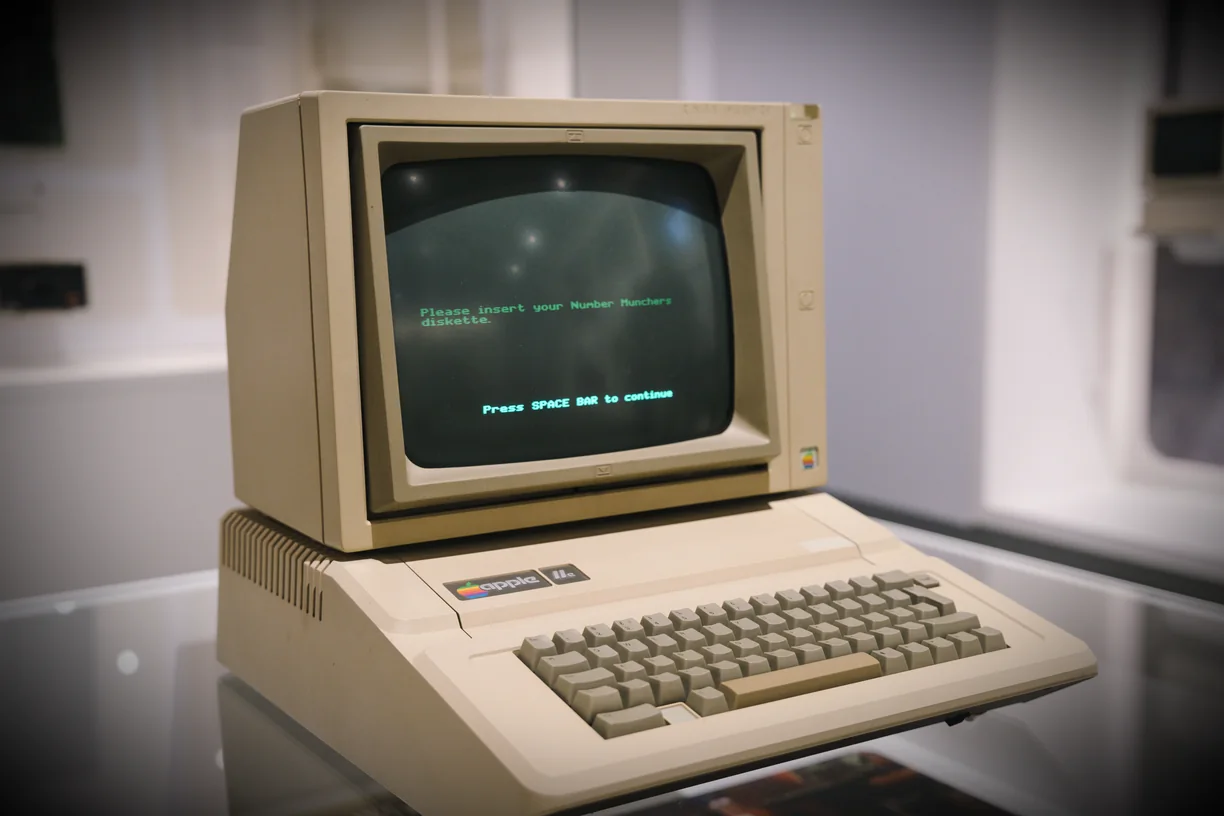
These effects put something on top of the image rather than rearranging it. Print Screens rebuilds the picture out of CMYK halftone dots the way offset printing does; Dither reduces it to a handful of colors and scatters the error between them, the trick that made early games and newspapers look the way they did; ASCII replaces it with characters.
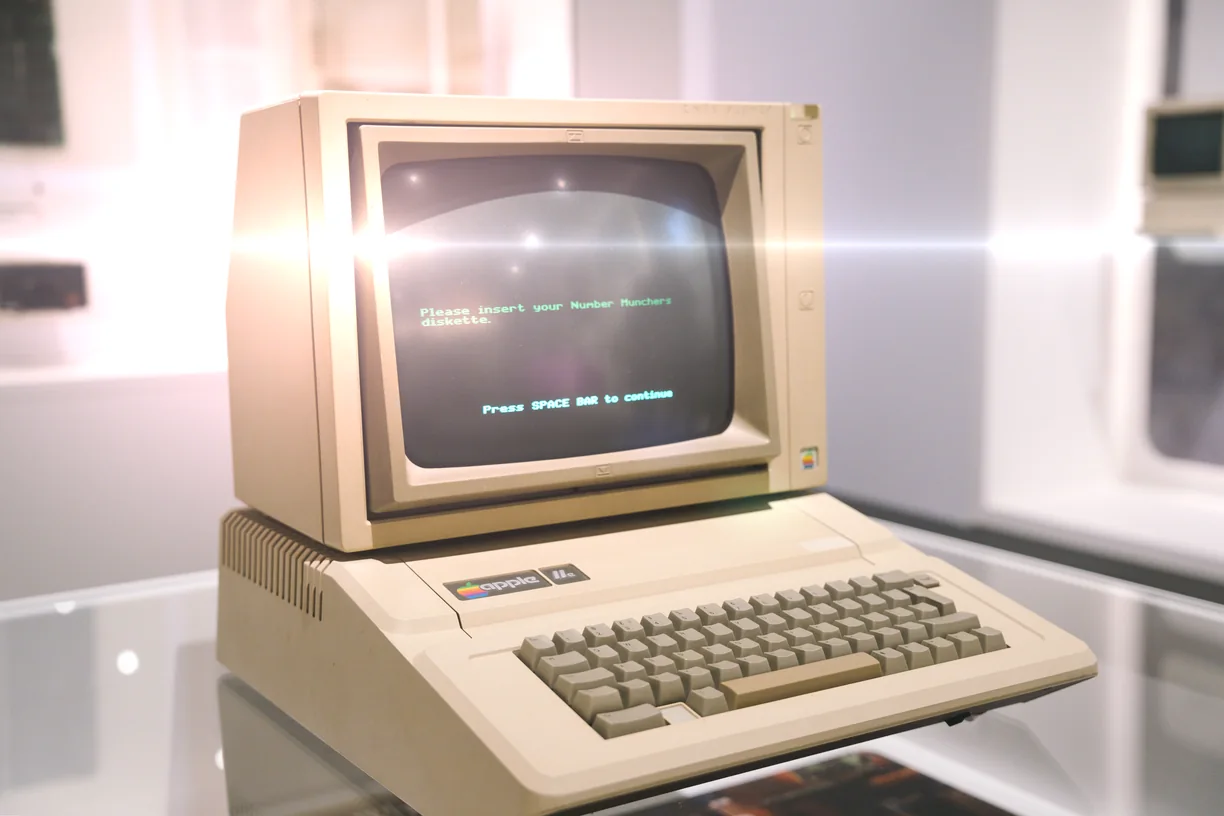
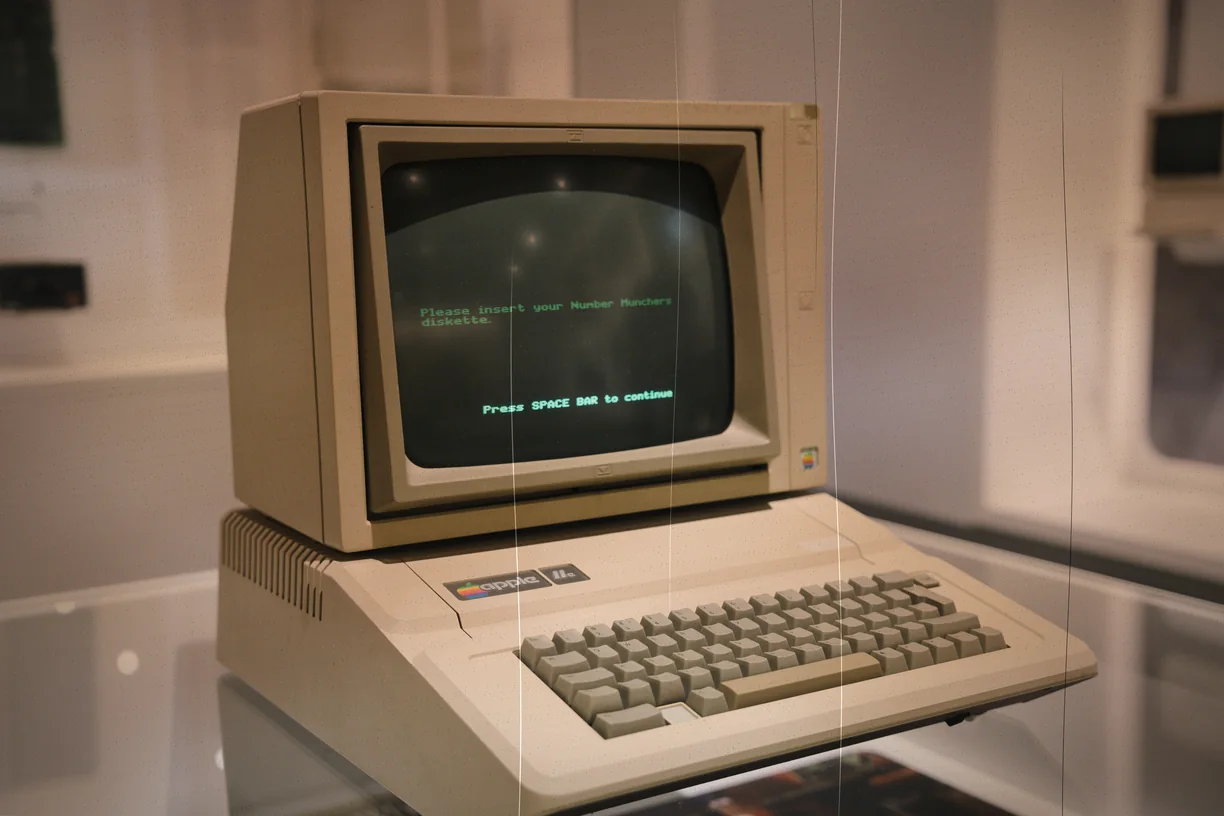
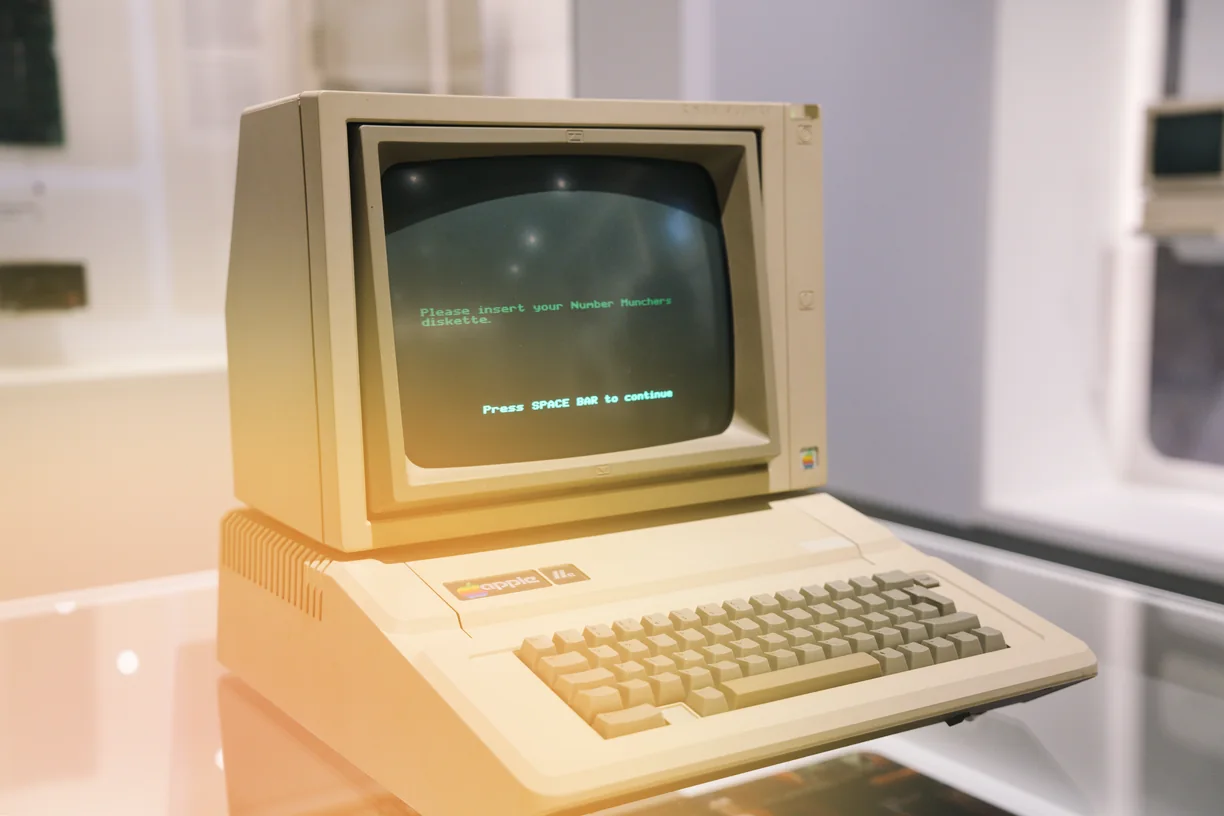
The rest is the physical history of images. Film Damage, Light Leak and Lens Flare reproduce what happens to actual film and actual lenses, and Vignette darkens the corners the way a real one does. Frame / Border puts an edge around the result.
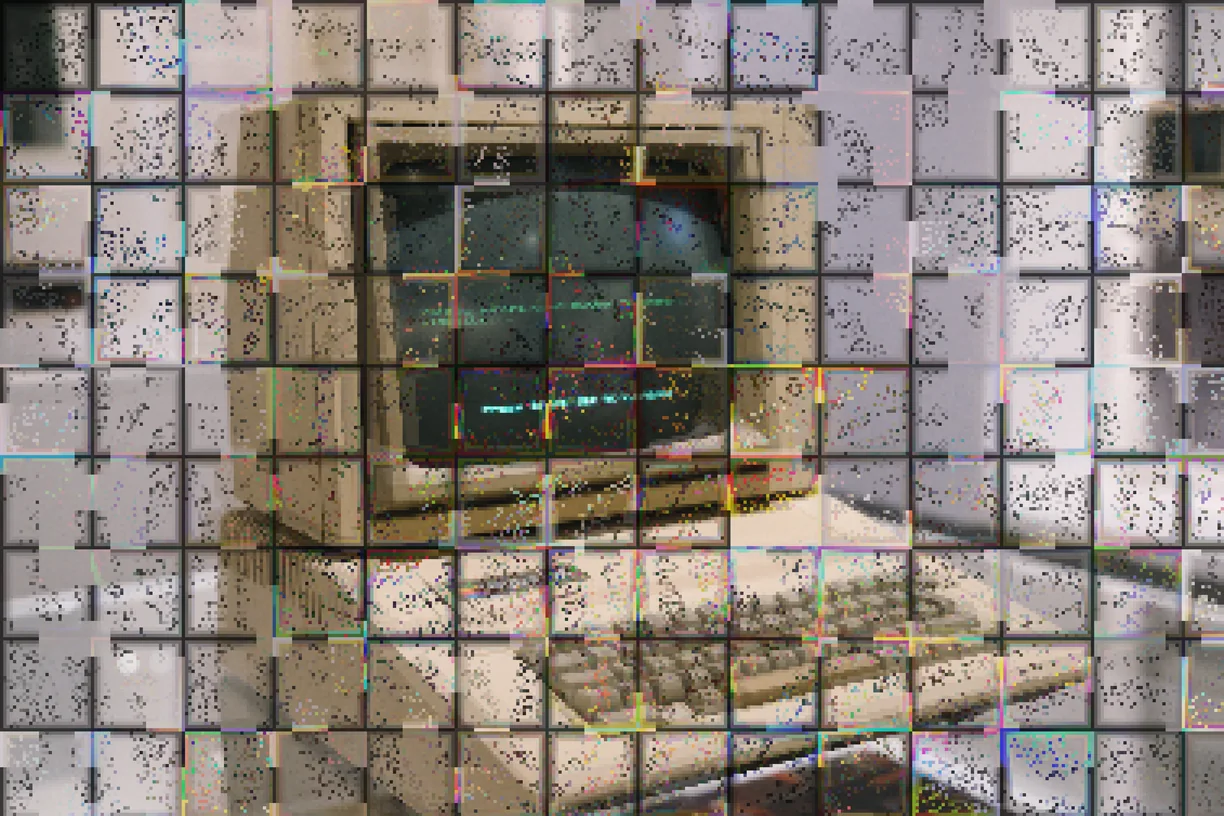
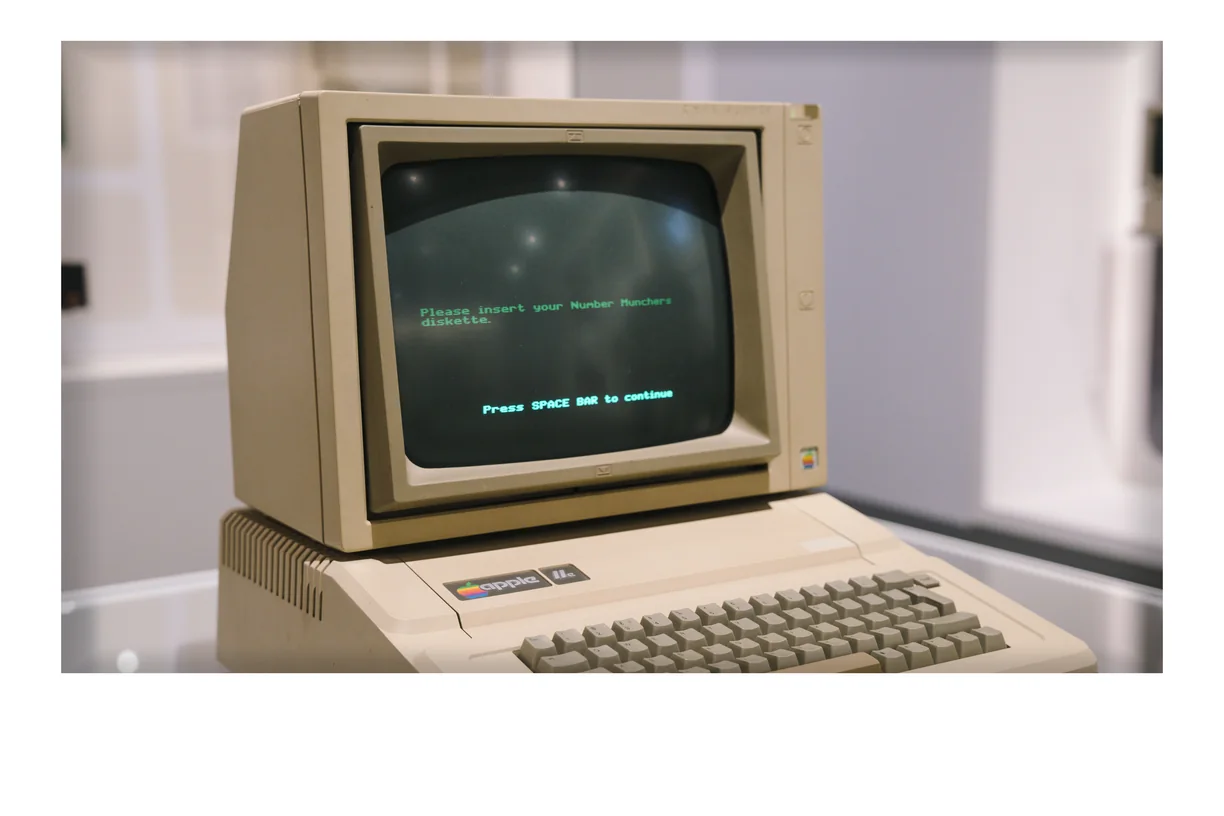
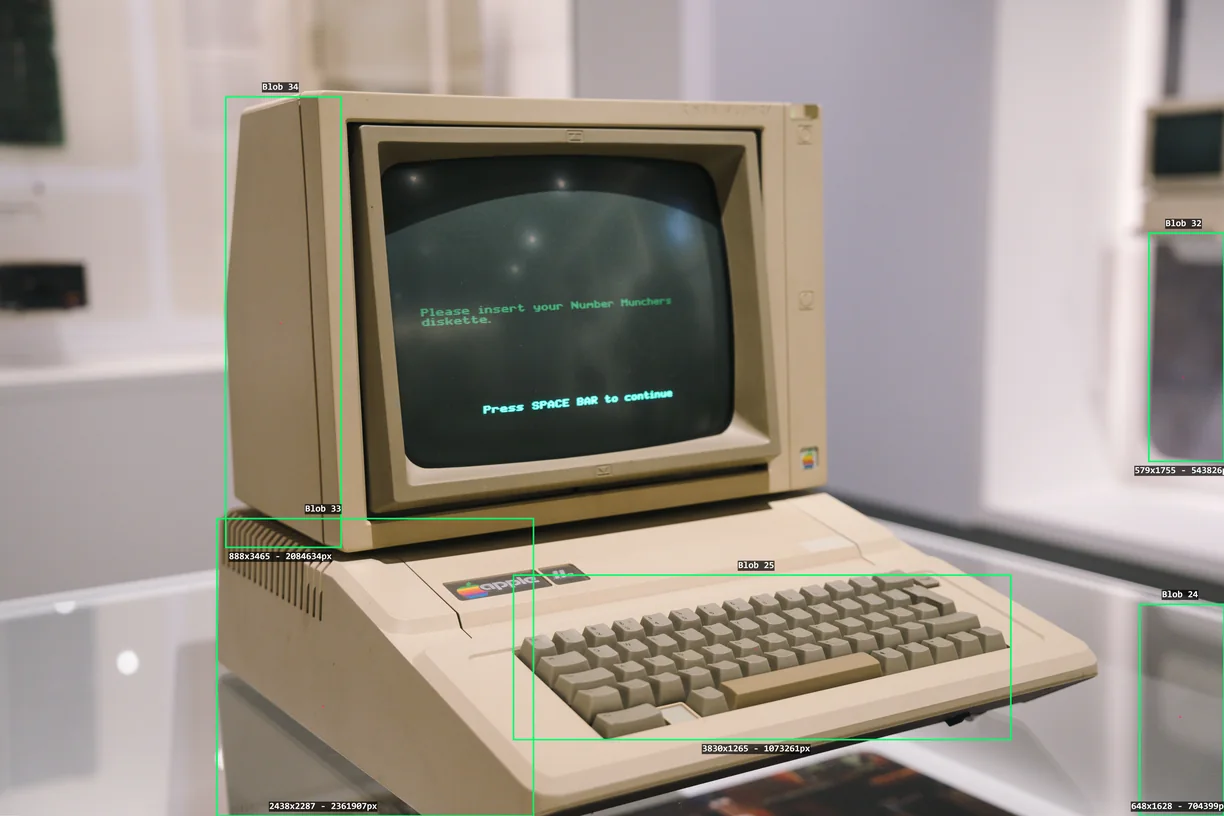
Because they composite rather than displace, they are the effects that most reward being put last in a stack - over pixel sorting, over a warp - and masked back to the areas where you want them. Error Cartography and Blob Tracker are the outliers: they analyze the image first and draw what they found.
Every overlay effect
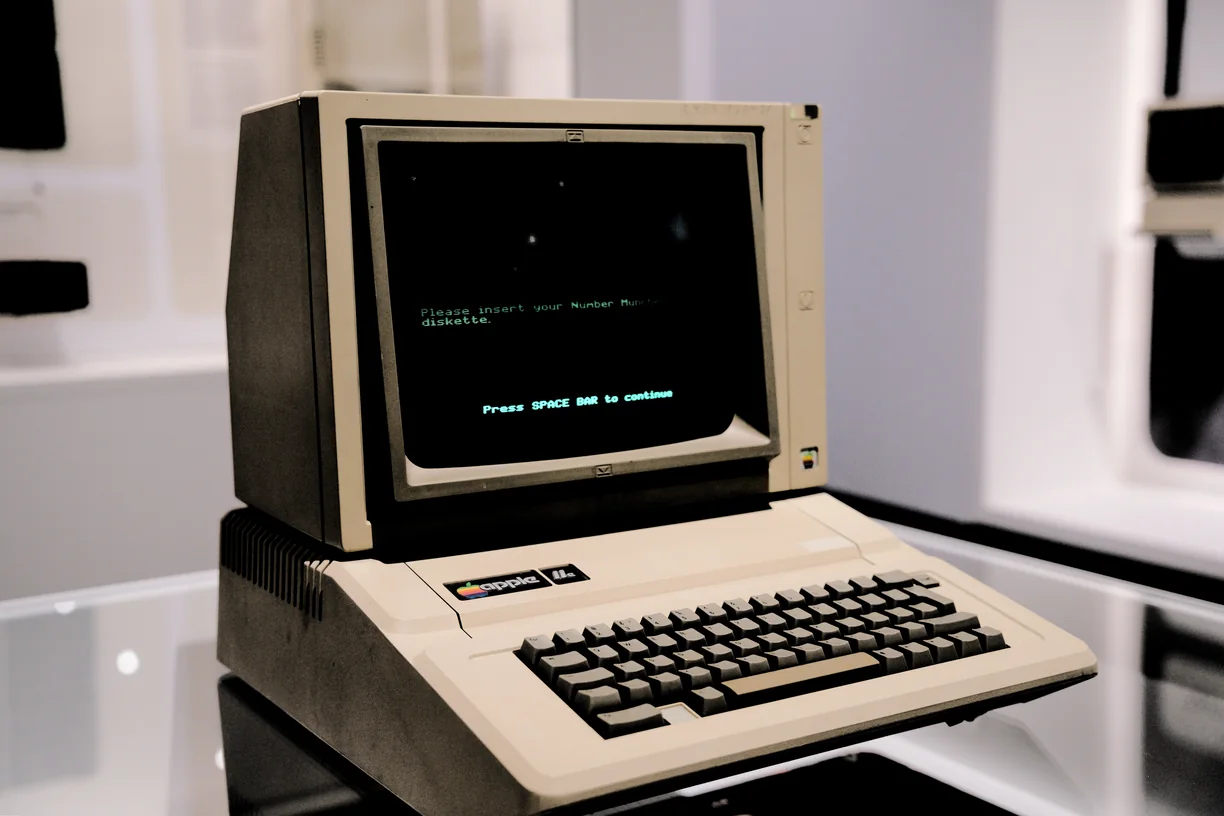
Each preview is the same source photograph with that one effect applied at its default settings. In the editor every one of them has its own full set of controls.
-
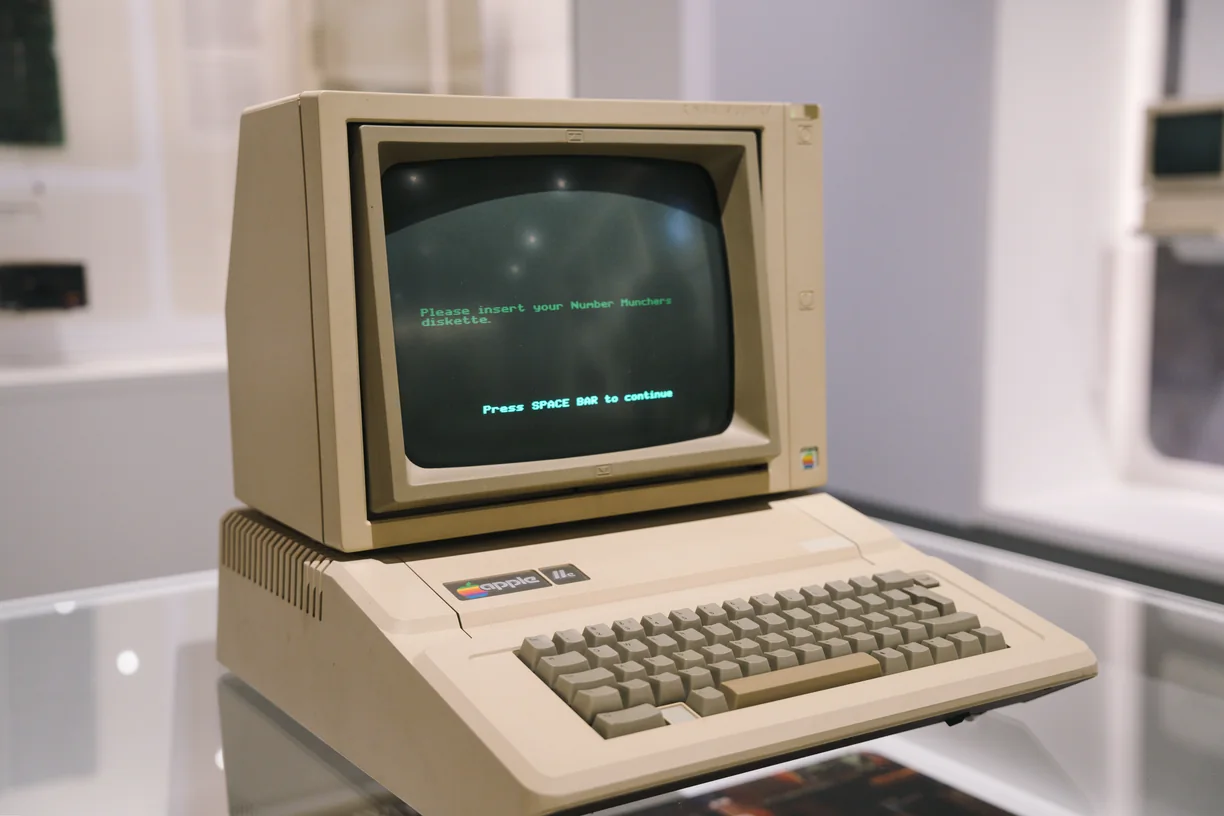
Image Blend
-
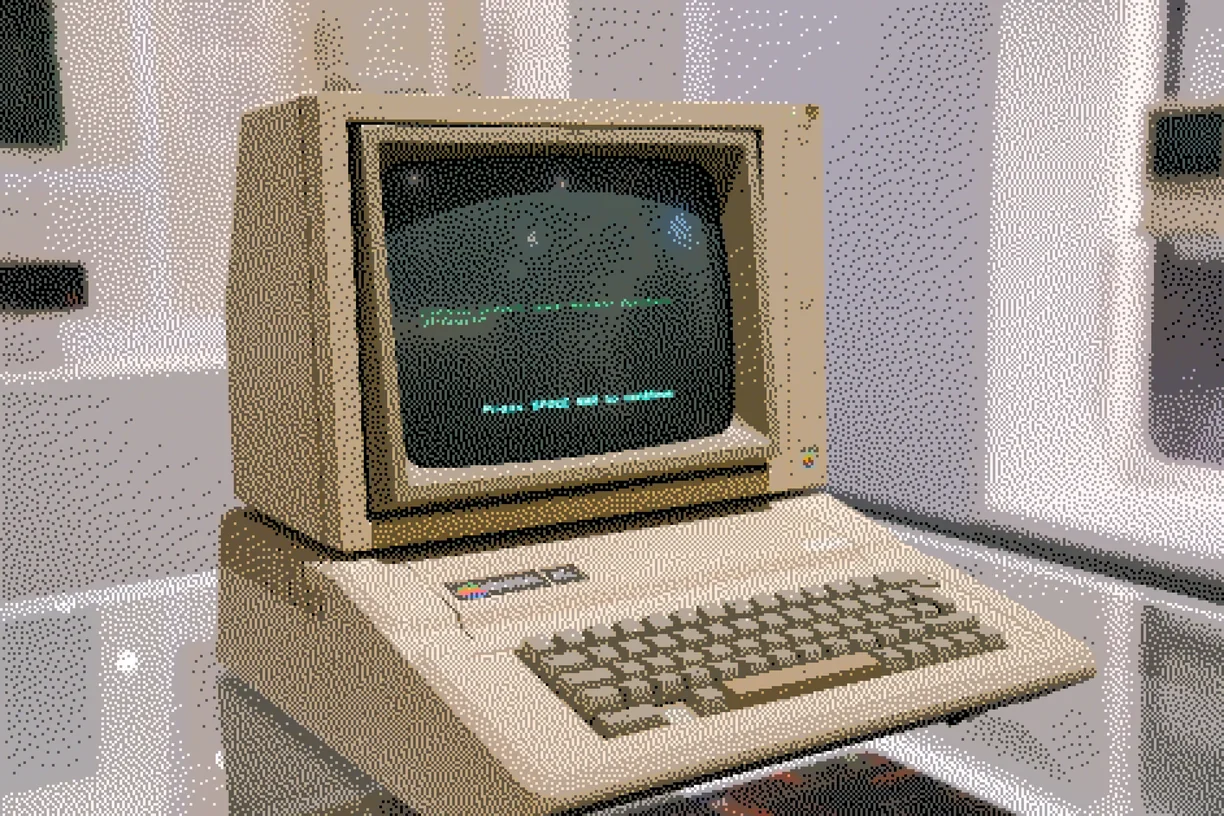
Dither
-
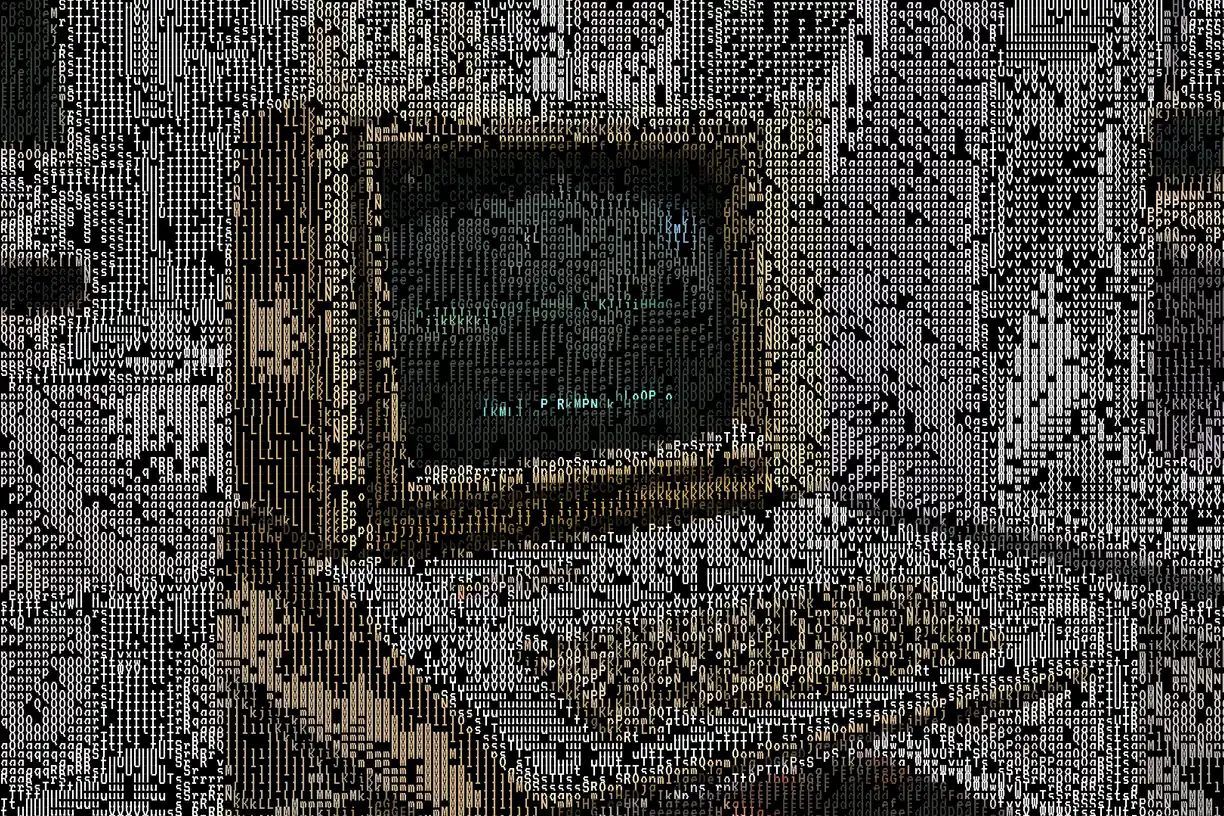
ASCII
-
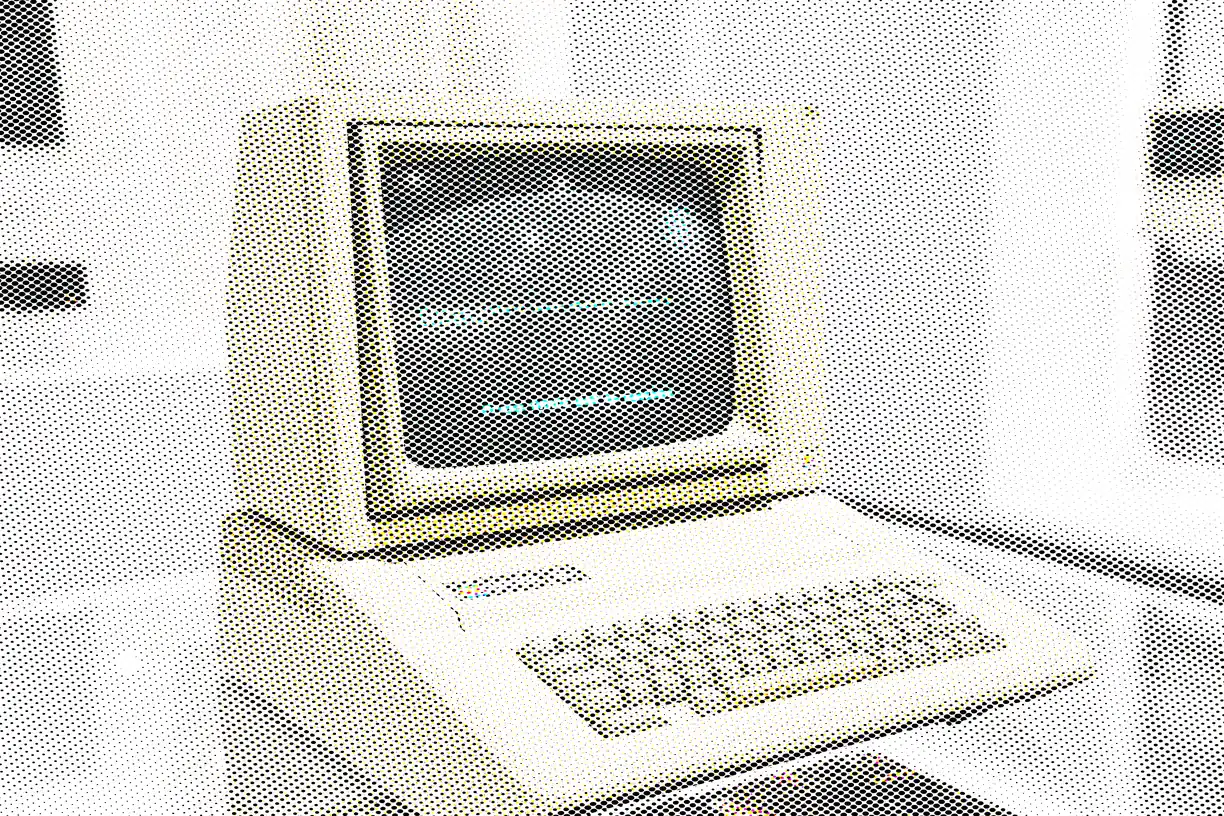
Print Screens
-
Vignette
-
Lens Flare
-
Luma Key
-
Error Cartography
-
Film Damage
-
Light Leak
-
Frame / Border
-
Blob Tracker
How these work in the editor
- Stack them. Effects run in order down a stack, and the order changes the result - a sort after a warp is not the same picture as a warp after a sort.
- Mask them. Any effect can be limited to part of the image by brightness, hue, saturation, detail, color key or gradient, or driven by a depth, edge, flow or segmentation map read from the image itself, another layer, or a file you upload.
- Paint them in. Soft erase and restore brushes take an effect out of the places you do not want it, on one effect or the whole stack.
- Animate them. Any slider can be driven by sine, triangle, saw, ramp or hold motion, and exported as a clip that loops seamlessly.
- Use them on video. Bring in MP4, WebM or MOV of any length and export WebM at up to 60 fps with the original audio carried through.