2 effects
Edge Detection & Outlines
Edge detection asks a narrow question of every pixel: how different is it from its neighbors? Where the answer is large you are on a boundary - the edge of a face, a horizon, the join between two colors - and drawing only those answers turns a photograph into a line drawing. Edge Outline does that, with control over how sensitive the detection is, how thick the line comes out, and whether you keep the image underneath or throw it away.
Impossible Shadows uses the same structural reading for the opposite purpose. Instead of drawing the boundaries it treats the image's brightness as height and casts shadows across it, from directions that need not agree with each other - which is why the shadows read as wrong in a way a real light could not produce.
This is the smallest category, and both effects are at their best as a layer rather than an ending. Put an outline on its own layer above the picture, set that layer's blend mode, and you get an ink pass over an untouched photograph; mask it, and you get one only where you want it. An outline stacked over pixel sorting also gives the smear back an edge to sit against.
Every outline effect
Each preview is the same source photograph with that one effect applied at its default settings. In the editor every one of them has its own full set of controls.
-
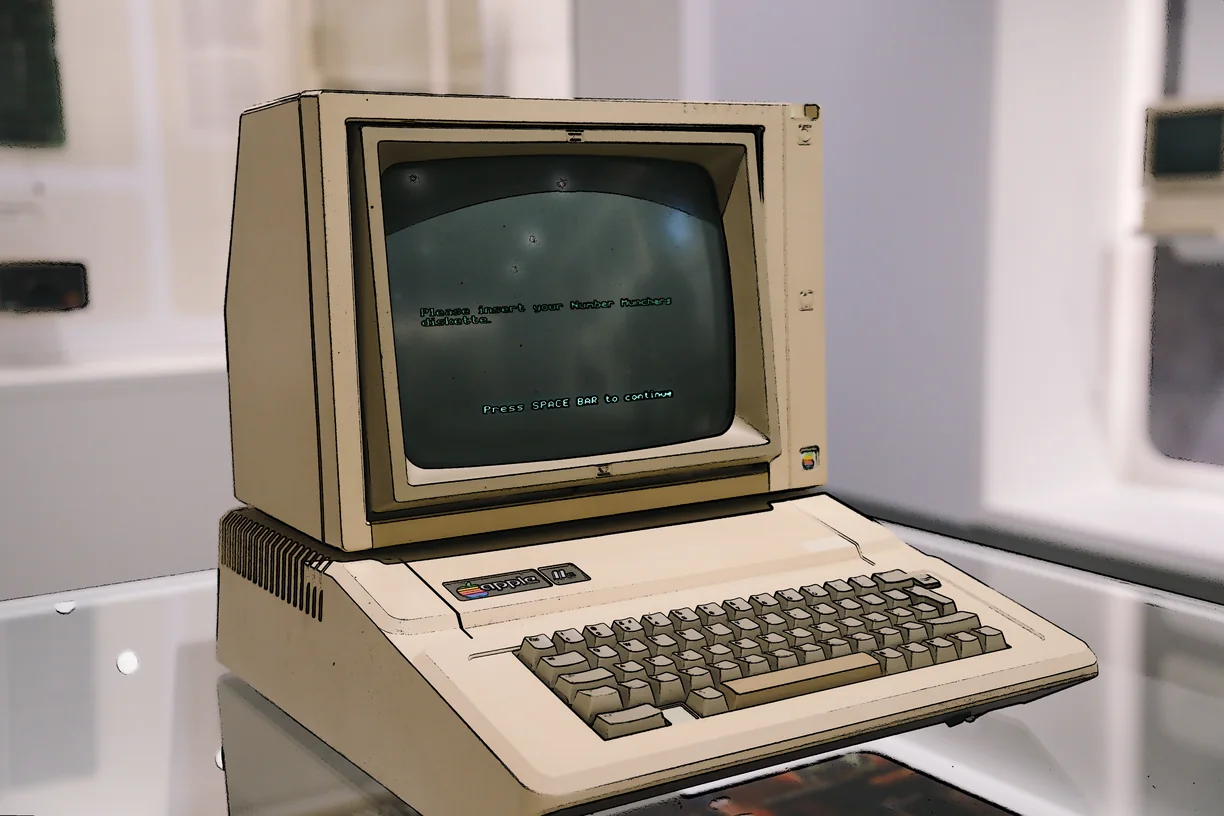
Edge Outline
-
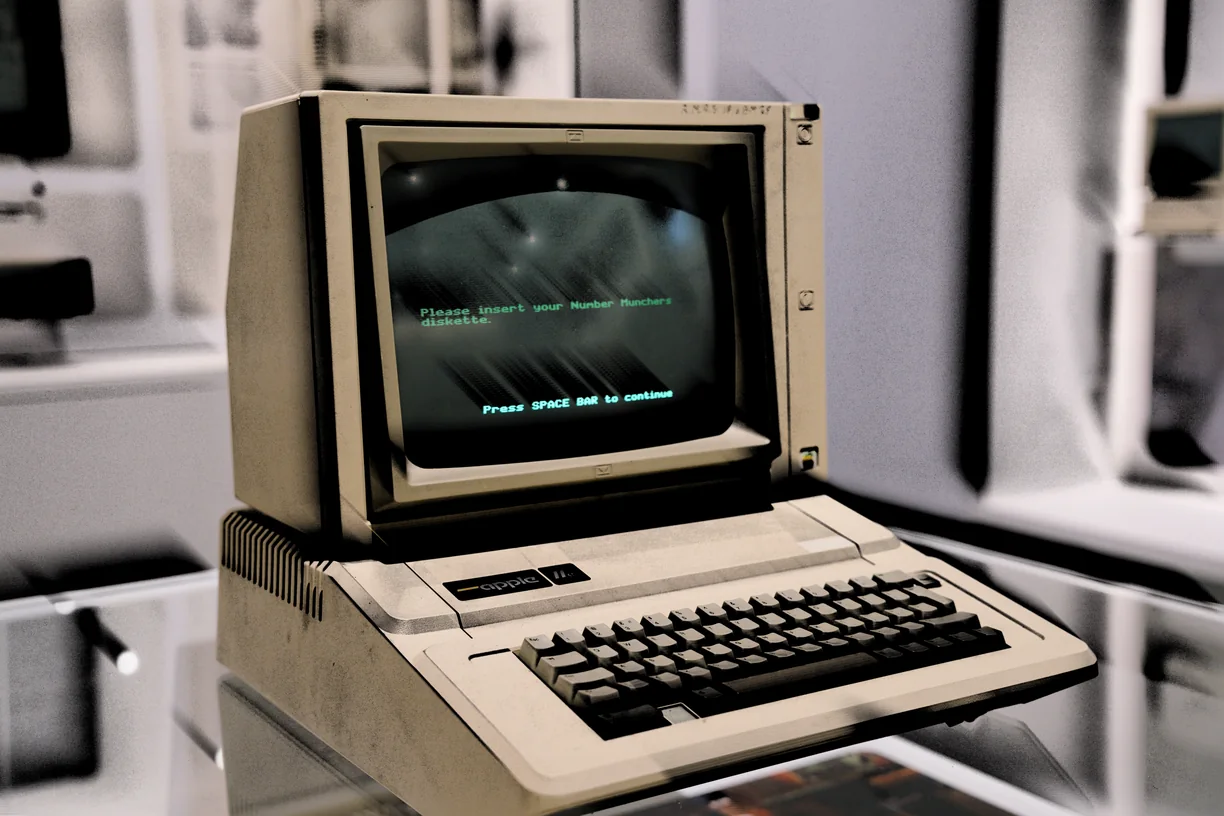
Impossible Shadows
How these work in the editor
- Stack them. Effects run in order down a stack, and the order changes the result - a sort after a warp is not the same picture as a warp after a sort.
- Mask them. Any effect can be limited to part of the image by brightness, hue, saturation, detail, color key or gradient, or driven by a depth, edge, flow or segmentation map read from the image itself, another layer, or a file you upload.
- Paint them in. Soft erase and restore brushes take an effect out of the places you do not want it, on one effect or the whole stack.
- Animate them. Any slider can be driven by sine, triangle, saw, ramp or hold motion, and exported as a clip that loops seamlessly.
- Use them on video. Bring in MP4, WebM or MOV of any length and export WebM at up to 60 fps with the original audio carried through.