13 effects
Painterly, Pointillism & Low Poly
These rebuild the photograph in a different medium. Painterly clusters nearby colors into brush-like strokes that follow the image's own direction; Pointillism reduces it to dots of pure color and lets your eye mix them; Line Engraving hatches it the way a printed engraving does; Stained Glass leads it into panels; Low Poly reduces it to flat triangles.
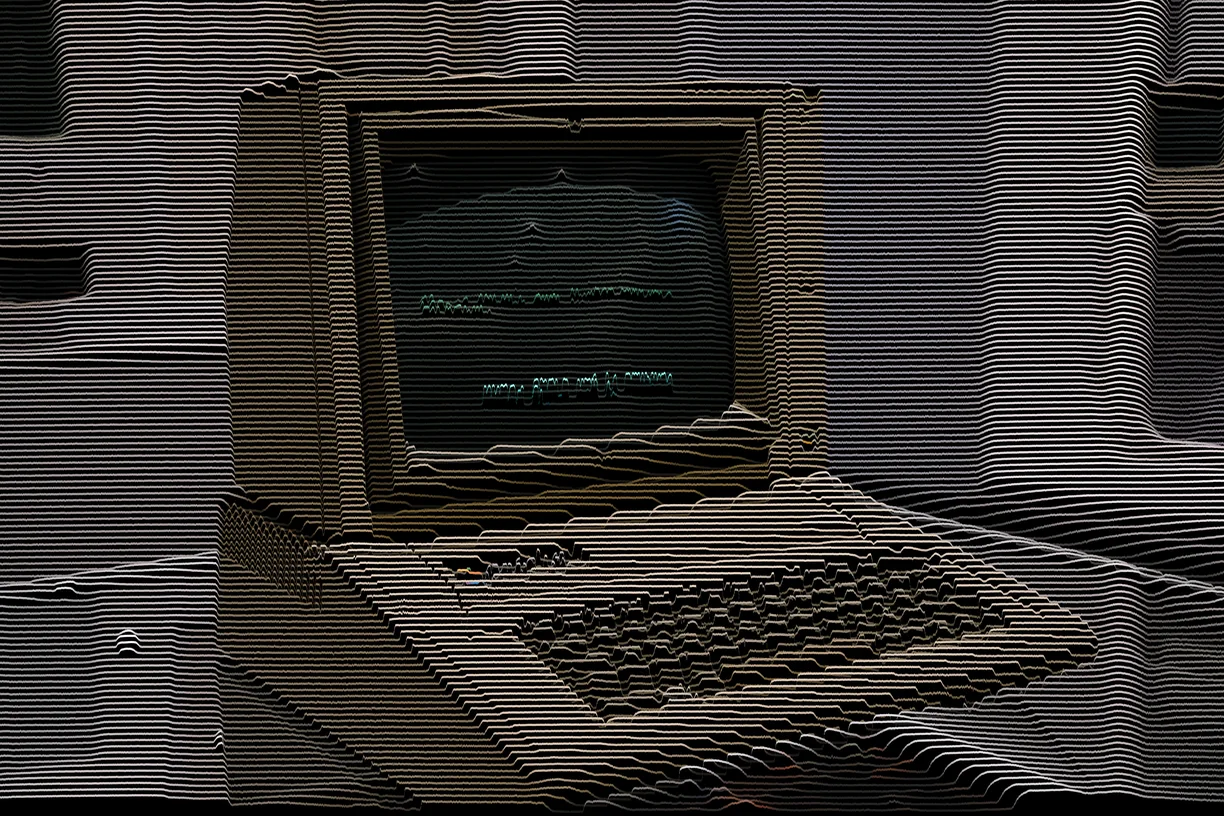
Rutt-Etra Scan Lines is the historical one. The Rutt-Etra synthesizer was a piece of 1970s video hardware that deflected a CRT's scan lines by the brightness of the signal, turning a video image into a moving relief - and it is the direct ancestor of a great deal of what now gets called glitch art.
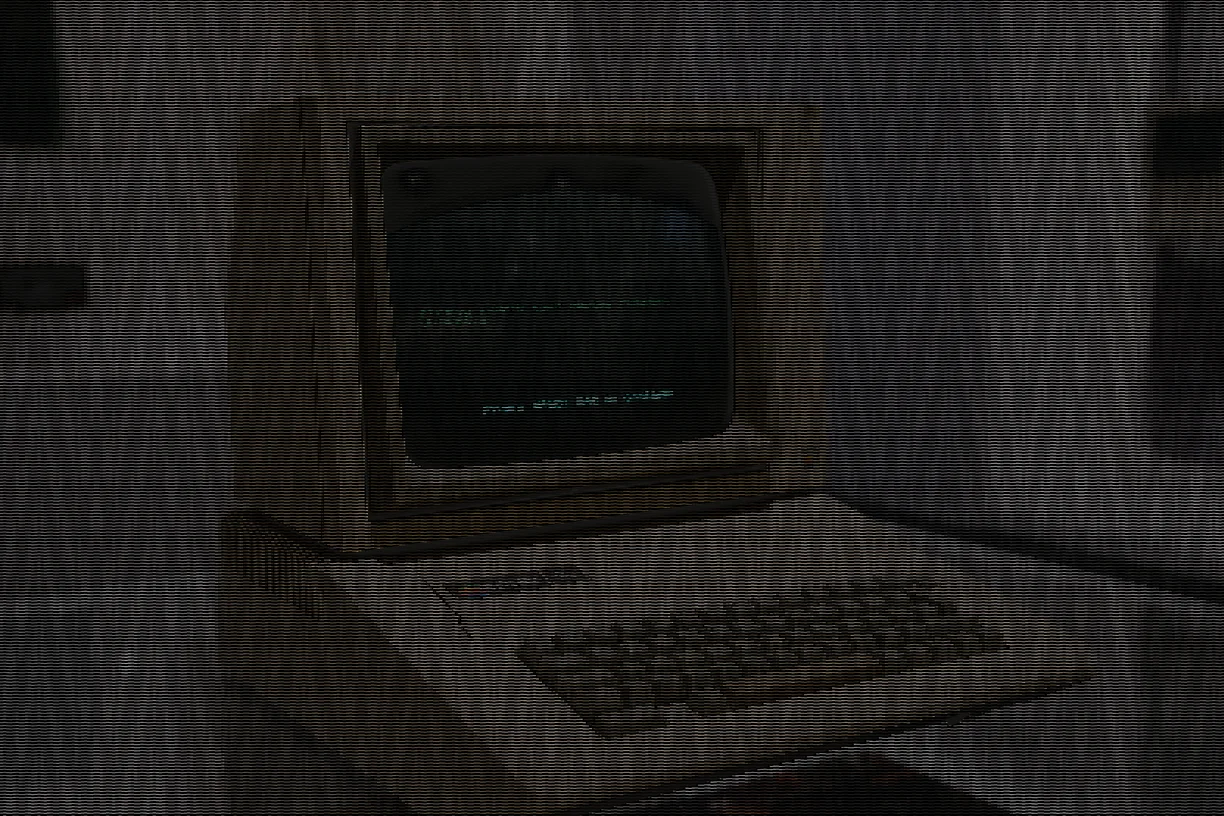
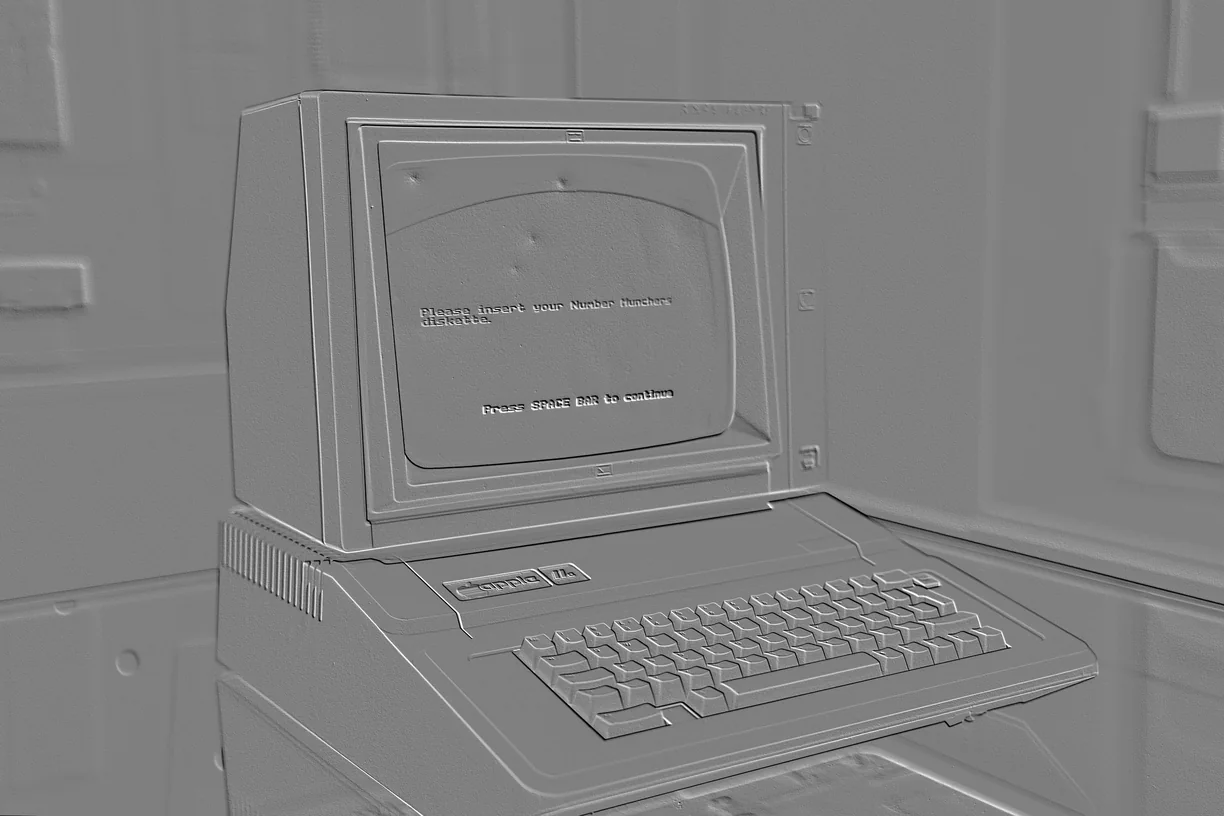
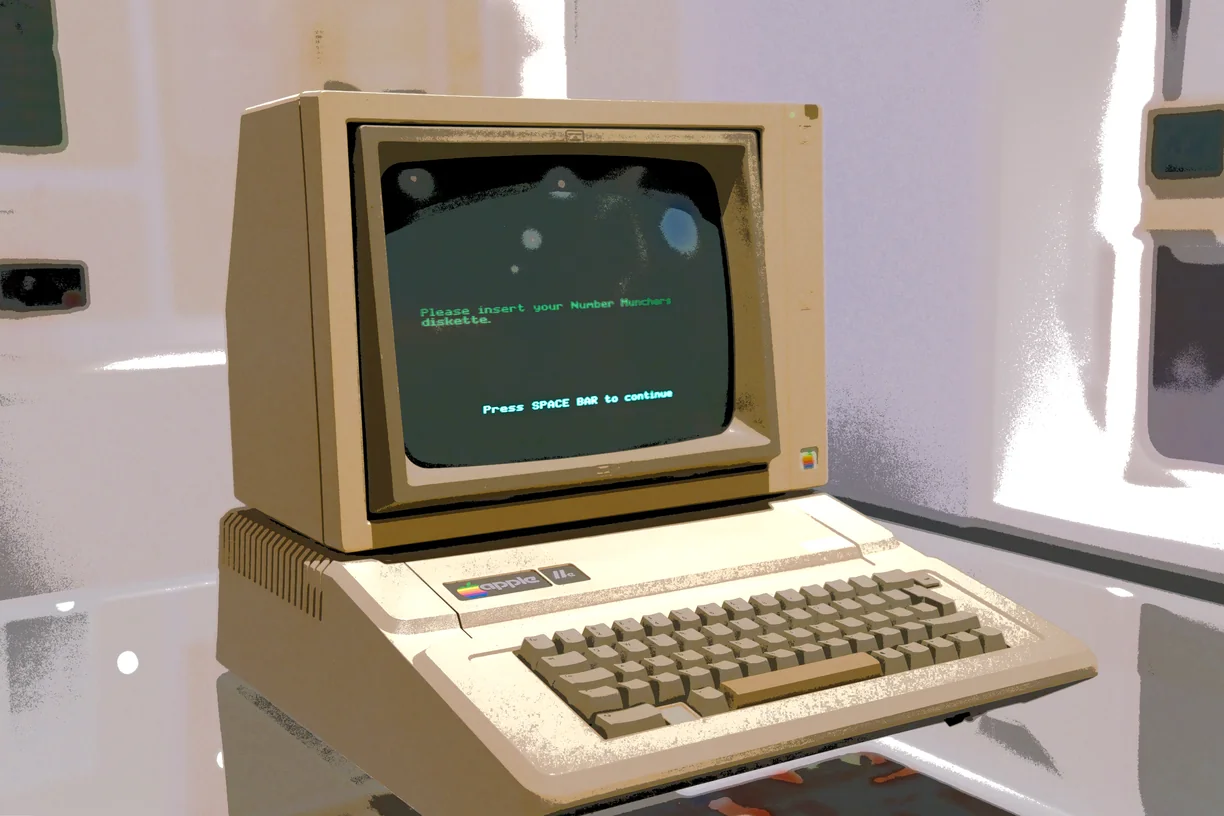
Cel Shade, Emboss Relief and Curvature Extrusion read the image as a surface and light it. Glitch Embroidery is the odd one out and the most literal: it stitches the picture, thread by thread, and gets the thread wrong.
Every artistic effect
Each preview is the same source photograph with that one effect applied at its default settings. In the editor every one of them has its own full set of controls.
-
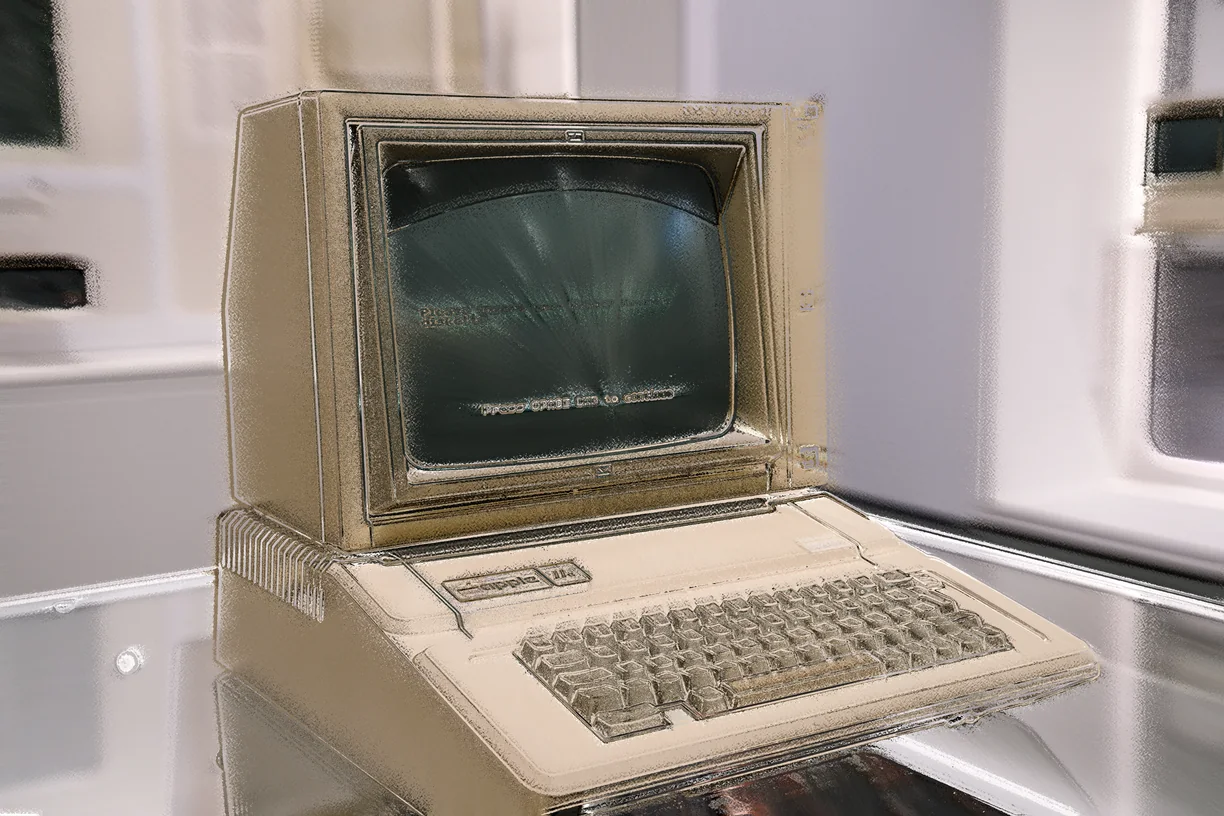
Curvature Extrusion
-
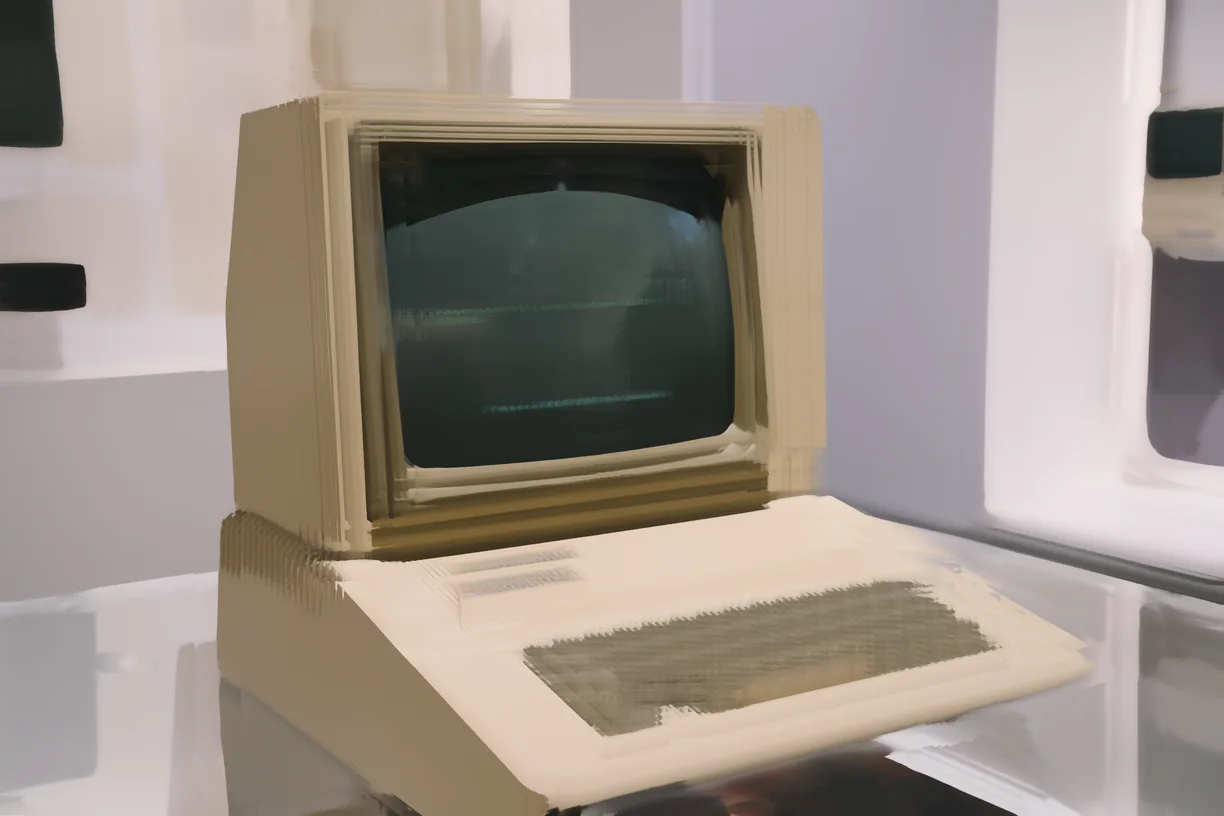
Painterly
-
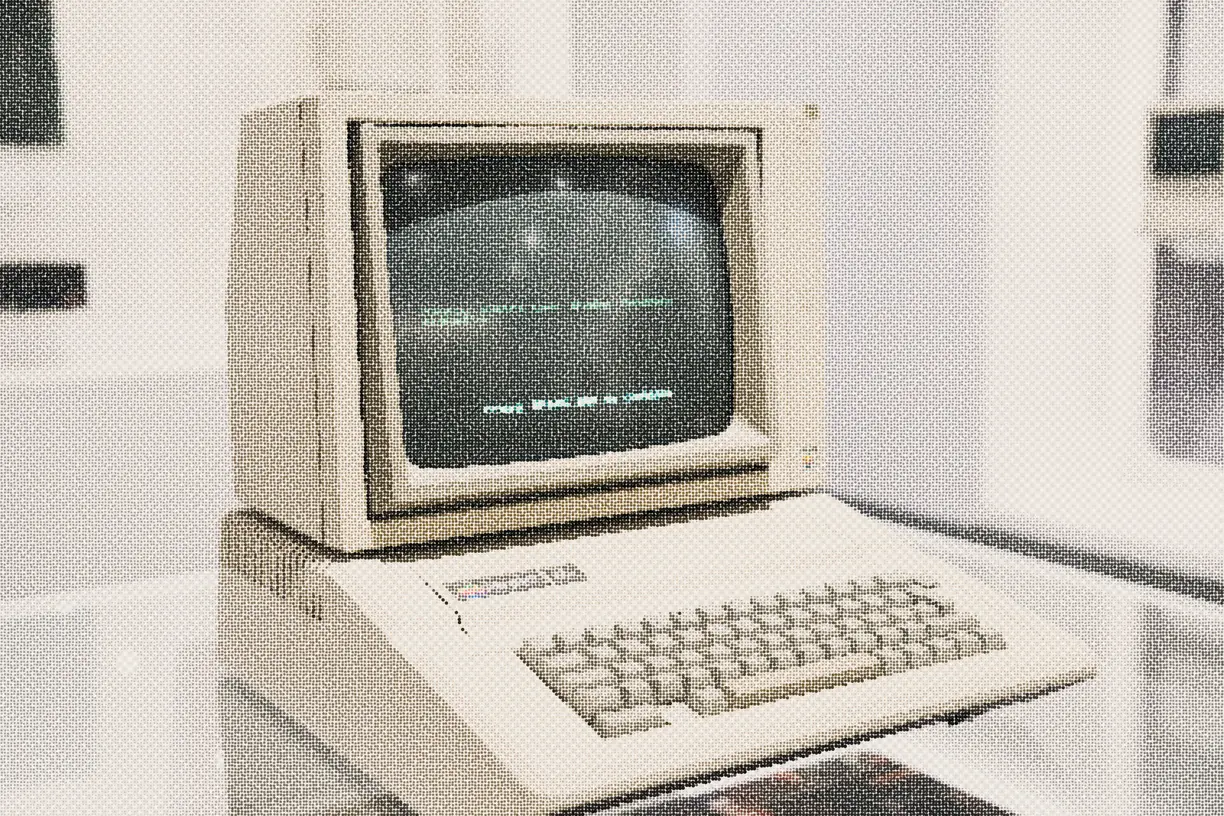
Pointillism
-
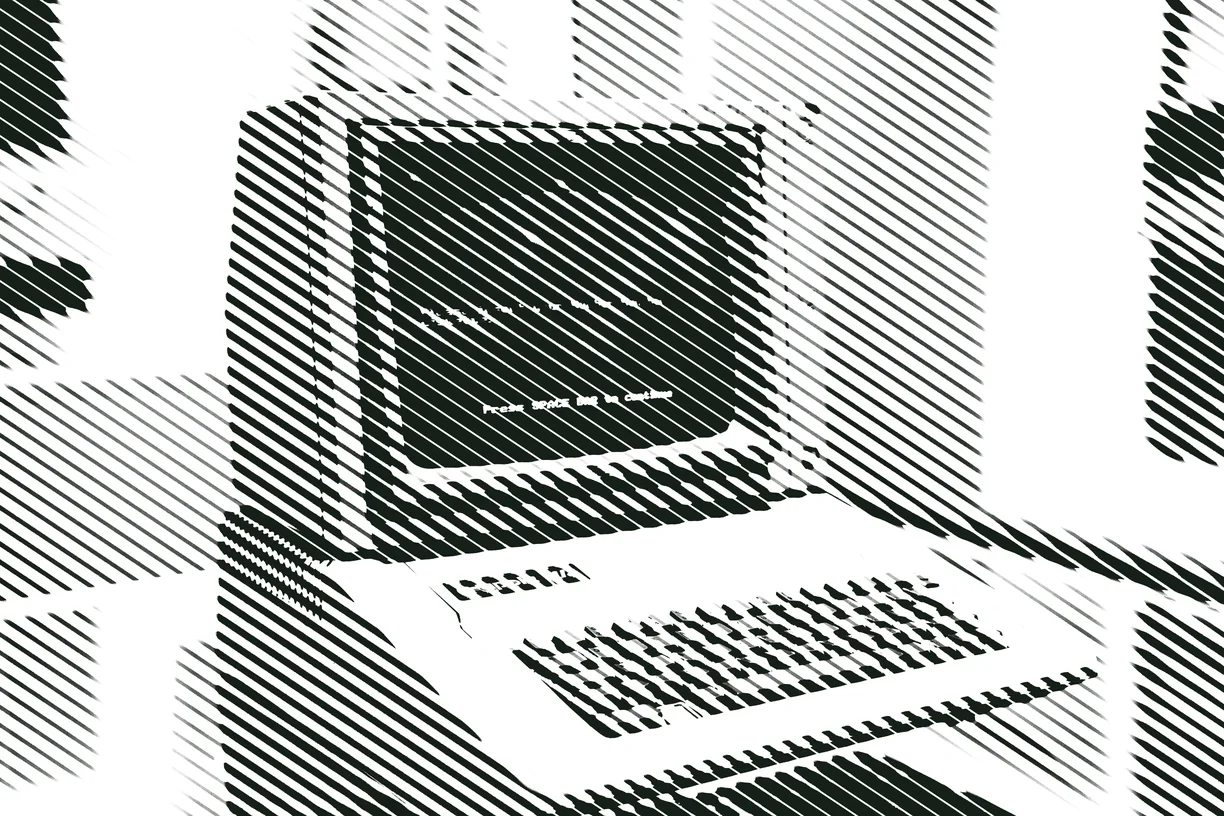
Line Engraving
-
Rutt-Etra Scan Lines
-
Glitch Embroidery
-
Emboss Relief
-
Cel Shade
-
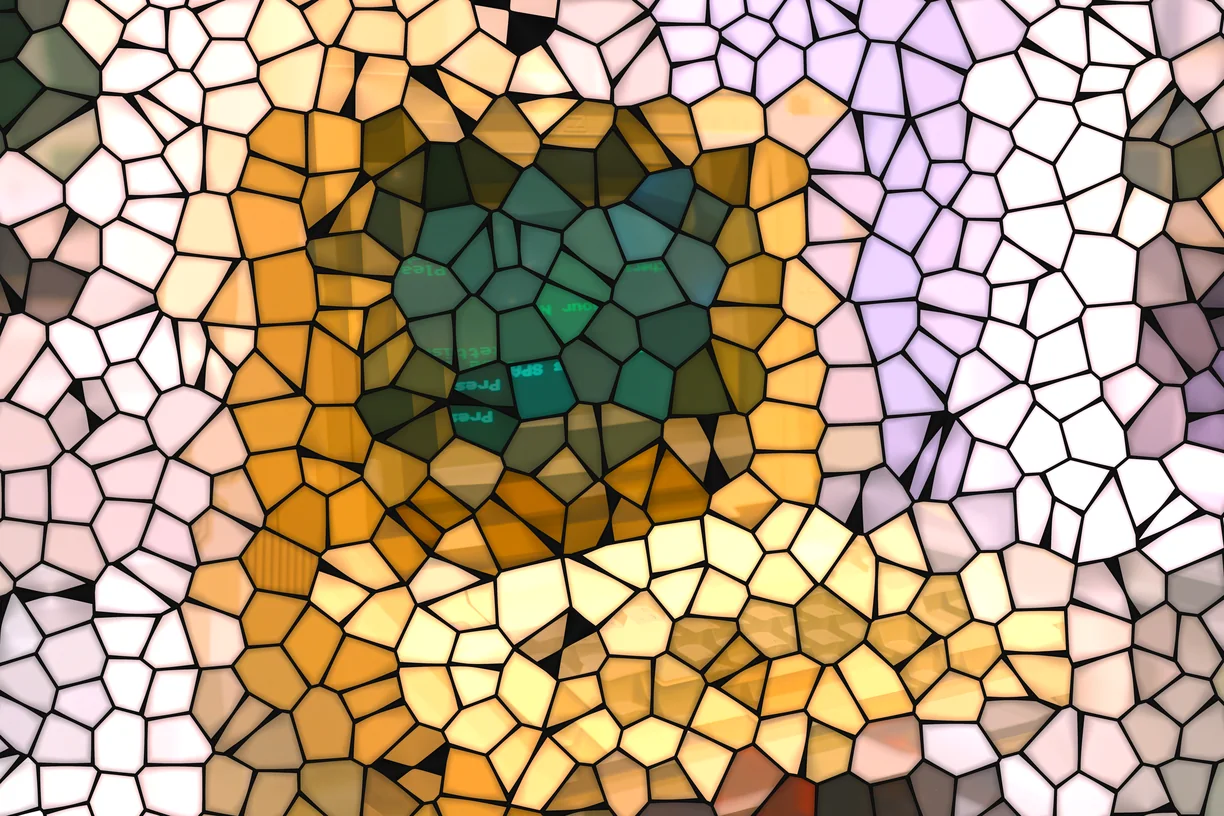
Stained Glass
-
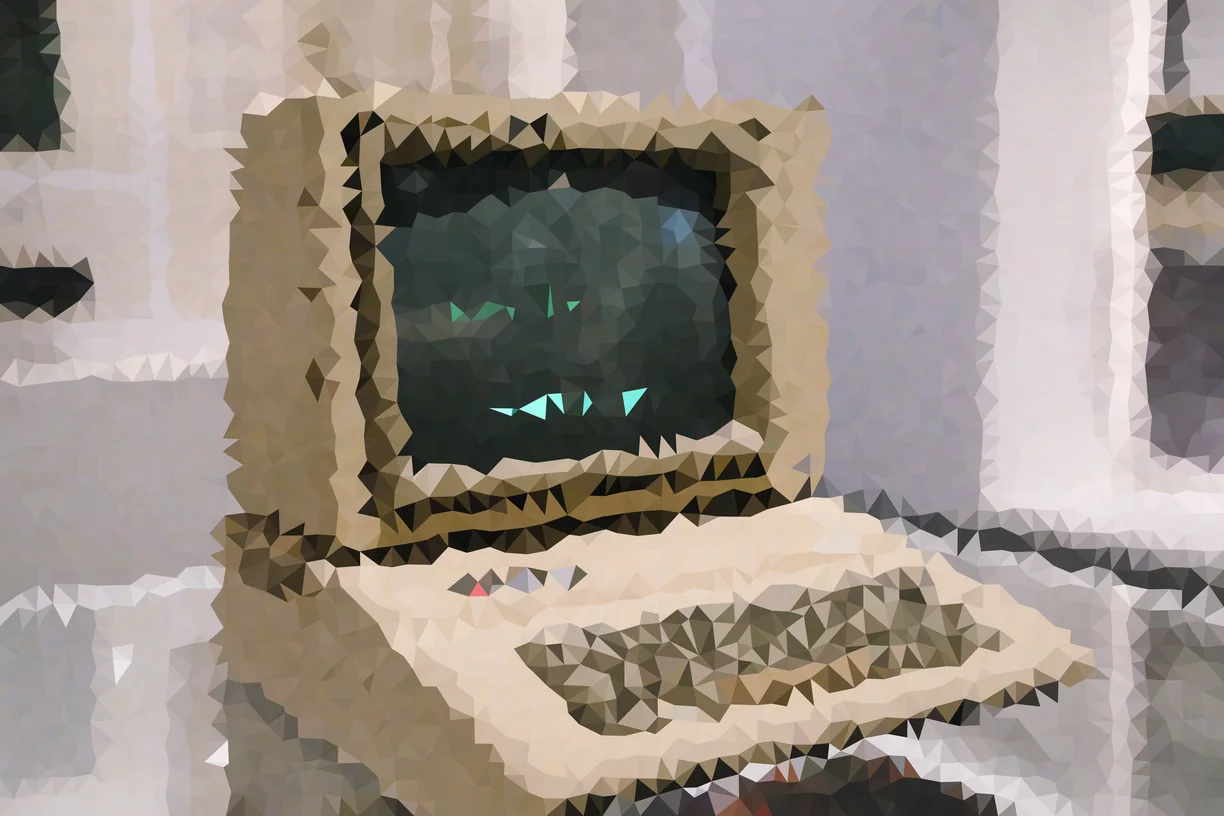
Low Poly
-
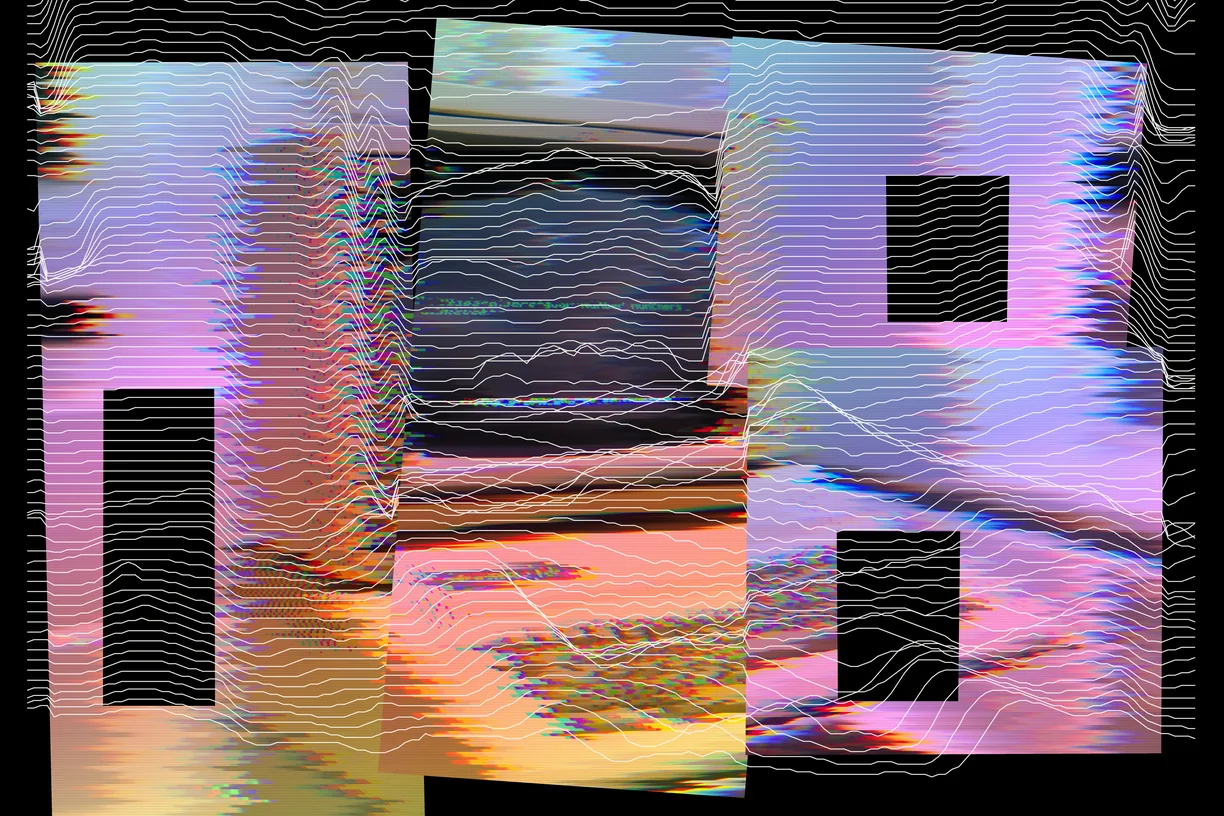
Contour Rupture
-
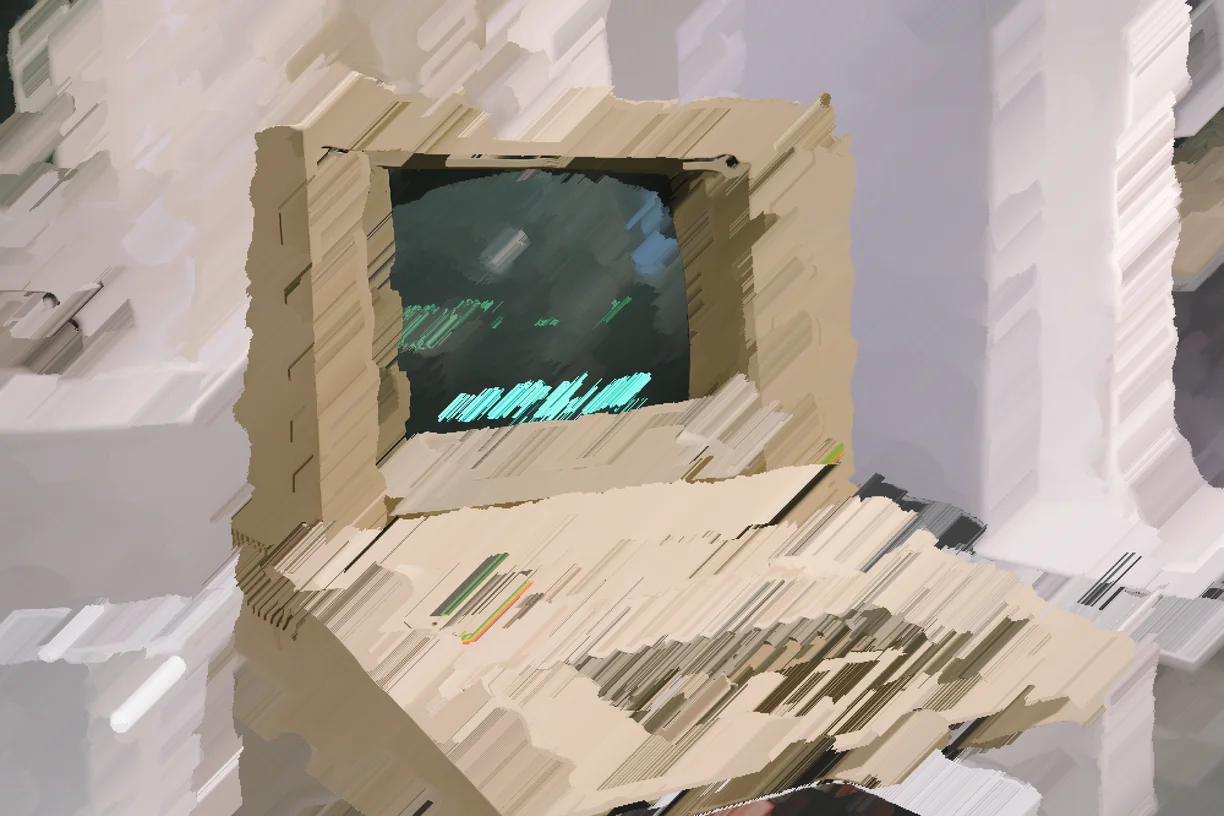
Glitch Paint
-
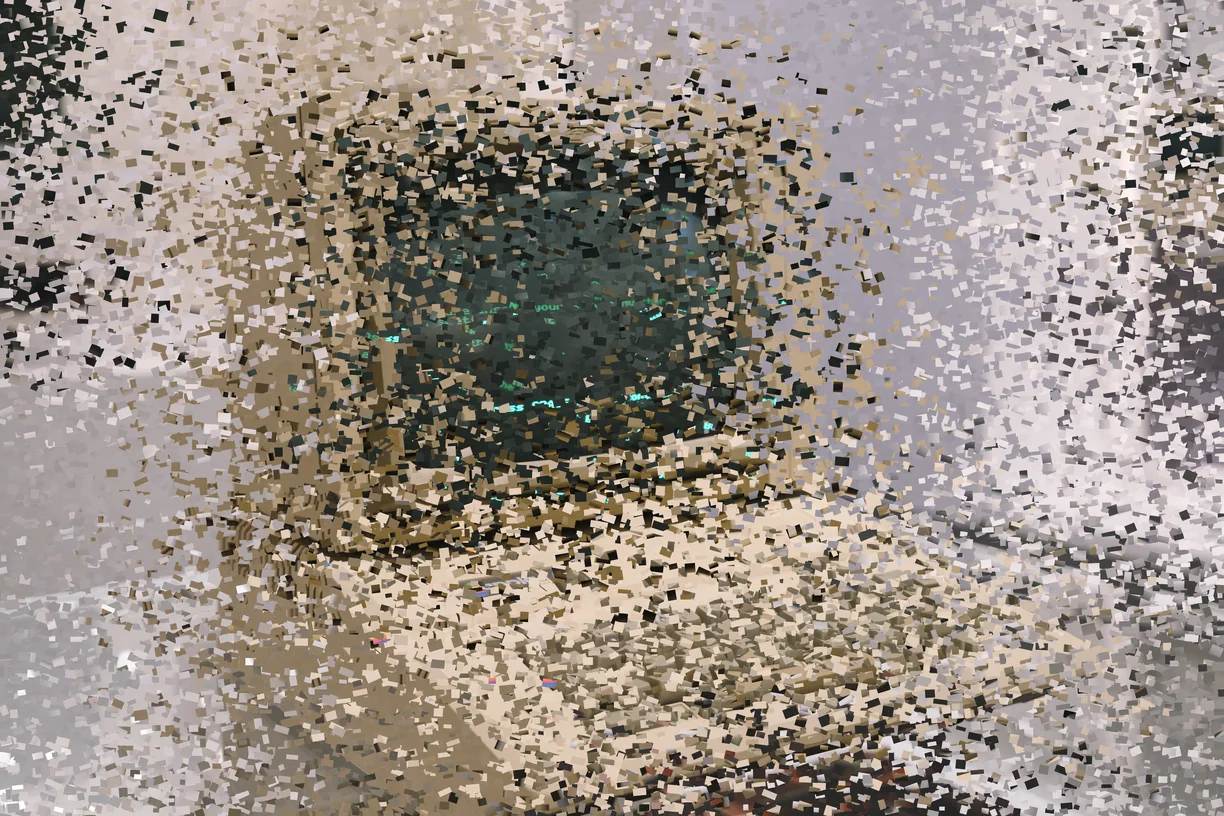
Granular Collage
How these work in the editor
- Stack them. Effects run in order down a stack, and the order changes the result - a sort after a warp is not the same picture as a warp after a sort.
- Mask them. Any effect can be limited to part of the image by brightness, hue, saturation, detail, color key or gradient, or driven by a depth, edge, flow or segmentation map read from the image itself, another layer, or a file you upload.
- Paint them in. Soft erase and restore brushes take an effect out of the places you do not want it, on one effect or the whole stack.
- Animate them. Any slider can be driven by sine, triangle, saw, ramp or hold motion, and exported as a clip that loops seamlessly.
- Use them on video. Bring in MP4, WebM or MOV of any length and export WebM at up to 60 fps with the original audio carried through.